

Websites for dentists & clinics
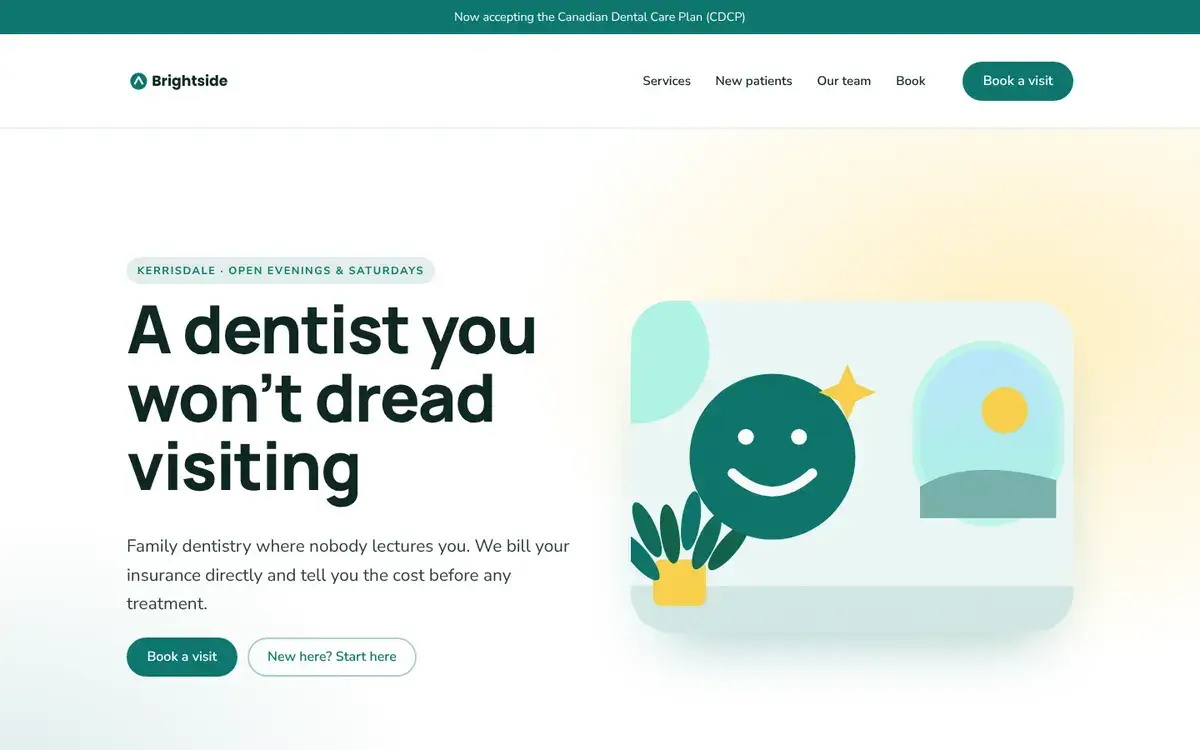
A clinic website that gets nervous patients through the door
Most new patients pick a clinic on three things: is it close, do you take my insurance, and will someone be kind to me. Your site should answer all three in one screen.
What visitors come for
Do you take my plan?
Direct billing, government plans and payment options, said clearly.
When can I come in?
Evening and weekend hours up front, and same-day emergency info.
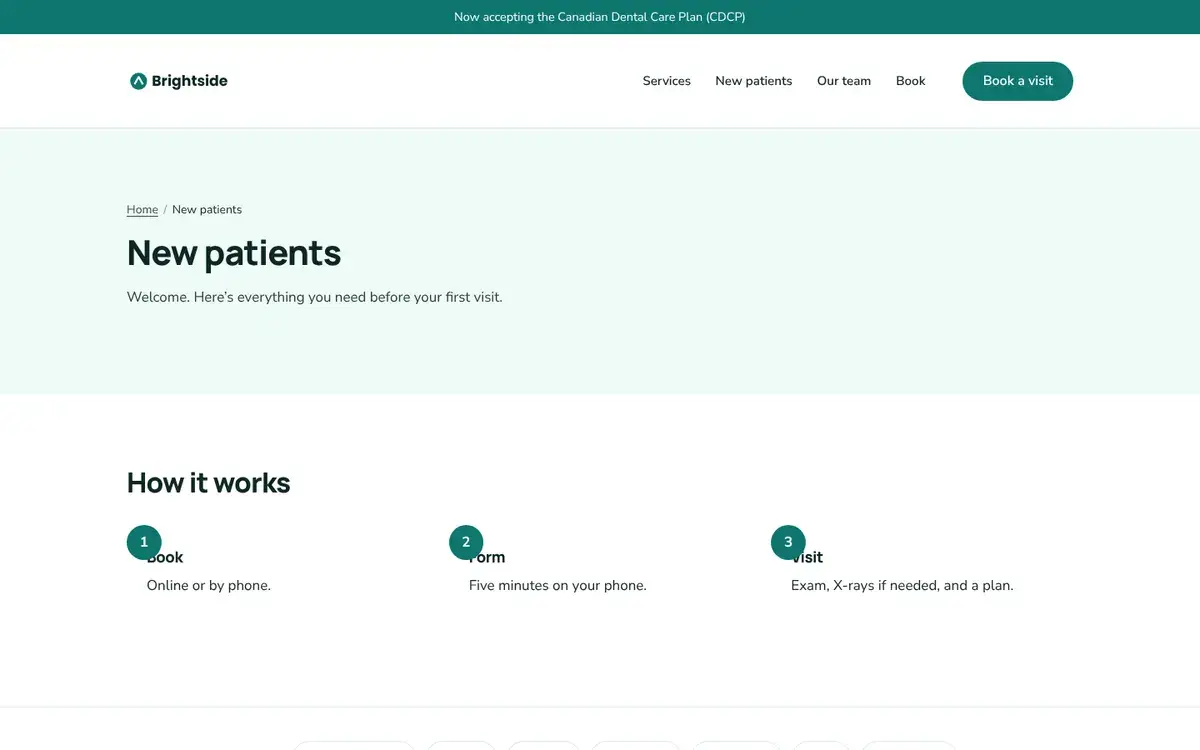
What happens at a first visit
A short step-by-step that takes the fear out of it.
Who are the people
Dentists, hygienists and languages spoken.
From client work
Mistakes we kept fixing
Stock photos of perfect smiles
Patients can tell. A real photo of your front desk does more.
Phone number hidden in the footer
For a toothache, the number should be one tap from any page.
Service pages that say nothing
“We offer crowns” isn’t helpful. One honest paragraph on what to expect is.
Already set up when you start
Your details, ready for Google. Address, hours and phone, so you show up in local searches and on maps.
New-patient FAQ. Questions that open with a tap, and Google can still read every answer.
Team list. Profiles with roles and languages, reorderable.
Appointment requests. A form with reason for visit, sent to the front desk inbox with email alerts.
Pages you start with: Home · Services · New patients · Our team · Book a visit
Questions owners ask us
Can patients book online?
Link the Book button to your practice software’s online booking, or use the request form and confirm by phone.
Is this suitable for medical information?
Use the site for general information and appointment requests only. Don’t collect health records through any website form.
Can we post an announcement bar?
Yes, for holiday hours or new plans. It shows on every page and you can turn it off in a click.
Start from Brightside Dental, make it yours.
Free to start. Swap in your name, words and photos; the structure is already right.