

Websites for restaurants & cafés
A restaurant website people actually use on the way over
Most people look at a restaurant site for about a minute, on a phone, usually standing outside. They want the menu, the hours and the address. Everything else is a bonus.
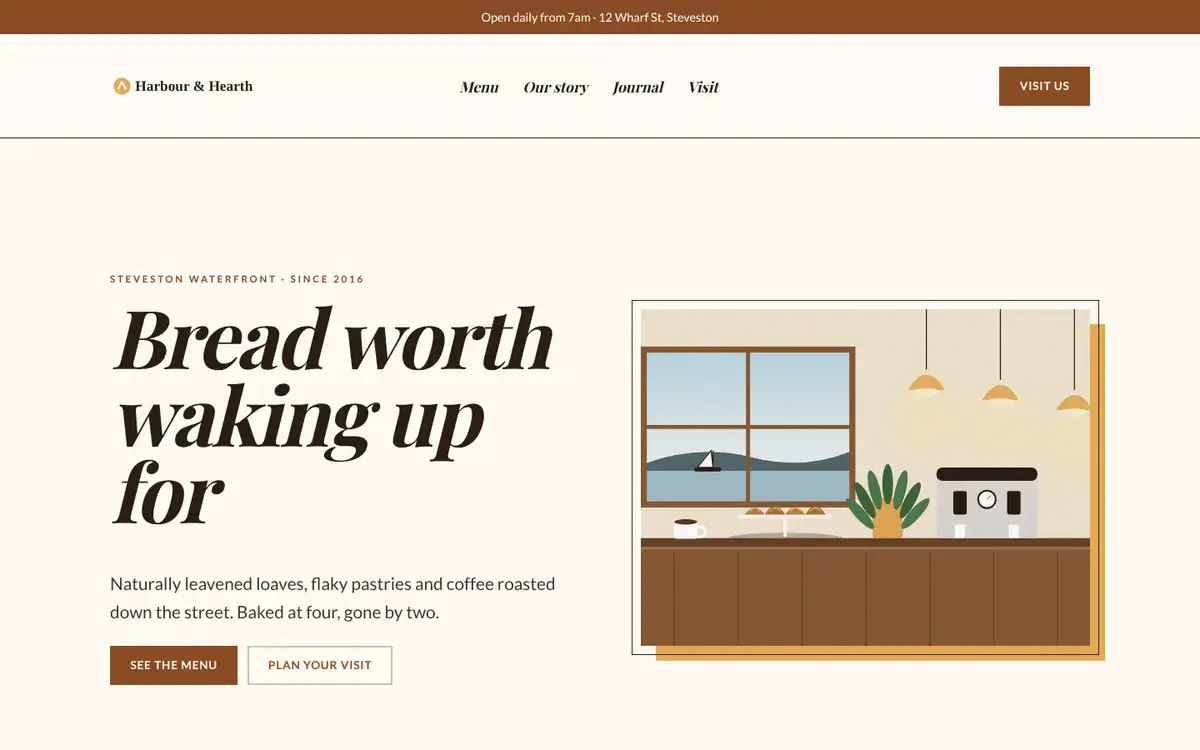
What visitors come for
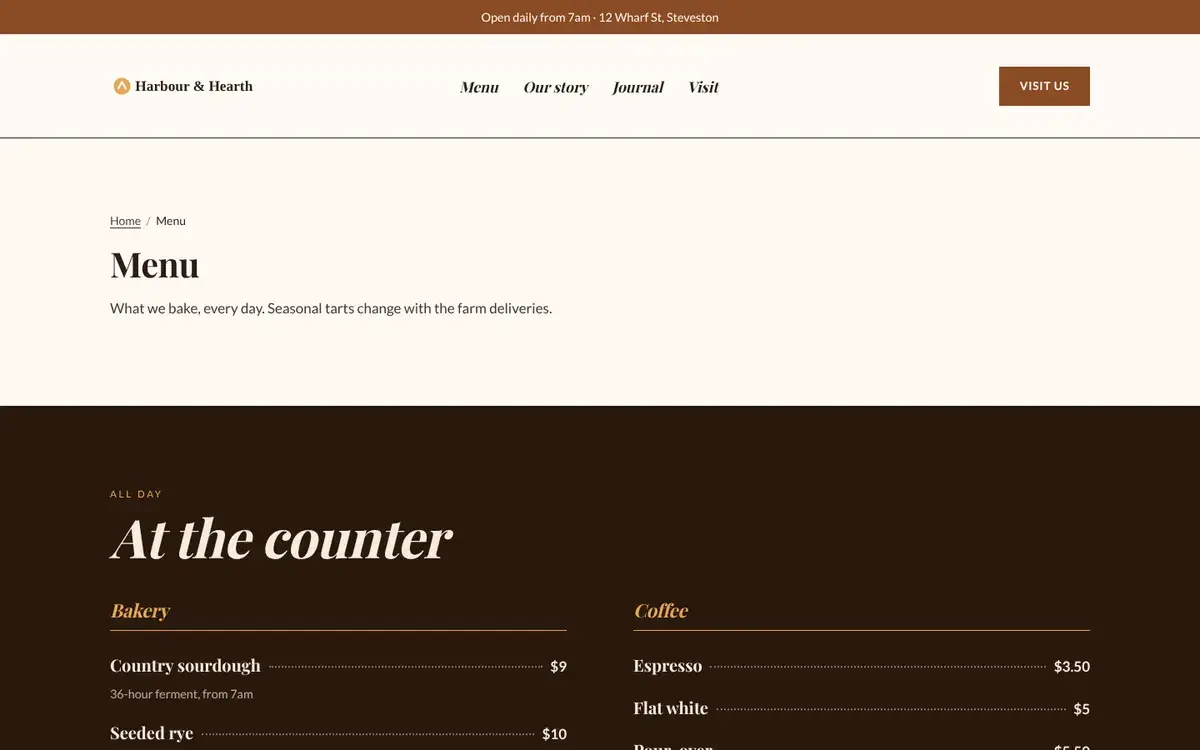
The menu, as text
Not a PDF that needs pinching and zooming. Real text, so it loads fast and Google can show dishes in search.
Are you open right now?
Type your hours once and every page shows the same thing. Put the same hours on your Google Business Profile, and search and your site will agree.
How to get there
Address, a map and parking notes on a Visit page that loads before they reach the corner.
Catering and big tables
A short enquiry form that lands in your inbox, not a phone tag game.
From client work
Mistakes we kept fixing
Menu as a PDF upload
It’s the most common thing we fixed for restaurant clients. It’s slow on mobile, invisible to search and always out of date.
A homepage video background
Looks great on the owner’s laptop. On a phone on 4G it adds seconds before anyone sees the menu link.
Hours in three places
Website, Google and Instagram slowly drift apart. Keep them in one place and let your site and Google read from it.
Already set up when you start
Your details, ready for Google. Address, phone, hours and type of food, set up so Google can show them right in search results.
Menu tables. Simple item and price tables that you edit like a spreadsheet.
Events. Workshops, live music or pop-ups with dates; past events drop off on their own.
Journal. A blog for seasonal specials and recipes, which also gives search engines fresh pages to find.
Pages you start with: Home · Menu · Our story · Visit (hours, map, events, catering form) · Journal
Questions owners ask us
Can I take online orders?
Not inside AgencyX. Most of our restaurant clients link a button to the ordering service they already use (Toast, Square, DoorDash). That keeps your site fast and their checkout reliable.
Can staff update the specials?
Yes. Give them an editor login; they can change the menu table or post a special without touching the design.
What about reservations?
Add a “Booking, form or post” block: paste your OpenTable widget code and the reservation form appears on your page when a guest taps it (nothing loads before that, so your page stays fast). Resy and Tock show as a Reserve button.
Start from Harbour & Hearth, make it yours.
Free to start. Swap in your name, words and photos; the structure is already right.