

Websites for cleaning companies
A cleaning website that fills your calendar
People looking for a cleaner want three answers fast: do you come to my street, roughly what will it cost, and can I trust you with my keys. Answer those up front and the bookings follow.
What visitors come for
Book or ask in one tap
A Book button in the header and a phone number that dials on mobile, so a customer can sort it out between errands.
Do you clean in my neighbourhood?
A service-area page that names the towns and neighbourhoods you cover, in the words people type into search.
Roughly what will it cost?
“From” prices for a regular clean, a deep clean and a move-out clean. The exact quote can follow a quick chat.
Can I trust you in my home?
Your insurance, how you choose and train your team, what happens if something is missed, and a few honest reviews.
Worth avoiding
Mistakes that cost cleaners bookings
“Call for a quote” on everything
With no price anywhere, people move on to the next cleaner. A “from” price for common jobs sets expectations and screens out poor fits.
One long form for every job
A weekly home clean and a one-off office clean need different questions. Ask for name, contact, area, type of clean and a preferred day. Sort the rest later.
Your home address on the contact page
If customers never come to you, show the area you serve instead. Google asks service-area businesses to hide their address on their Business Profile, and your site should match.
Already set up when you start
Your details, ready for Google. Type of business, the area you cover, phone and hours, in a format Google and AI search can read.
Booking your way. Paste your Calendly link once and every Book button on the site uses it. Prefer to quote first? Use the short request form instead.
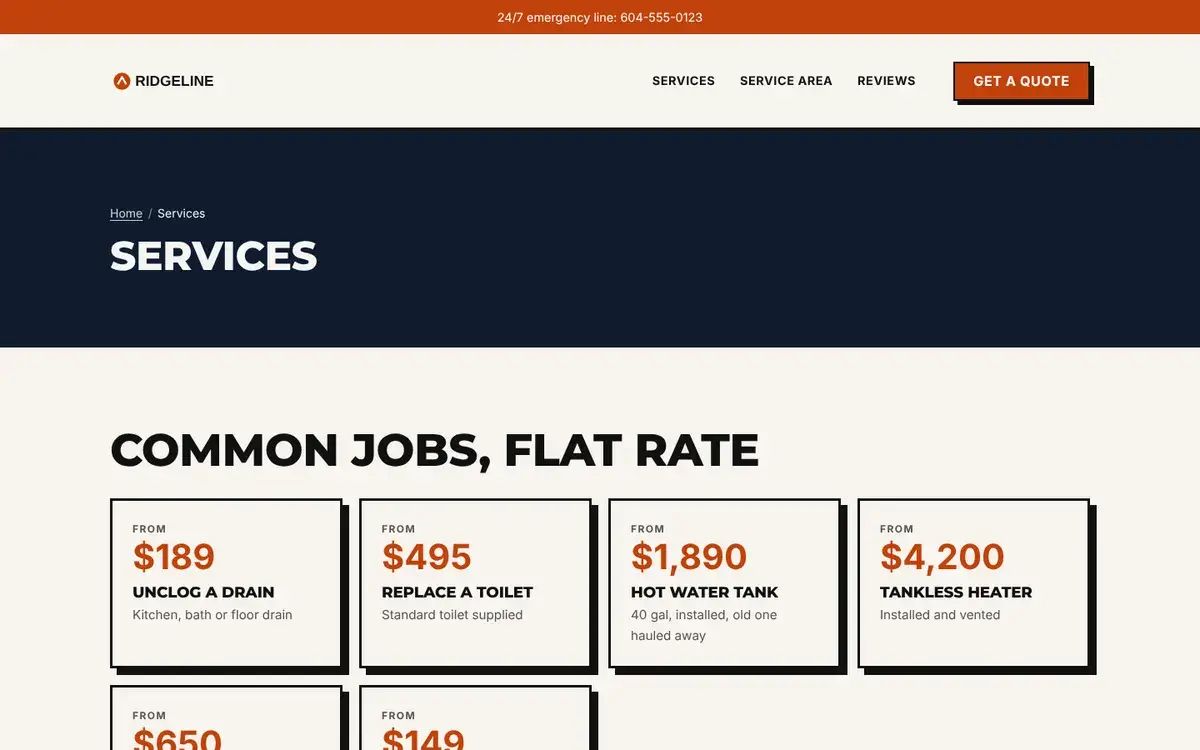
Price tables. Regular, deep and move-in/move-out cleans plus add-ons, with “from” prices you update yourself.
Every enquiry on a board. Each request becomes a contact. Drag it from New enquiry to Quote sent to Booked, and tag your regulars so you can email them about holiday openings (email campaigns are on paid plans).
Pages you start with: Home · Services · Service area · Reviews · Get a quote
Questions cleaning business owners ask
Should my address be on the website?
Not if customers never visit you. Google’s Business Profile guidelines say service-area businesses should hide their address and set the areas they serve. Do the same on your site: list your service area, not your house. Our local SEO guide covers the rest.
Can I show my Google reviews?
Yes. Quote a few in a reviews block, link each one back to Google, and add a “Review us on Google” button. We don’t add star-rating code for your own reviews, because Google’s review snippet rules only allow it on sites that review other businesses.
We clean homes and offices. One site or two?
Usually one site, with a page for residential cleaning and a page for commercial work. If the two run under different business names, give each its own site.
Can a team lead update prices?
Yes. Give them an editor login and they can change the price table like a spreadsheet. The Pro plan includes up to three editors; see pricing.
Can AI help me write the service pages?
Yes. Connect your own AI, such as Claude or ChatGPT, and ask for a draft in plain words. You see a live preview first, and nothing publishes until you say OK.
Start from the home-services template, make it yours.
Free to start. The demo is set up for a plumber; swap in your services, prices and photos and the structure is already right.