Send form enquiries to HubSpot as contacts
Every form submission creates or updates a HubSpot contact, with a note holding the whole message. Connect with one click or a private app token.
Connect HubSpot
Go to Integrations, find HubSpot and click Set up.
- Connect HubSpot signs you in to HubSpot and asks for access to contacts, or
- connect with a private app token: in HubSpot go to Settings → Integrations → Private apps, create an app with the
crm.objects.contacts.readandcrm.objects.contacts.writescopes, copy its token and paste it into Access token. Click Connect.
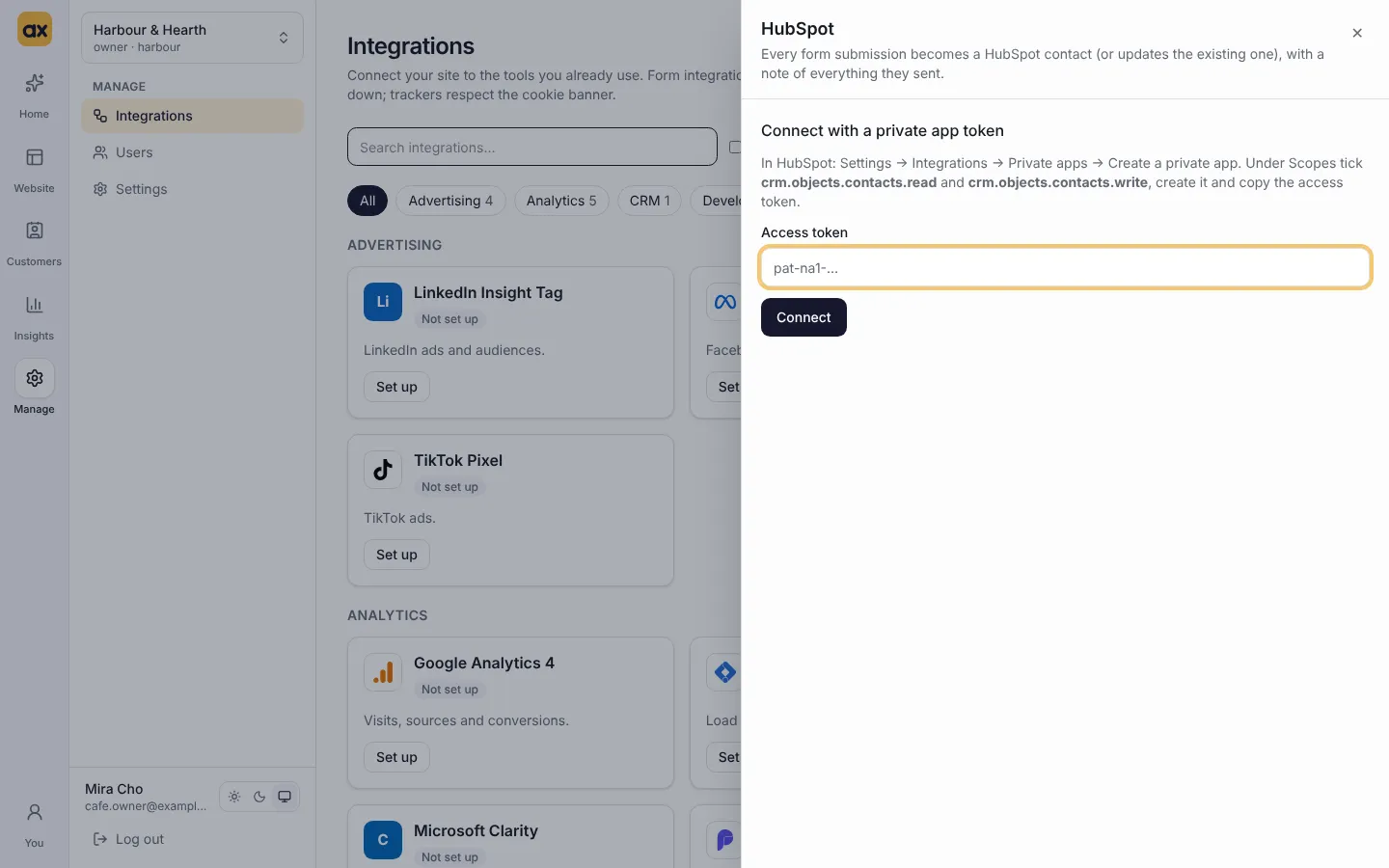
The token is checked with HubSpot before it's saved, and stored encrypted.
Choose which forms
All forms (including newsletter signups) or a list you pick.
What happens with each submission
The contact is created, or updated if one with the same email exists, and a note is attached with the form's name, the page and every field.
Check deliveries
Recent deliveries shows the last 50, with a link to each contact in HubSpot and Retry. Failed deliveries are retried automatically after 1, 5, 30, 120 and 360 minutes. Use Pause to stop for a while, or Disconnect to remove the connection — your contacts stay in HubSpot.
Common questions
What if the person is already in HubSpot?
The existing contact with the same email is updated, and a new note is added with this submission.
What if a form has no email field?
HubSpot needs an email, so those submissions are recorded as Skipped in Recent deliveries.
Which fields are matched?
Email, name (split into first and last), phone, company, website, job title, address and message are matched automatically. Field mapping lines like district = company cover anything else.
Something out of date or unclear? Search other guides or tell us from your dashboard.