Set up form notifications and spam protection
Choose who gets emailed about new form submissions, how long messages are kept, and turn on a Cloudflare Turnstile CAPTCHA to stop spam bots.
On this page
Open Inbox → Settings
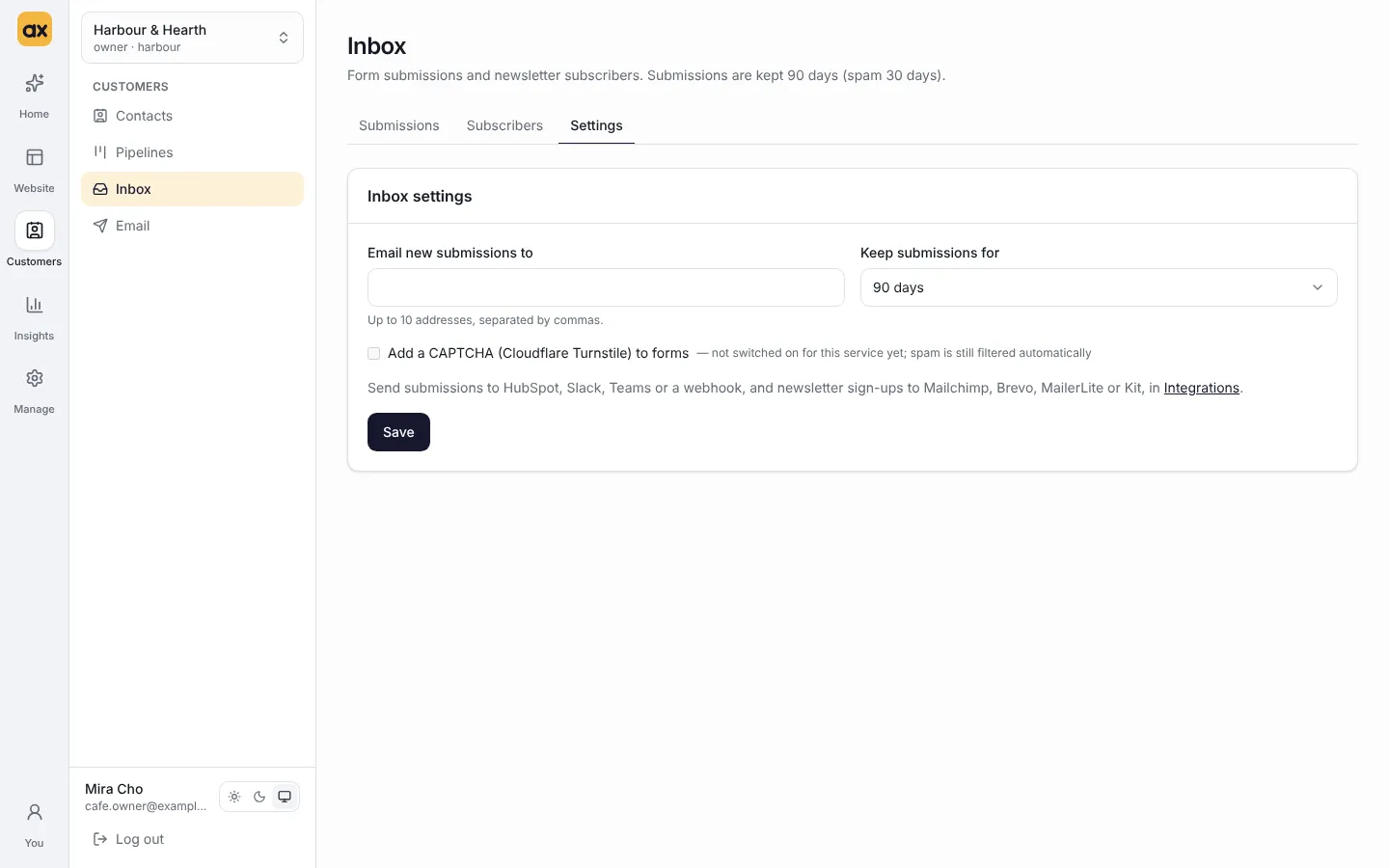
Choose who's emailed
In Email new submissions to, enter up to 10 email addresses, separated by commas.
Choose how long to keep messages
Keep submissions for 30, 90, 180 or 365 days. Older messages are deleted automatically; spam is always deleted after 30 days.
Turn on a CAPTCHA (optional)
Tick Add a CAPTCHA (Cloudflare Turnstile) to forms. It's a quick, privacy-friendly check that most visitors never notice.
Click Save.
Common questions
How many people can get notifications?
Up to 10 addresses, separated by commas.
Do I need a CAPTCHA?
Usually not — built-in spam checks catch most bots. Turn it on if spam still gets through.
Something out of date or unclear? Search other guides or tell us from your dashboard.