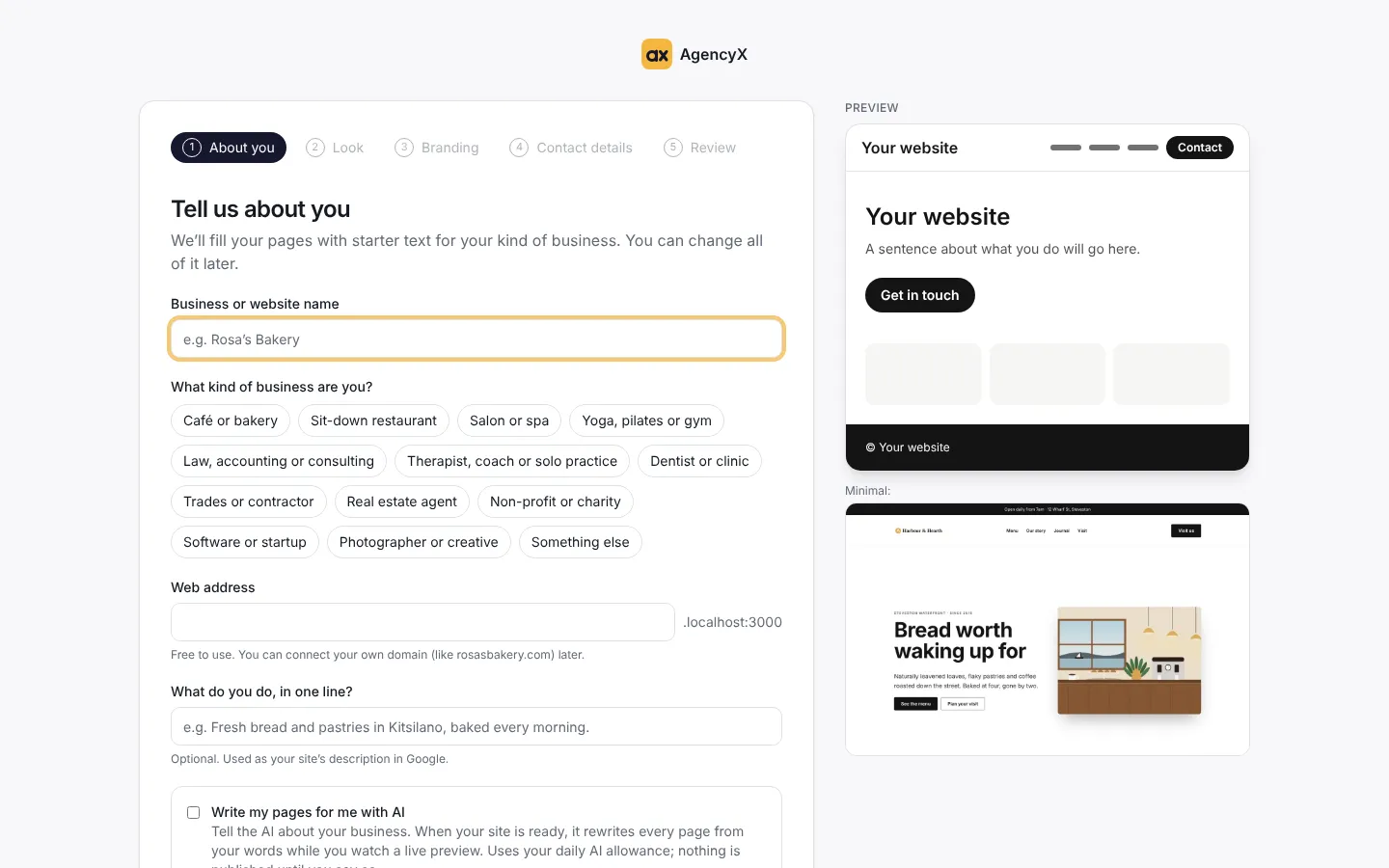
Create your website in five steps
Sign up, tell us about your business, pick a look and your colours, and get a ready-to-edit draft website with starter pages — in about five minutes.
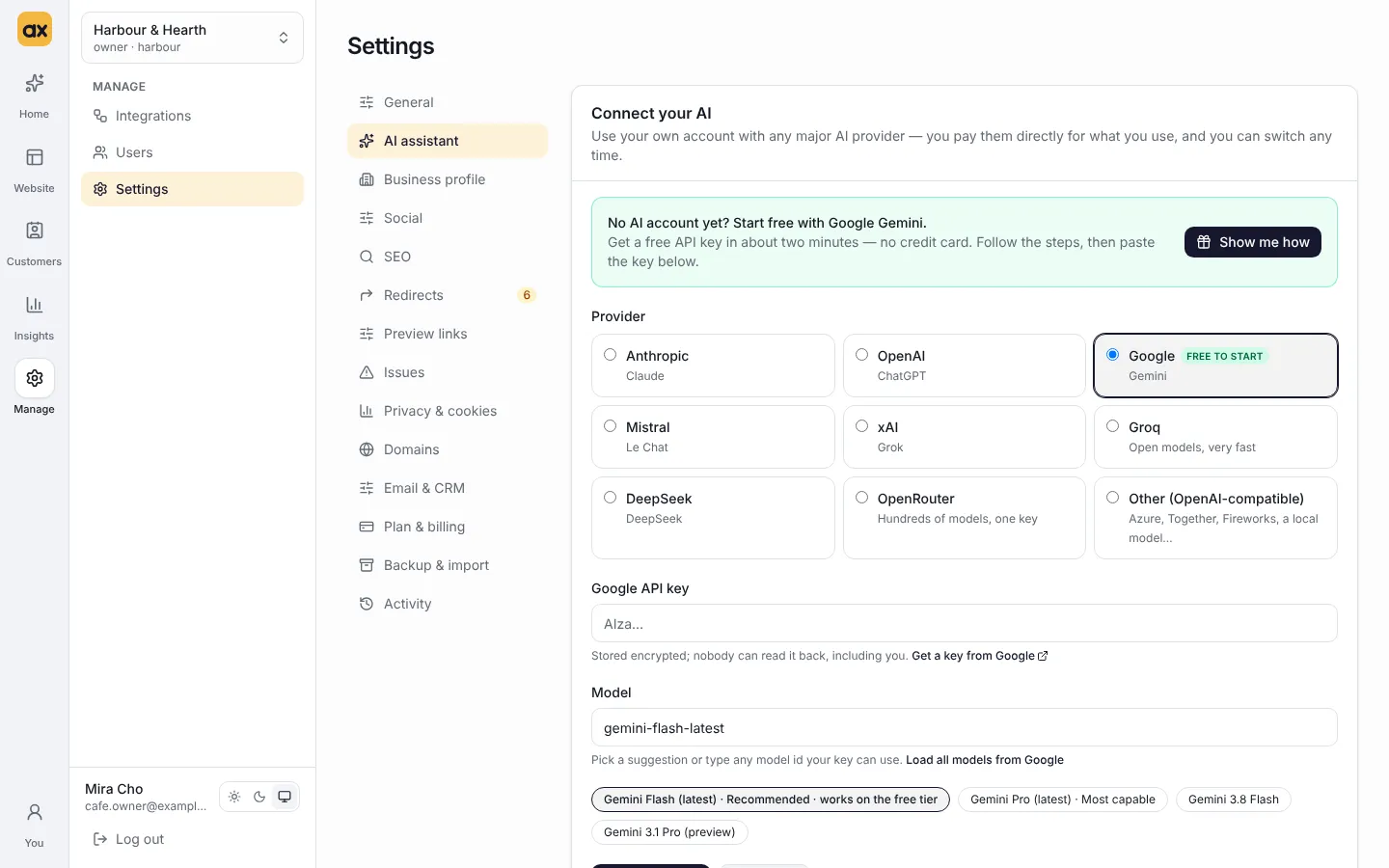
Connect Claude, ChatGPT, Gemini or another AI provider
Turn on the AI assistant for your website with your own API key from Anthropic, OpenAI, Google, Mistral, xAI, Groq, DeepSeek, OpenRouter and more.
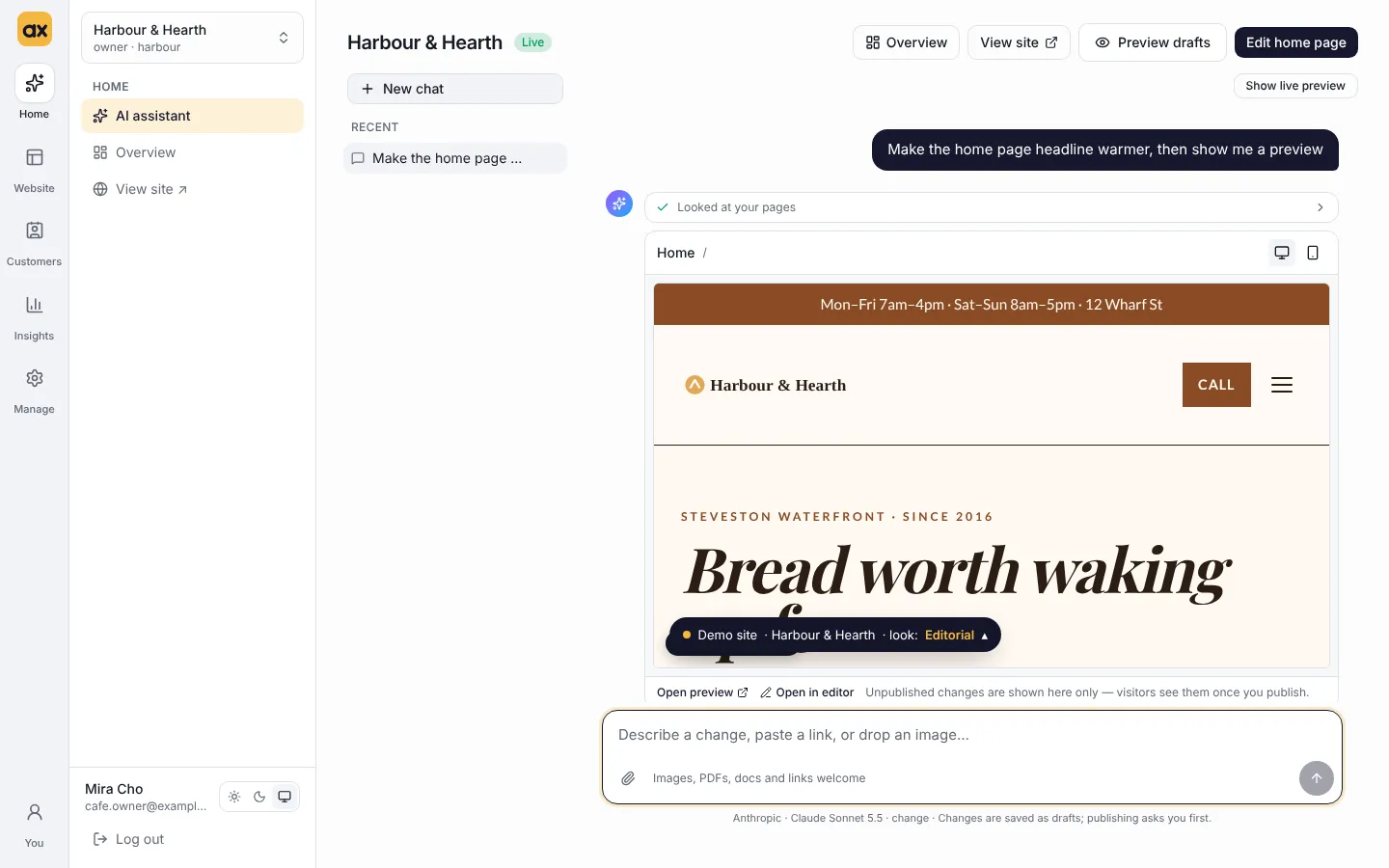
Build and edit your site by chatting with AI
Ask the AI assistant for new pages, rewrites, blog posts or a new look — attach photos, your logo, PDFs or a link — and preview every change first.
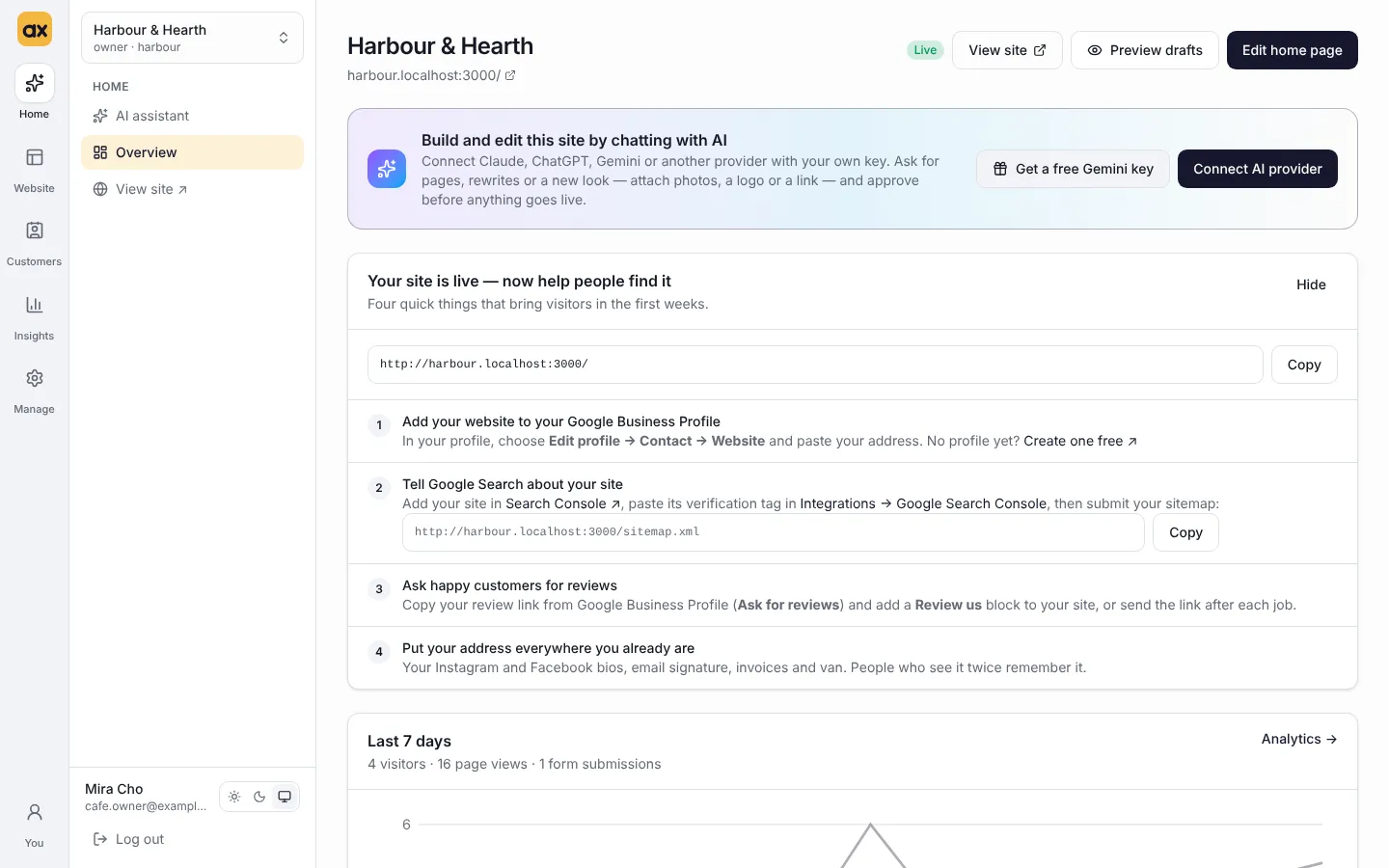
Find your way around the dashboard
A quick tour of the AgencyX admin — the AI assistant home screen, Overview, the two-level menu, the site switcher and the view and edit buttons.
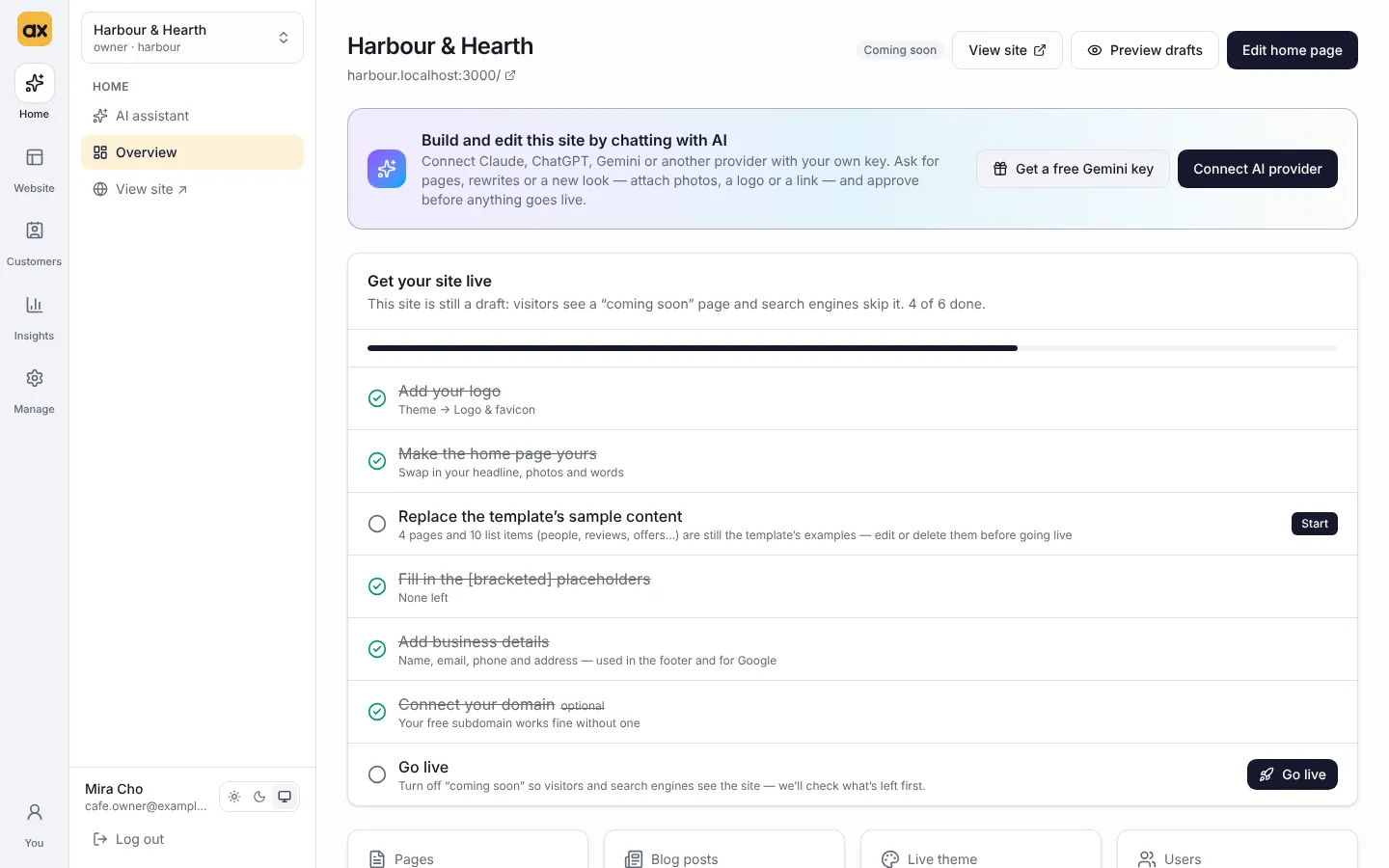
Launch your website with the go-live checklist
Follow the Get your site live checklist — logo, home page, sample text, business details and domain — then switch your site from Coming soon to Live.
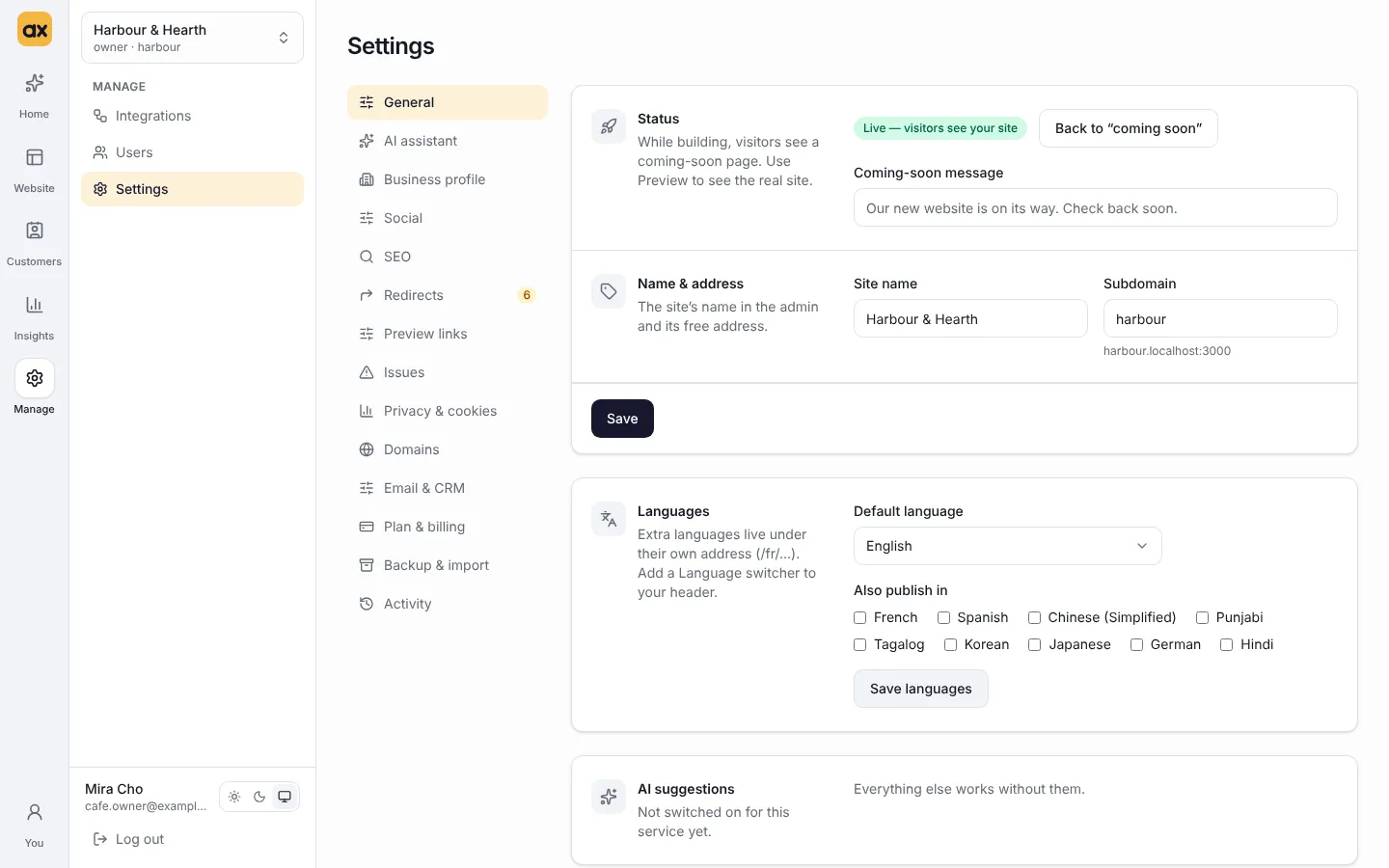
Show a coming-soon page while you build
Keep your site private while you work on it. Visitors see a coming-soon page with your message; you and anyone with a preview link see the real site.
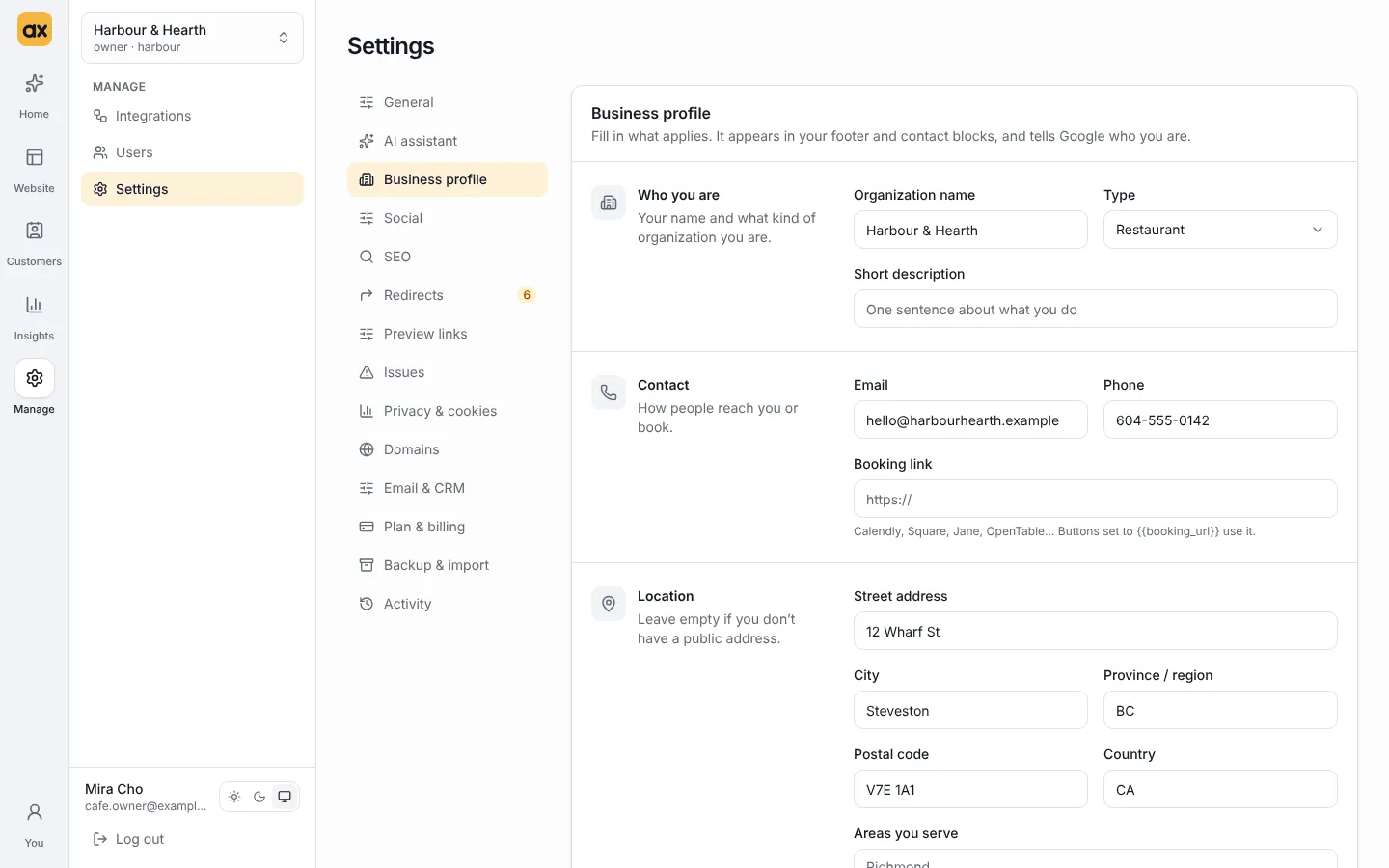
Add your business details, hours and social links
Fill in your business profile — contact details, address, opening hours and social links — once, and they appear in your footer, contact page and on Google.
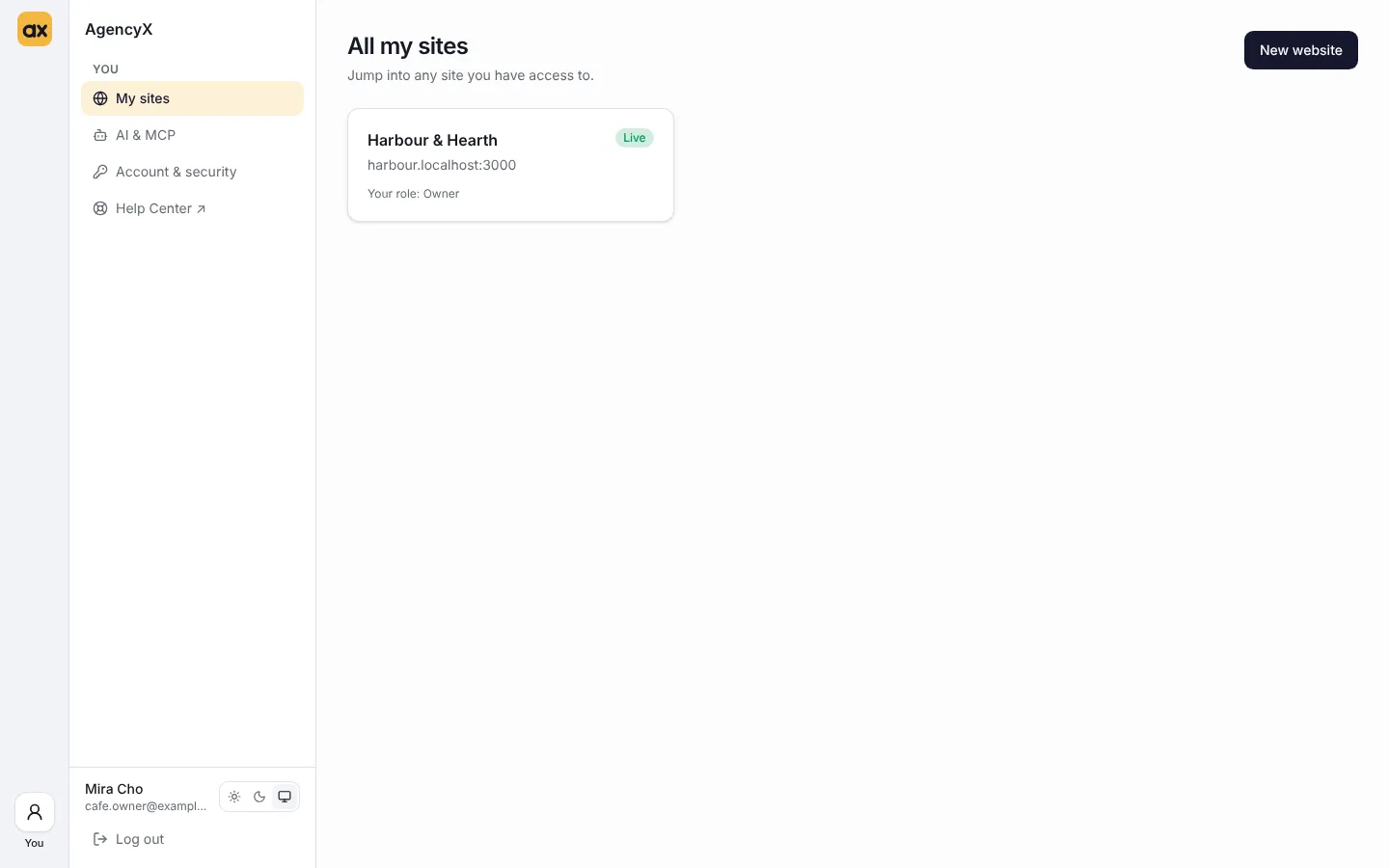
Create and manage more than one website
Start another website from your account, switch between sites in one click, and see every site you can work on — each with its own plan and team.
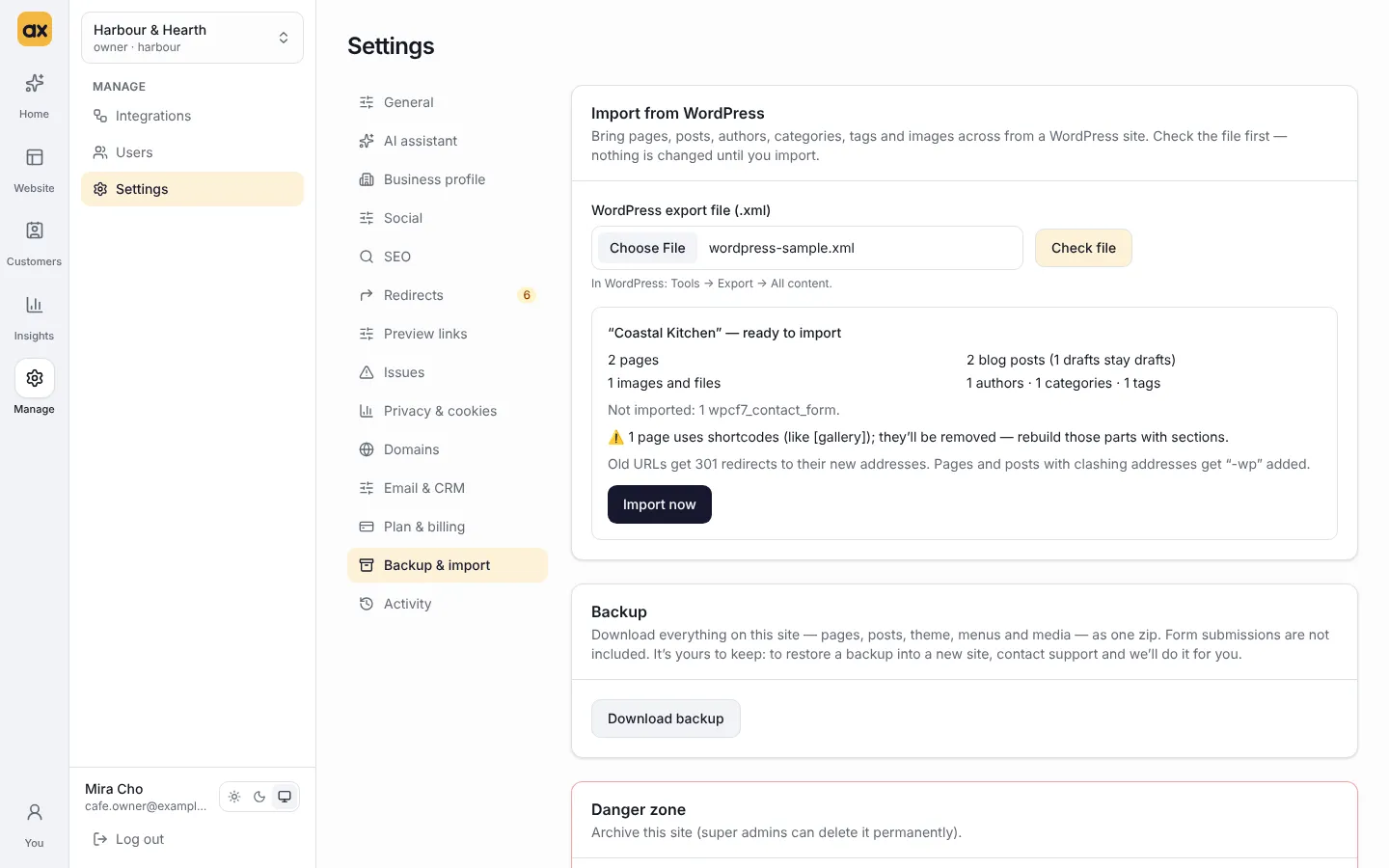
Move your WordPress site to AgencyX
Import pages, blog posts, authors, categories, tags and images from WordPress, check what will come across first, and keep every old link working.
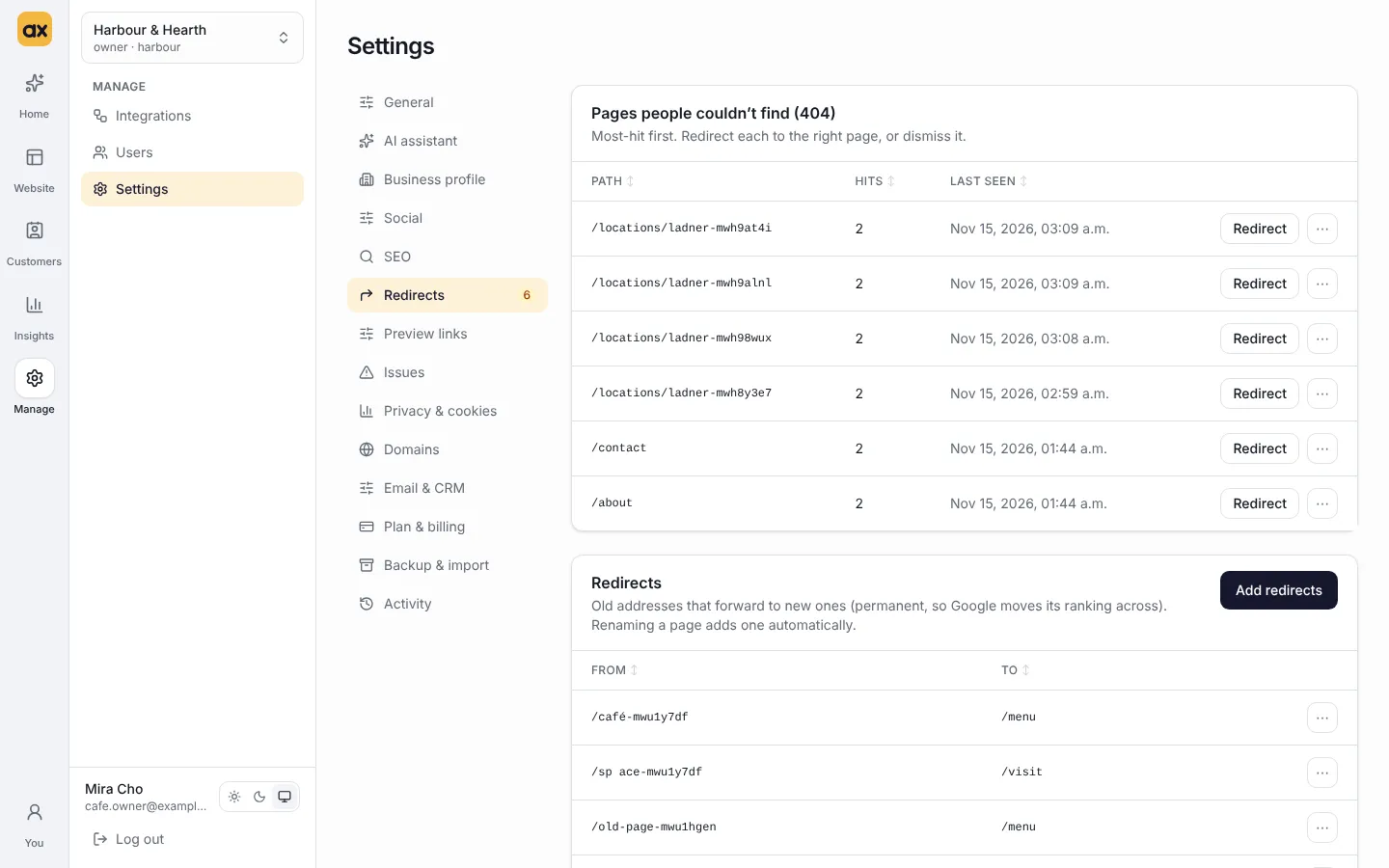
Move your Wix site to AgencyX
A step-by-step plan for moving from Wix — your pages, menu, photos, blog and domain — without losing visitors or Google rankings.
Can’t find what you need?
Tell us what you’re trying to do. A real person replies, usually within one business day.