- Help Center
- Themes & design
Themes & design
Try themes, use your brand colours and fonts, and add motion.
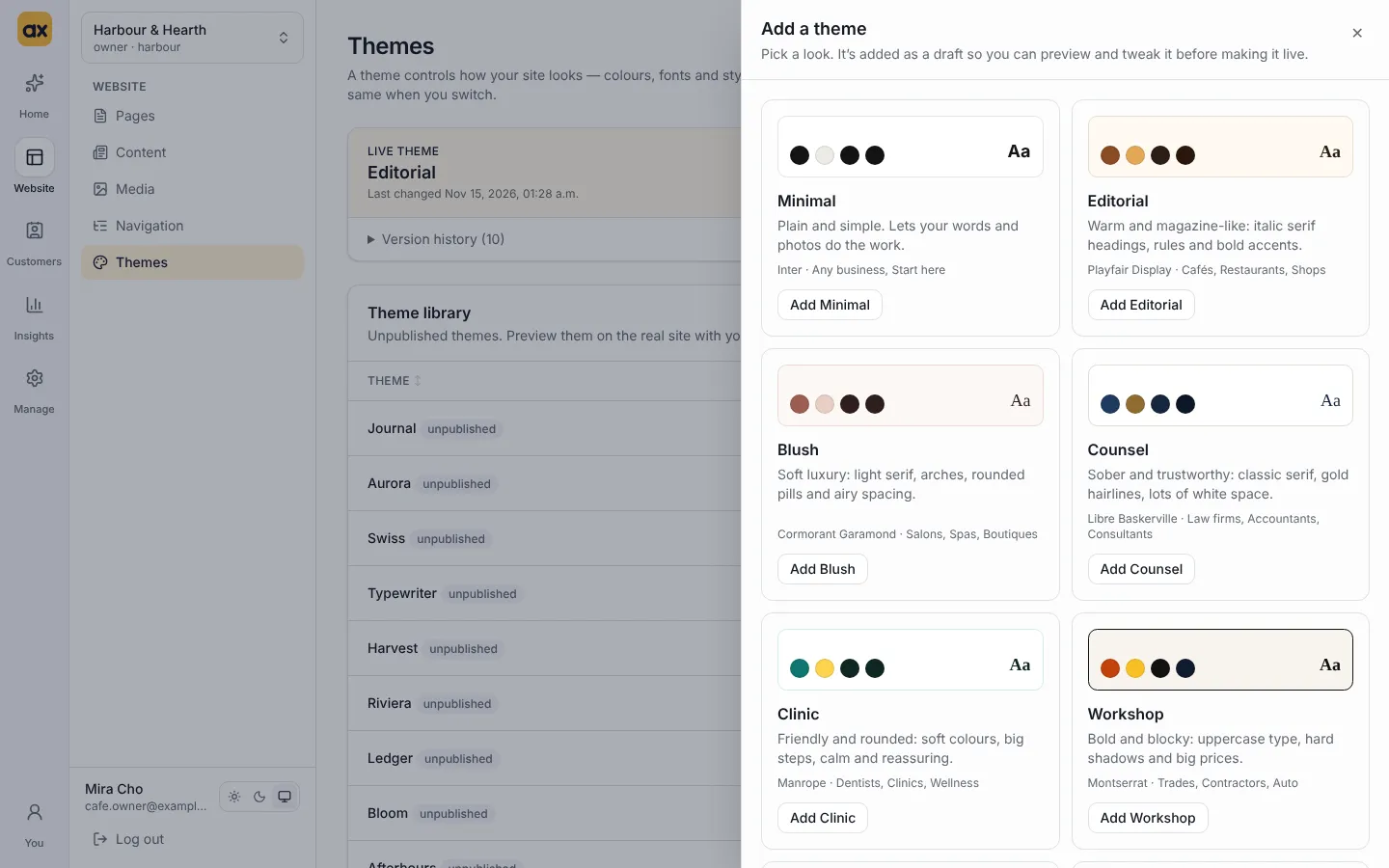
Choose a theme and try it on your real site
Browse 22 themes, add one as a draft, preview it with your own pages and content, then publish it in one click — and roll back if you change your mind.
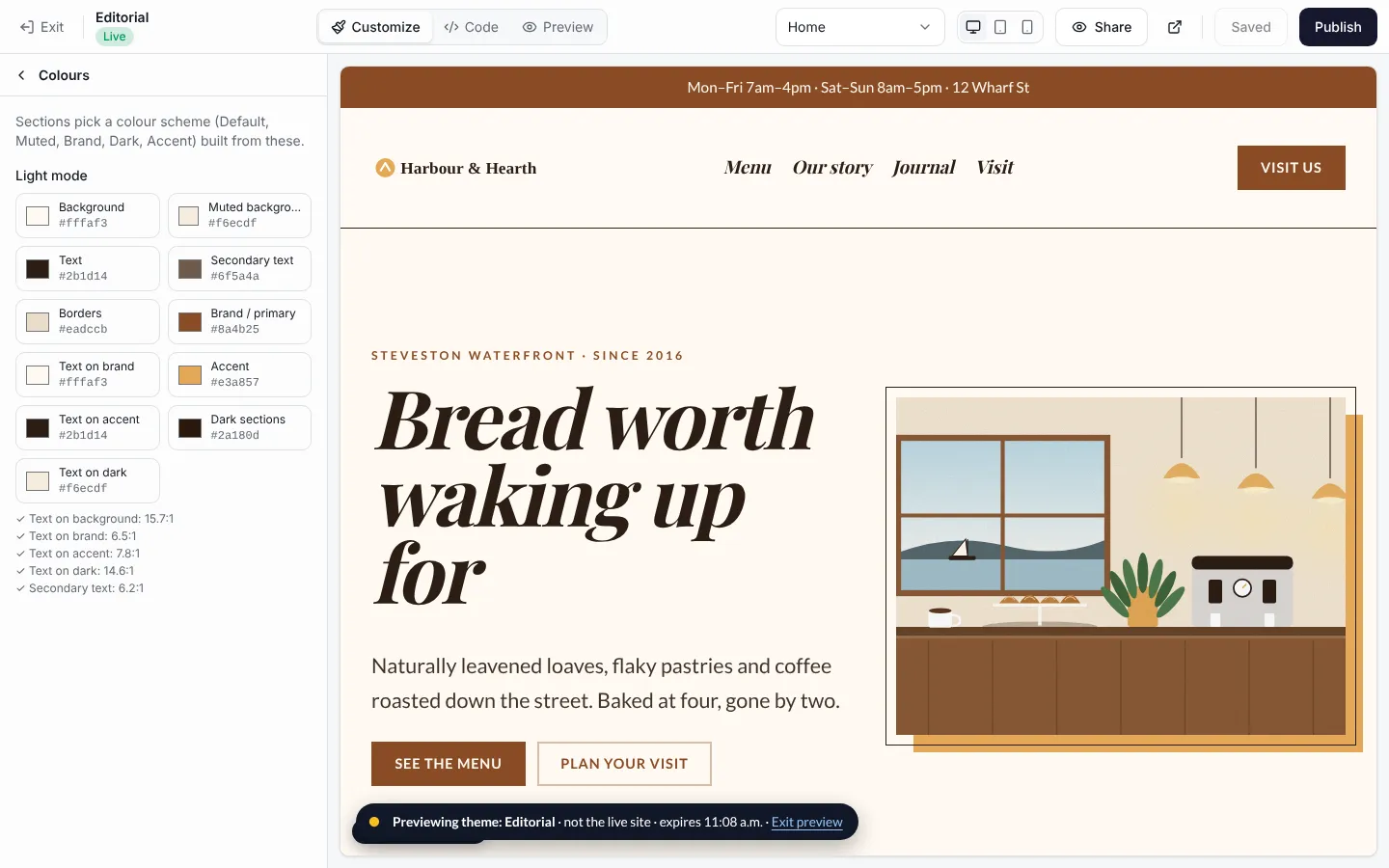
Use your brand colours, fonts and logo
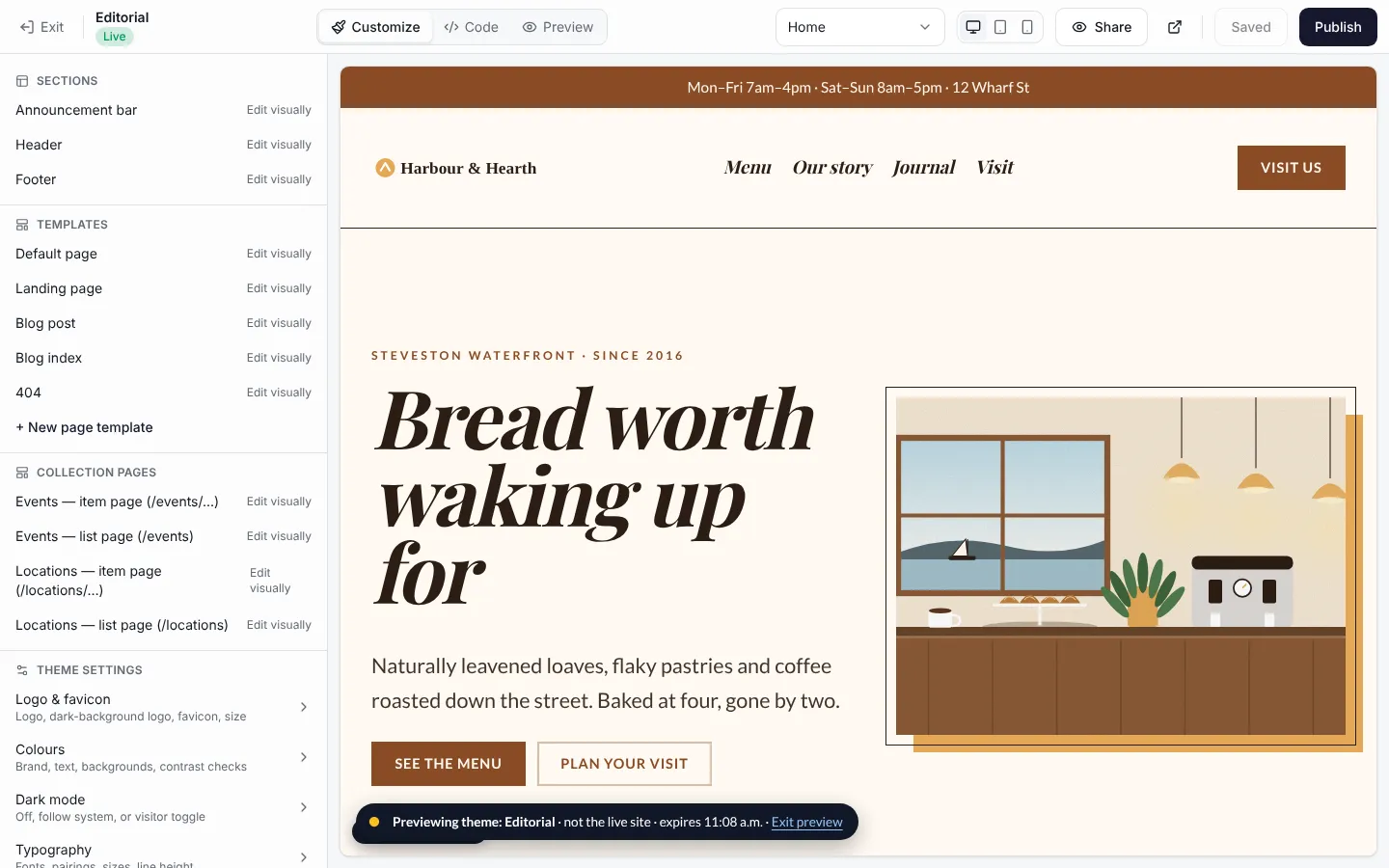
Set your logo and favicon, pick colours with built-in contrast checks, choose fonts and tune text size, spacing and corners with live sliders.
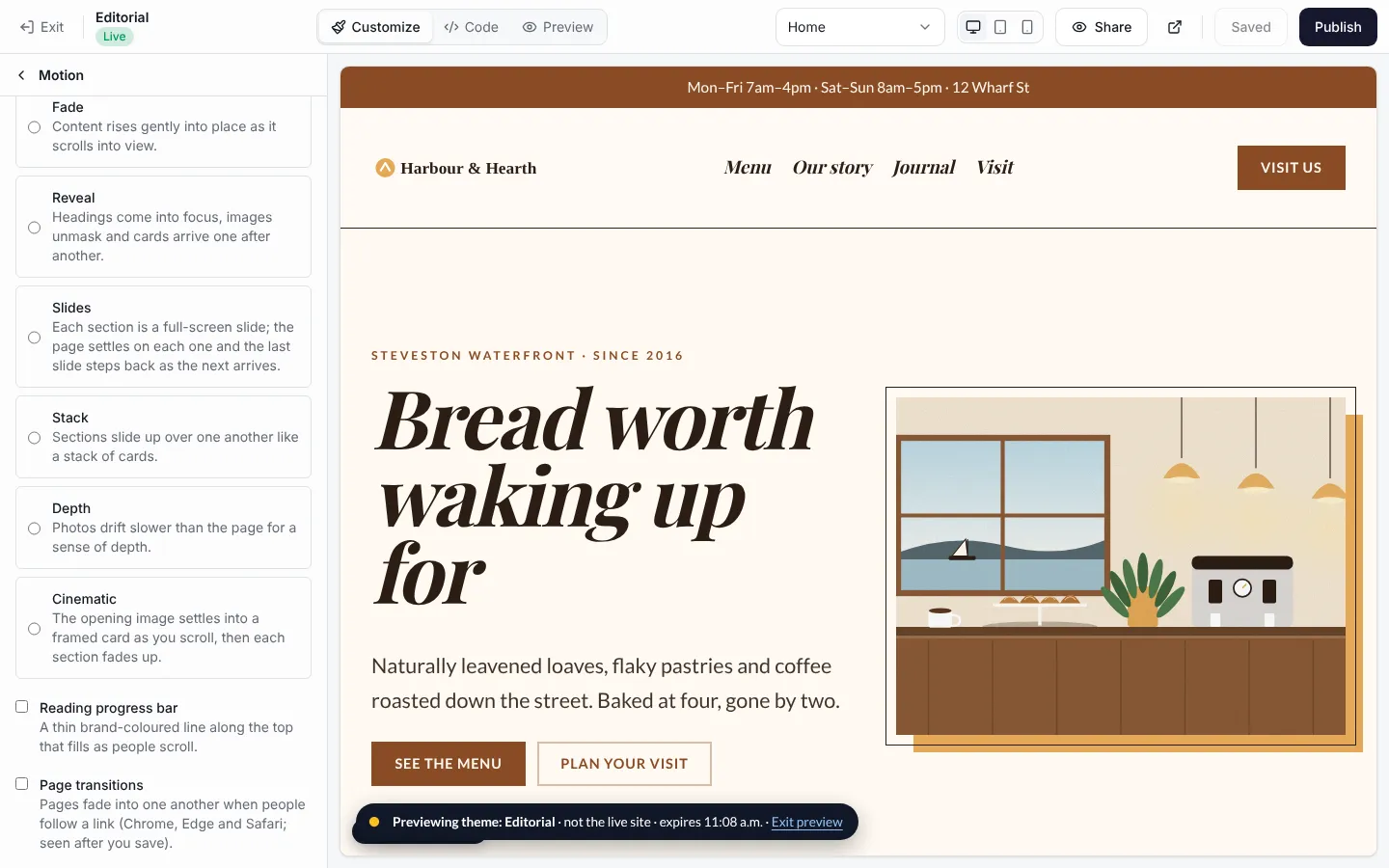
Add motion and scroll effects to your site
Make your site feel alive with tasteful motion — fades, reveals, full-screen slides, stacking panels or depth — plus a progress bar and page transitions.
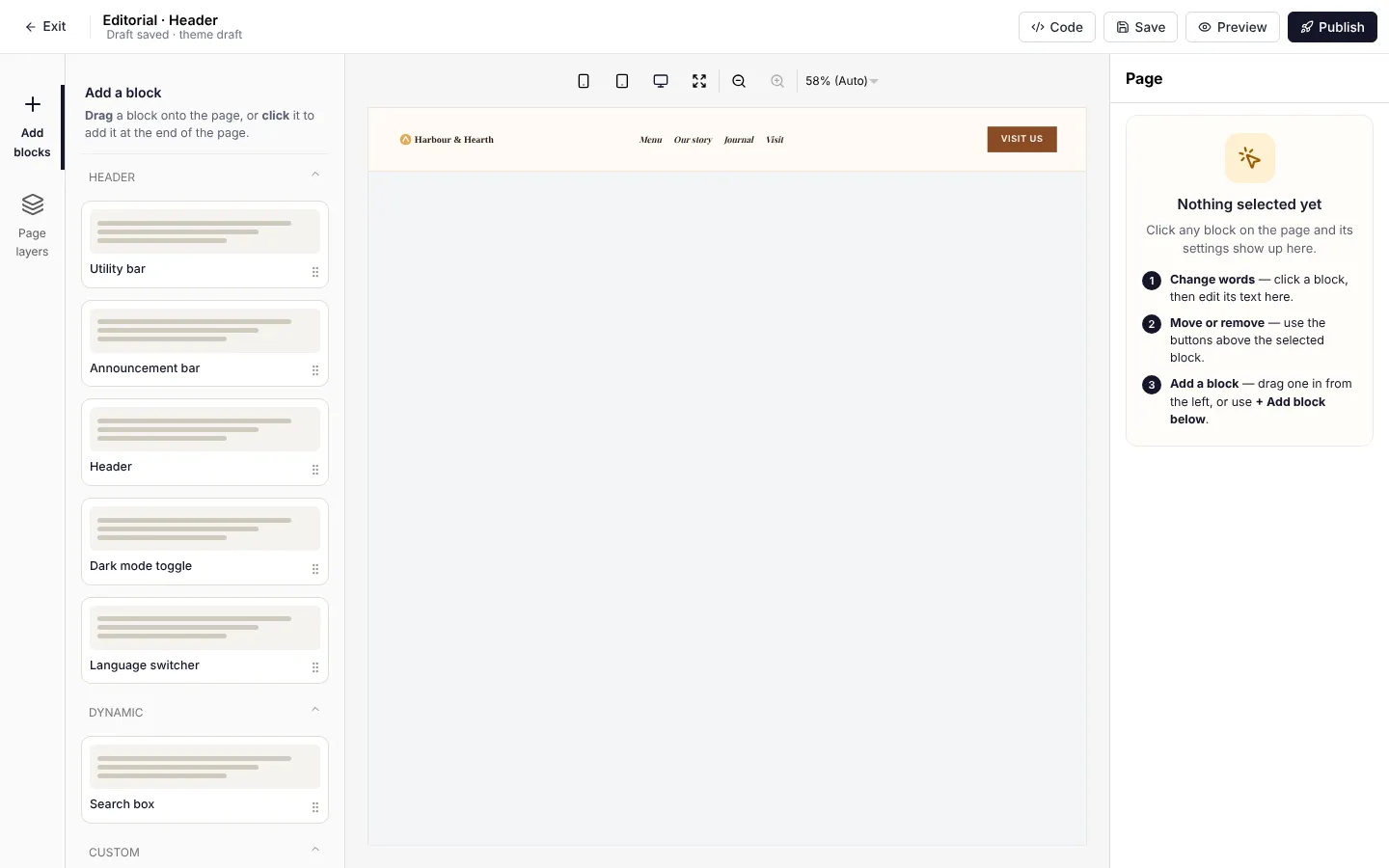
Edit your header, footer and announcement bar
Change the parts every page shares — your header and menu, a sticky header, a call-to-action button, the footer columns and a scheduled announcement bar.
Turn on dark mode for your website
Let your site follow each visitor's light or dark setting — with or without a toggle in the header — using a dark palette and logo that stay readable.
Add custom CSS to your theme or a page
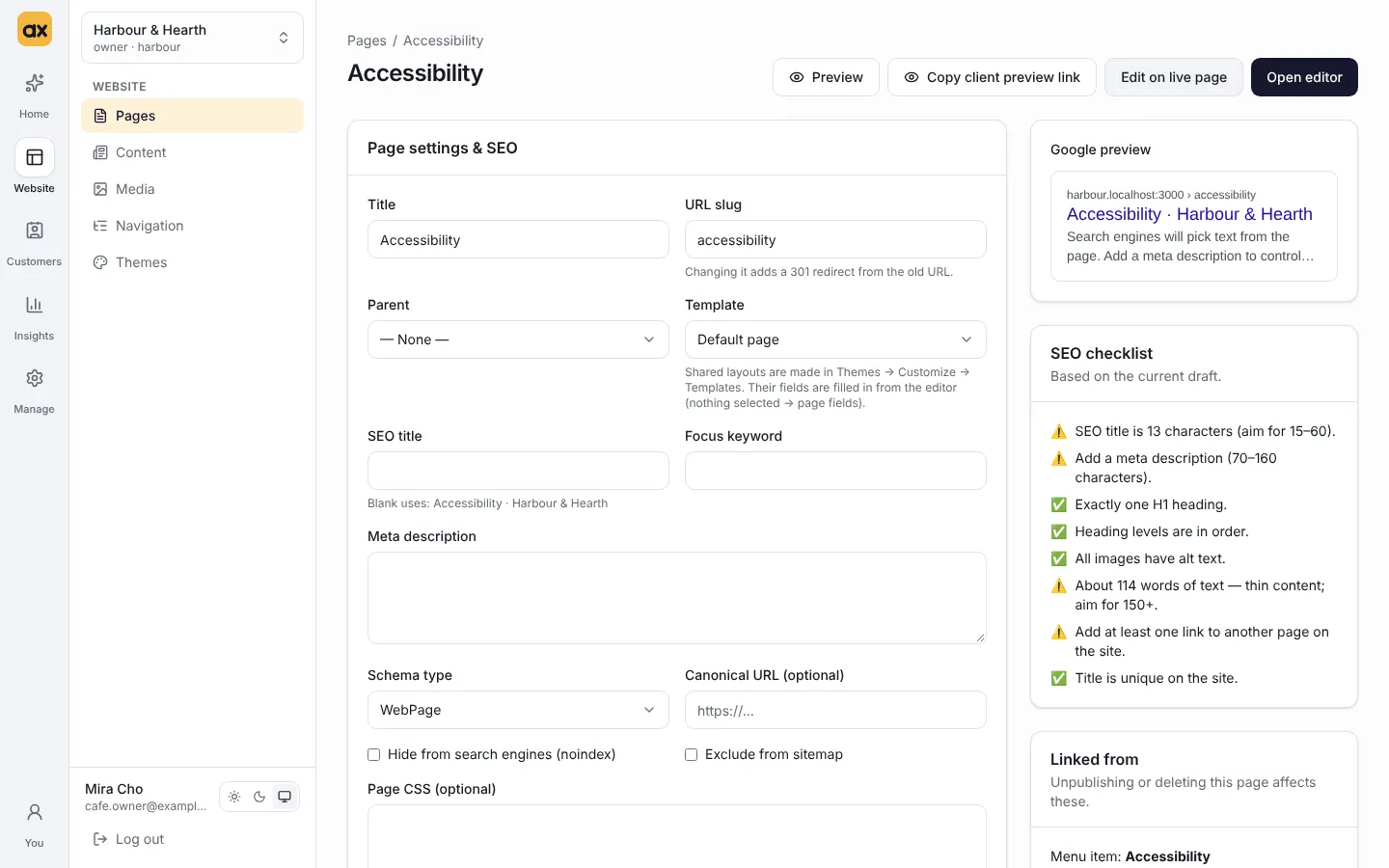
Fine-tune your design with your own CSS for the whole theme or a single page, using your theme's colour and spacing variables so it stays on-brand.
Can’t find what you need?
Tell us what you’re trying to do. A real person replies, usually within one business day.