- Help Center
- Team, billing & account
Team, billing & account
Invite your team, choose a plan and keep your account safe.
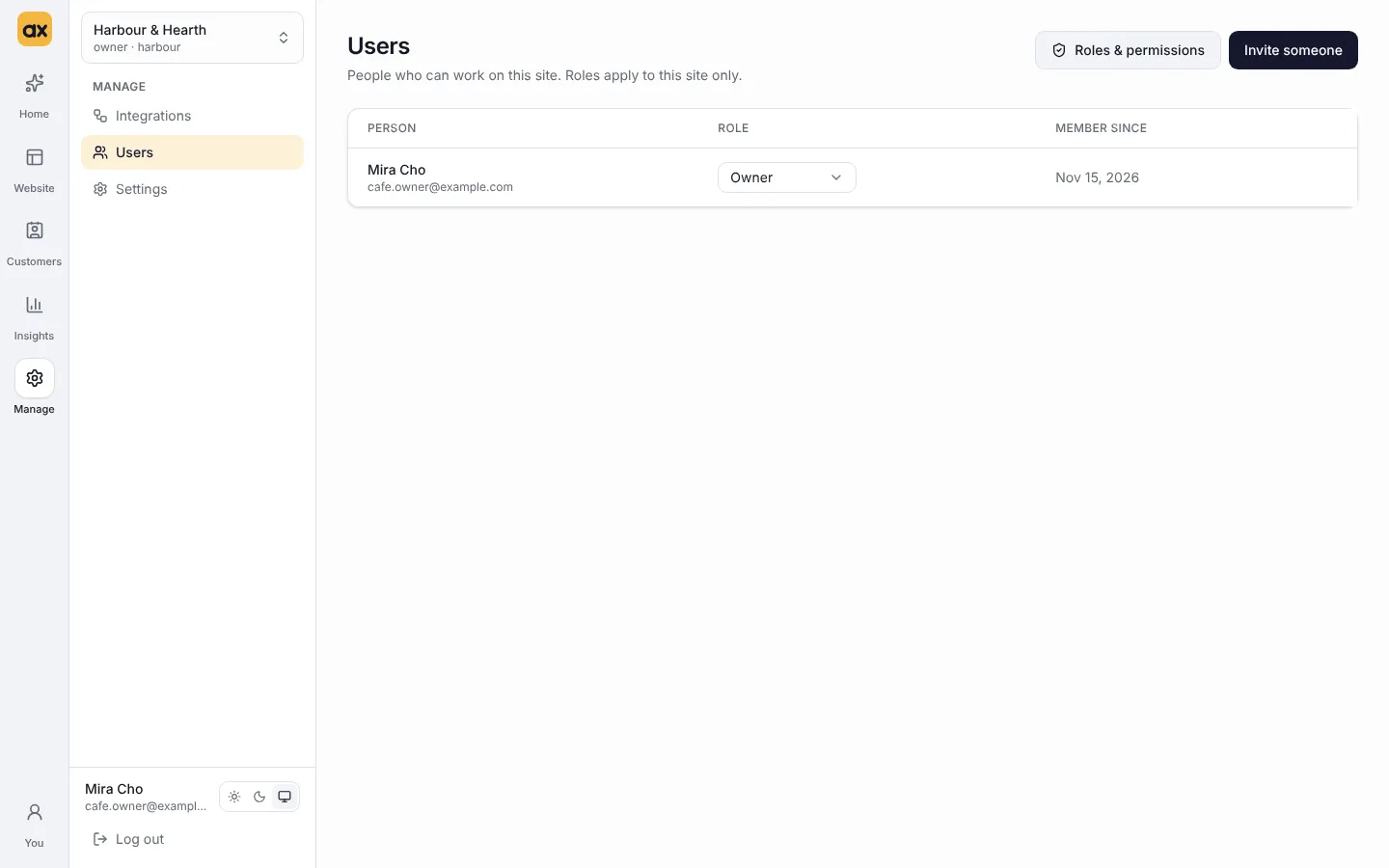
Invite your team to work on your website
Invite staff, a designer or your agency by email, choose what each person can do, and change their role or remove them at any time.
Roles and permissions — who can do what
What owners, editors, content editors, authors and viewers can each do on a website — from publishing pages and sending newsletters to billing and domains.
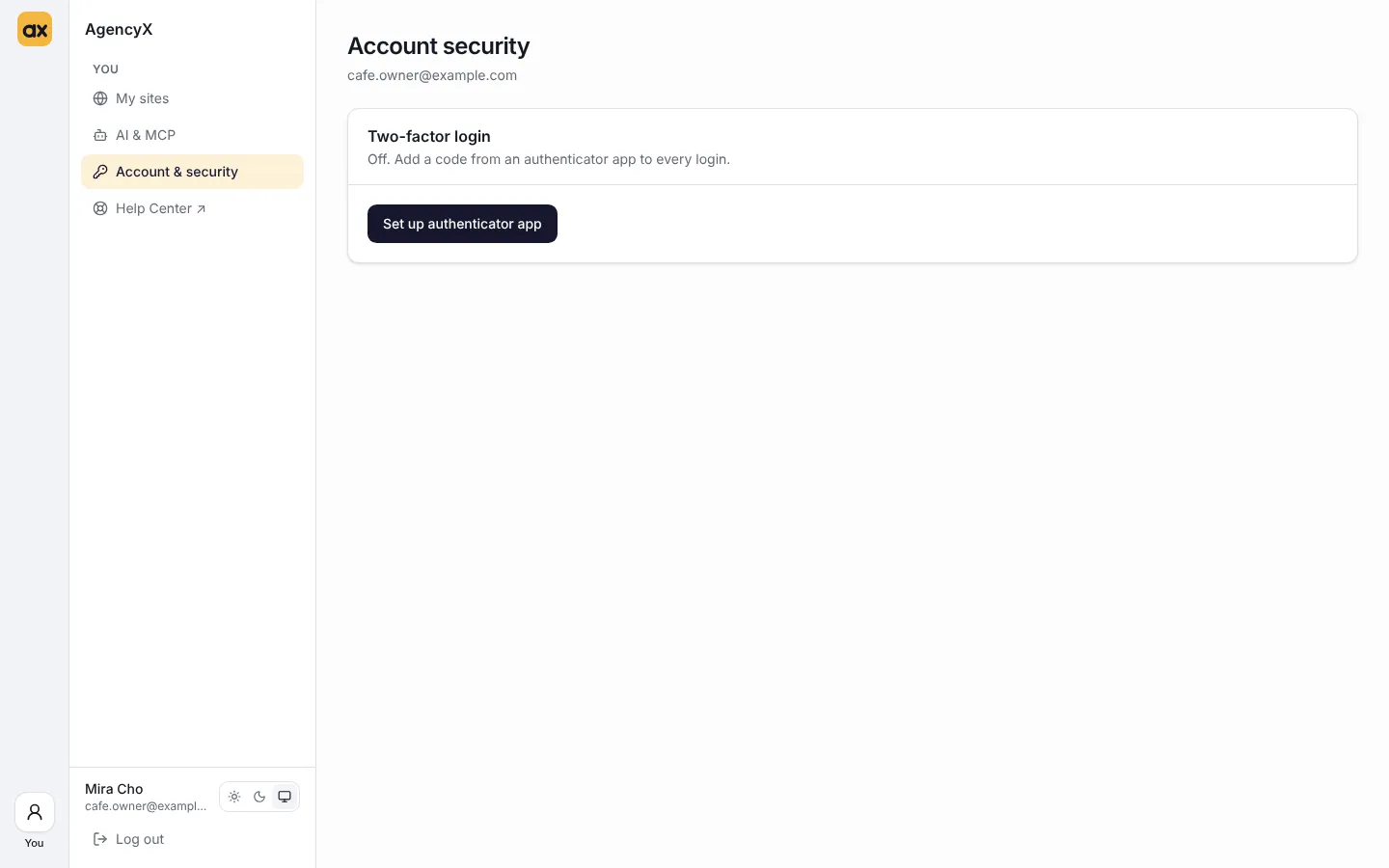
Turn on two-factor login for your account
Protect your account with a code from an authenticator app, so a stolen password alone can't open your websites. Takes about a minute to set up.
Reset your password and log out everywhere
Choose a new password if you've forgotten yours, and sign out of every browser and device at once if you think someone else has access.
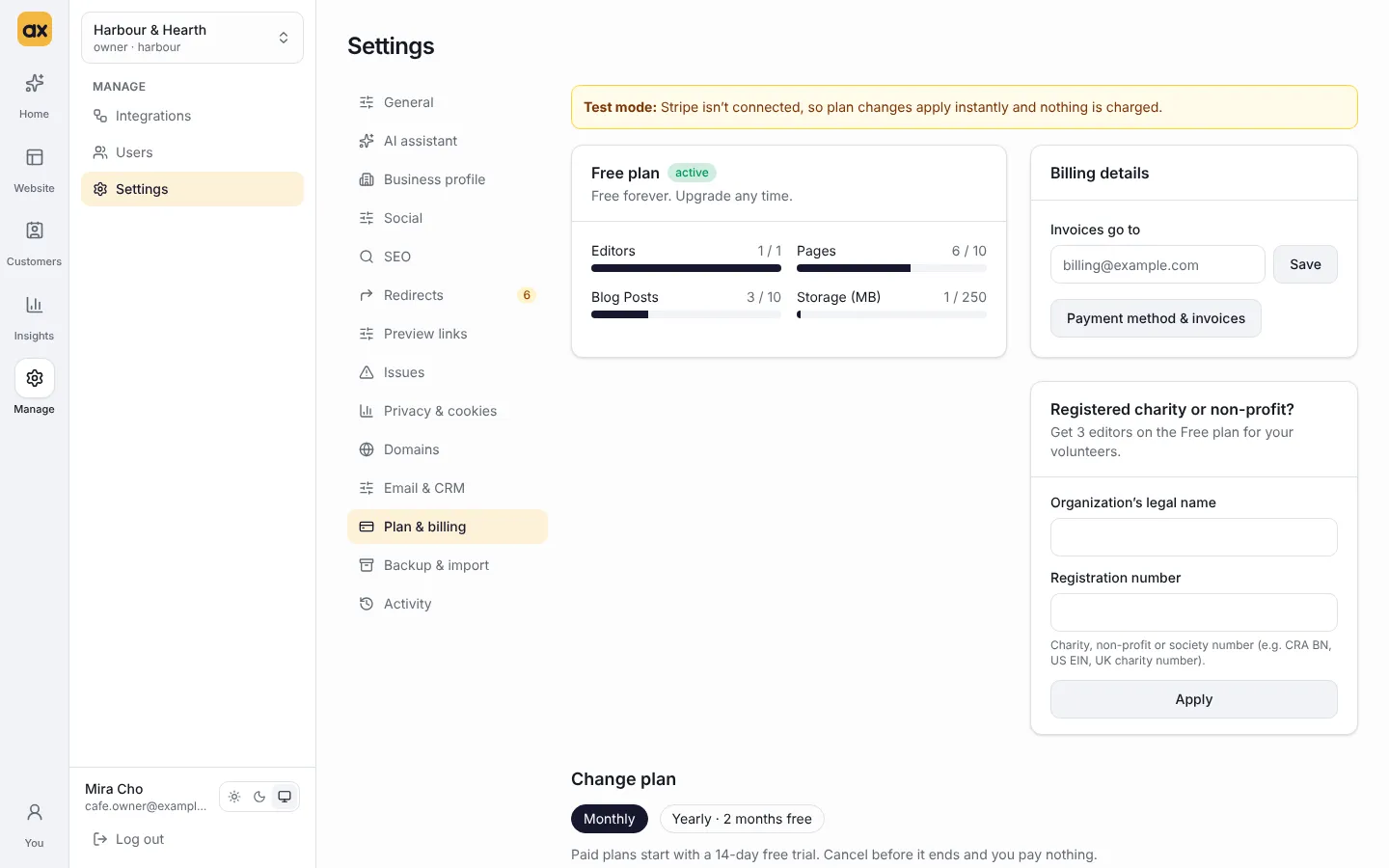
Change your plan, seats and payment details
Compare Free, Pro and Max, upgrade or downgrade, add seats for your team, update your card and download invoices — all from Plan & billing.
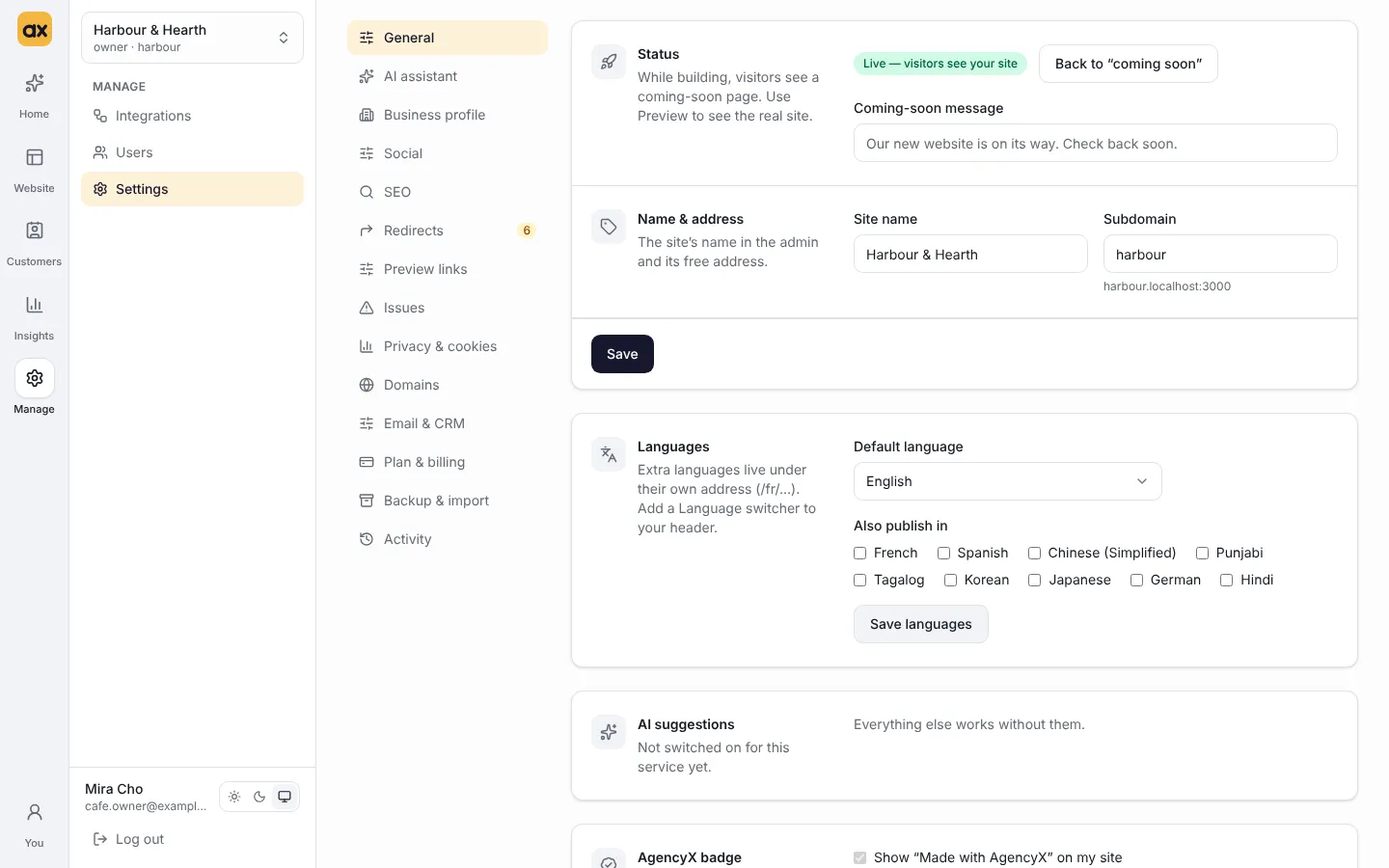
Show or remove the “Made with AgencyX” badge
On Pro and higher, hide the small “Made with AgencyX” link in the corner of your site — or keep it on. On Free, the badge always shows.
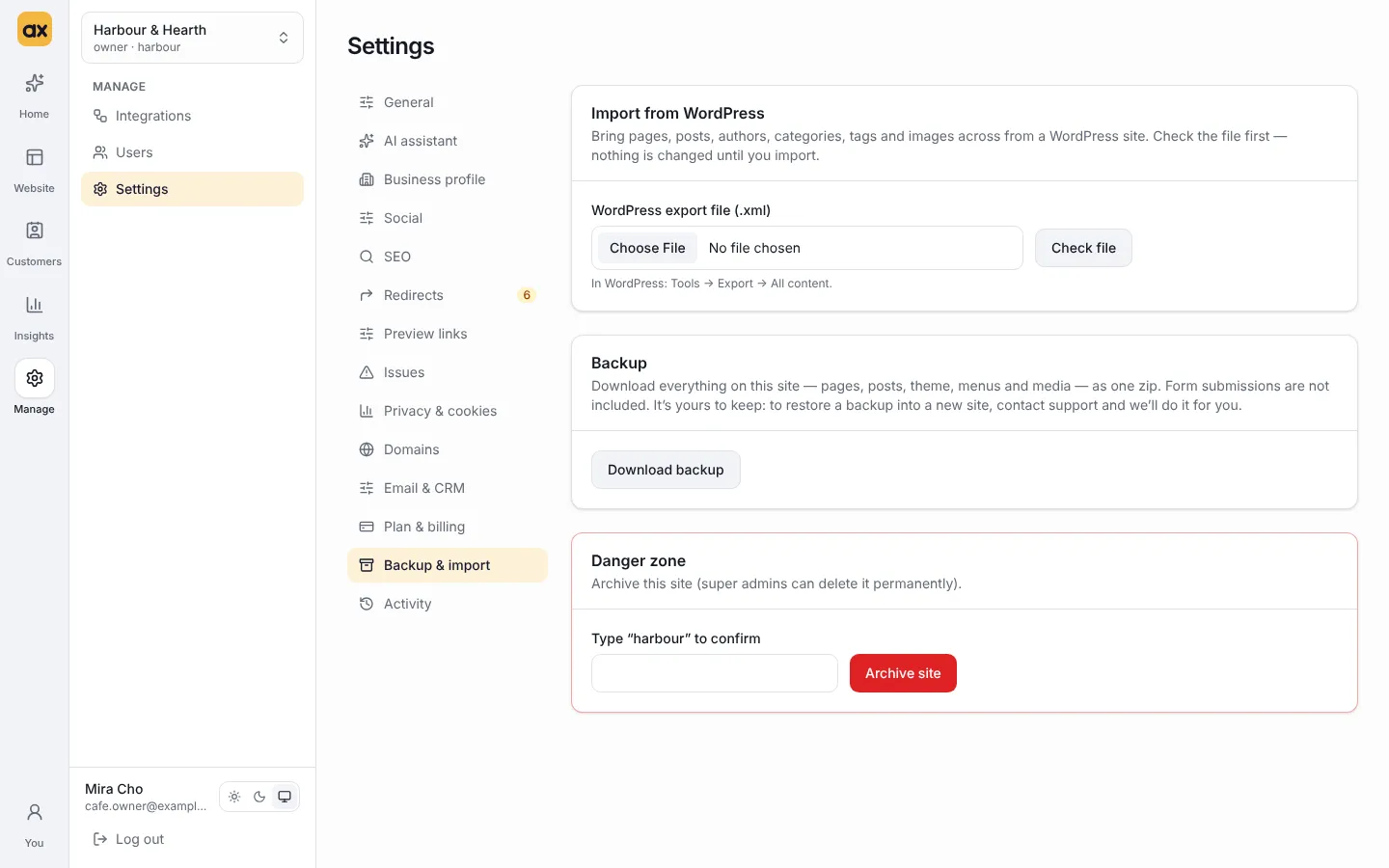
Back up your website and restore it as a new site
Download one file with your pages, posts, collections, theme, menus and media, and restore it later as a separate new website whenever you need it.
Archive a website you no longer need
Take a website offline by archiving it. Type its address to confirm. Archived sites stop showing to visitors and can be brought back by our team.
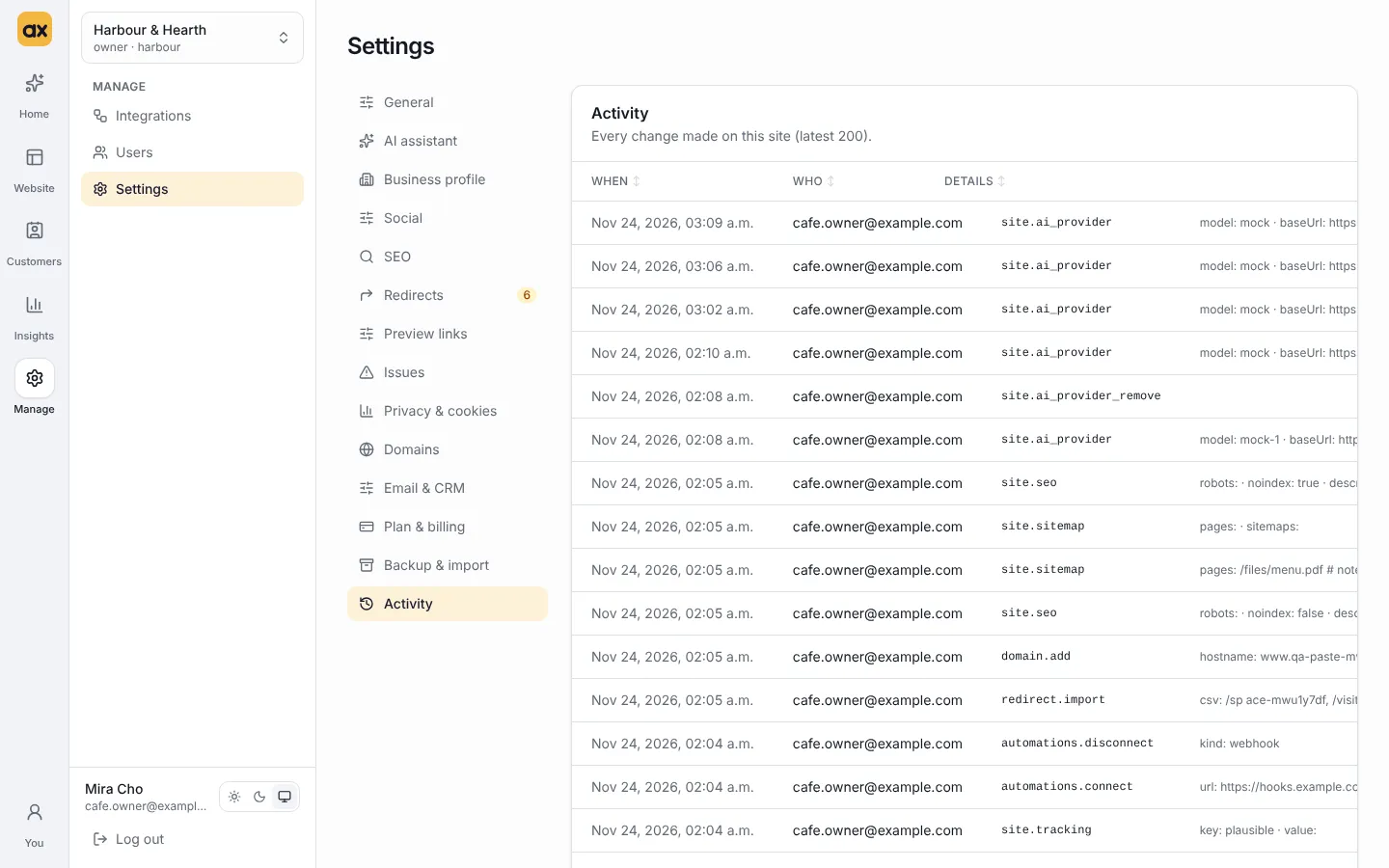
See every change in your site's activity log
Find out who changed what and when — published pages, theme edits, new users, settings changes and more — in your site's activity log.
Can’t find what you need?
Tell us what you’re trying to do. A real person replies, usually within one business day.