Roles and permissions — who can do what
What owners, editors, content editors, authors and viewers can each do on a website — from publishing pages and sending newsletters to billing and domains.
Every website has five roles. The same rules apply in the dashboard, in the editor and to AI assistants connected with your access token.
| Owner | Editor | Content editor | Author | Viewer | |
|---|---|---|---|---|---|
| Open the admin and preview drafts | ✓ | ✓ | ✓ | ✓ | ✓ |
| Write page and post drafts, upload media | ✓ | ✓ | ✓ | ✓ | — |
| Publish, unpublish and delete pages | ✓ | ✓ | ✓ | — | — |
| Publish and schedule blog posts, edit anyone's | ✓ | ✓ | ✓ | — | — |
| Edit and publish themes, header and footer | ✓ | ✓ | — | — | — |
| Edit menus | ✓ | ✓ | — | — | — |
| Delete media, share preview links | ✓ | ✓ | ✓ | — | — |
| Read and manage form submissions | ✓ | ✓ | ✓ | — | — |
| Contacts, tags, lists and pipelines | ✓ | ✓ | ✓ | — | — |
| Write and send newsletters and one-off emails | ✓ | ✓ | — | — | — |
| Sending domain and email details | ✓ | — | — | — | — |
| Settings, SEO defaults and business profile | ✓ | — | — | — | — |
| Domains | ✓ | — | — | — | — |
| Integrations (HubSpot, Slack, analytics…) | ✓ | — | — | — | — |
| Invite people and change roles | ✓ | — | — | — | — |
| Plan, seats and payment | ✓ | — | — | — | — |
| Activity log | ✓ | — | — | — | — |
| Archive the site | ✓ | — | — | — | — |
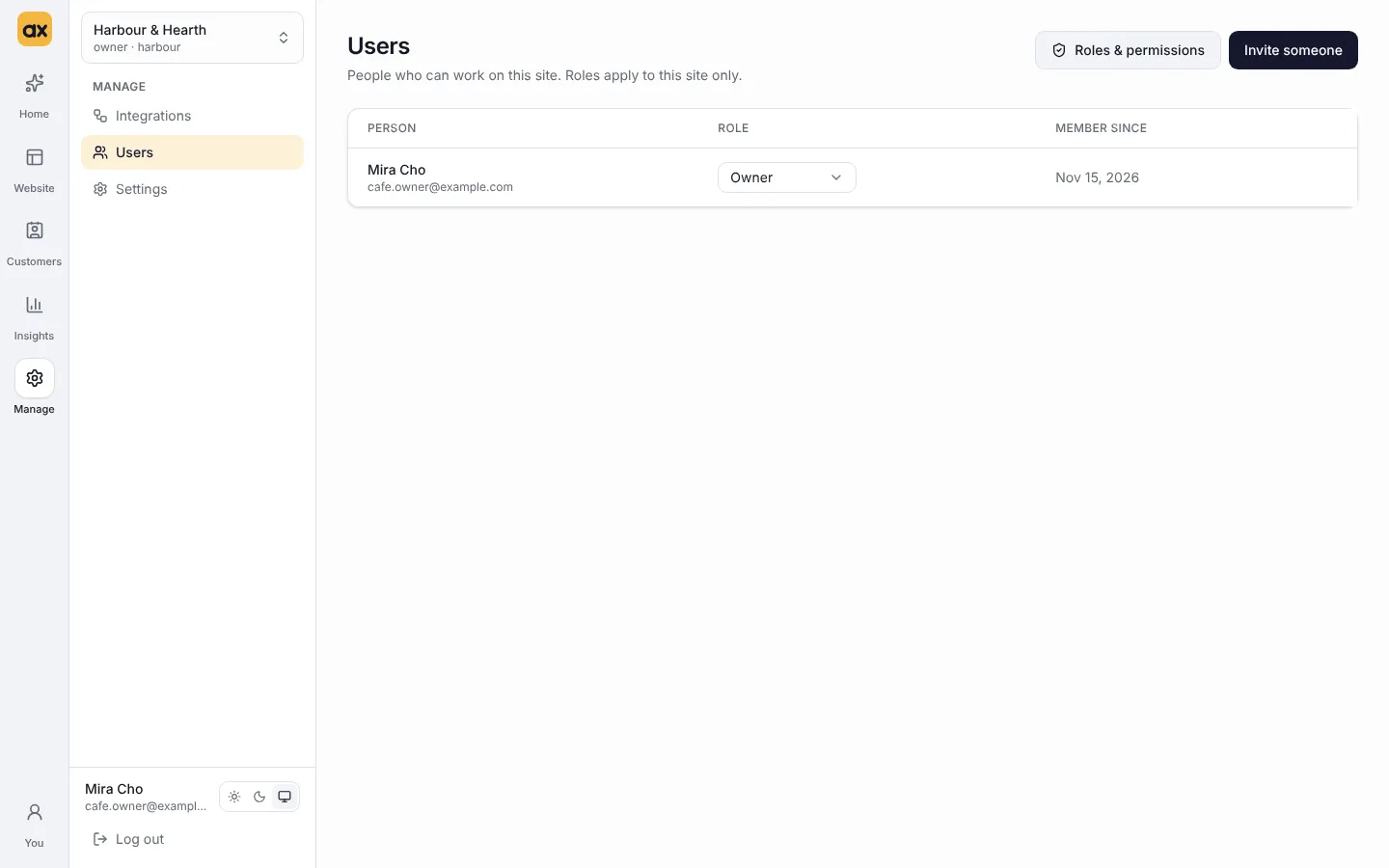
Click Roles & permissions on the Users screen to see the list for your site.
Common questions
What's a content editor for?
A client whose site an agency designed. They run the words, photos, blog and customers, and publish, but can't change the look, settings or people.
Which role should a freelance writer get?
Author. They can draft pages and posts and upload images; you or an editor approve and publish.
Can I give someone billing access without full control?
Billing, domains, users and integrations are owner-only, so that person would need to be an owner.
Something out of date or unclear? Search other guides or tell us from your dashboard.