Show or remove the “Made with AgencyX” badge
On Pro and higher, hide the small “Made with AgencyX” link in the corner of your site — or keep it on. On Free, the badge always shows.
On this page
Open Manage → General
Scroll to AgencyX badge.
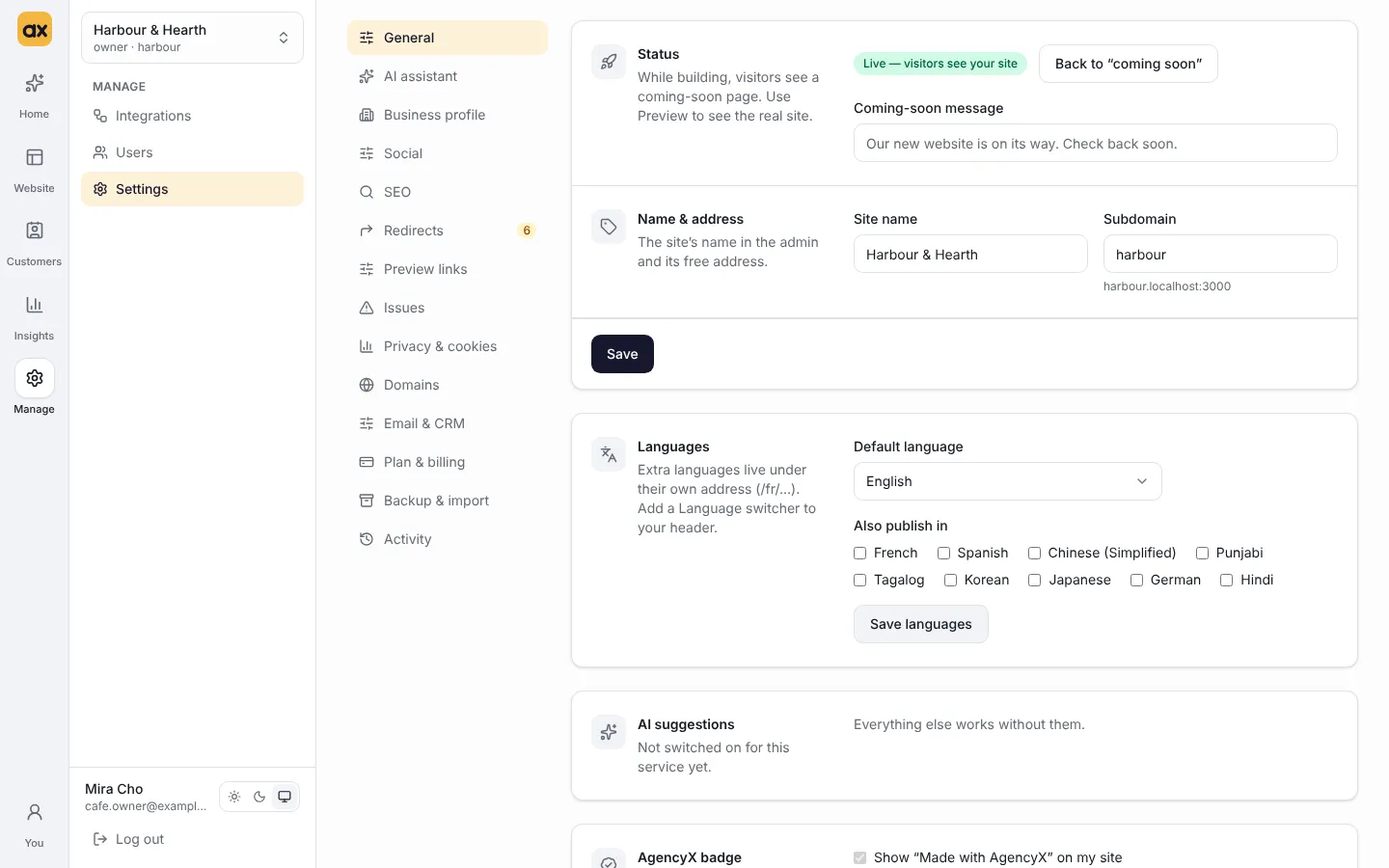
Switch it off or on
Untick Show "Made with AgencyX" on my site to hide it, then save. On paid plans it's hidden unless you turn it on.
Common questions
Why is the switch locked?
On the Free plan the badge always shows. Upgrade to Pro or higher to hide it.
I build sites for clients. Can I keep the badge on a paid site?
Yes. On paid plans the badge is hidden by default, and you can switch it back on.
Something out of date or unclear? Search other guides or tell us from your dashboard.