Back up your website and restore it as a new site
Download one file with your pages, posts, collections, theme, menus and media, and restore it later as a separate new website whenever you need it.
On this page
Download a backup
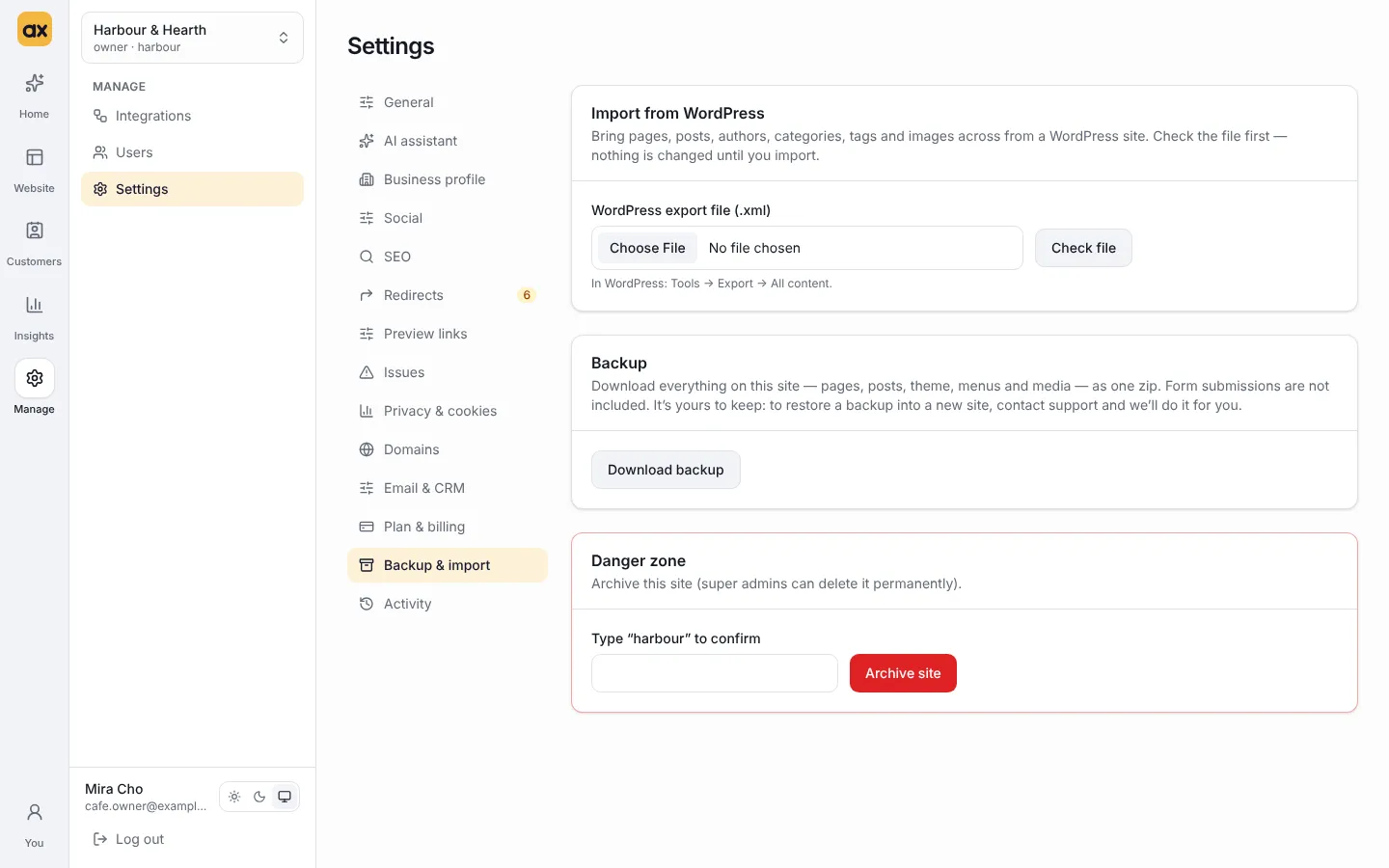
Go to Manage → Backup & import and click Download backup. You get one zip file with your pages, posts, collections, theme, menus and media.
Restore a backup
- Open All my sites and click New website.
- Choose Or restore a backup and upload the zip file.
- It becomes a new site in Coming soon mode, with its own address and plan.
This is also a handy way to copy a site as the starting point for another one.
Common questions
Are form submissions included?
No. They're left out on purpose so personal data isn't copied around. Export them from the Inbox as a CSV if you need them.
Does restoring overwrite my site?
No. A backup is always restored as a new, separate site in Coming soon mode. The original isn't touched.
Something out of date or unclear? Search other guides or tell us from your dashboard.