Create and manage more than one website
Start another website from your account, switch between sites in one click, and see every site you can work on — each with its own plan and team.
On this page
One AgencyX account can work on many websites — your own and ones you've been invited to.
See all your sites
Open the site switcher at the top of the menu panel and choose All my sites. Each site shows its address, whether it's live, and your role on it.
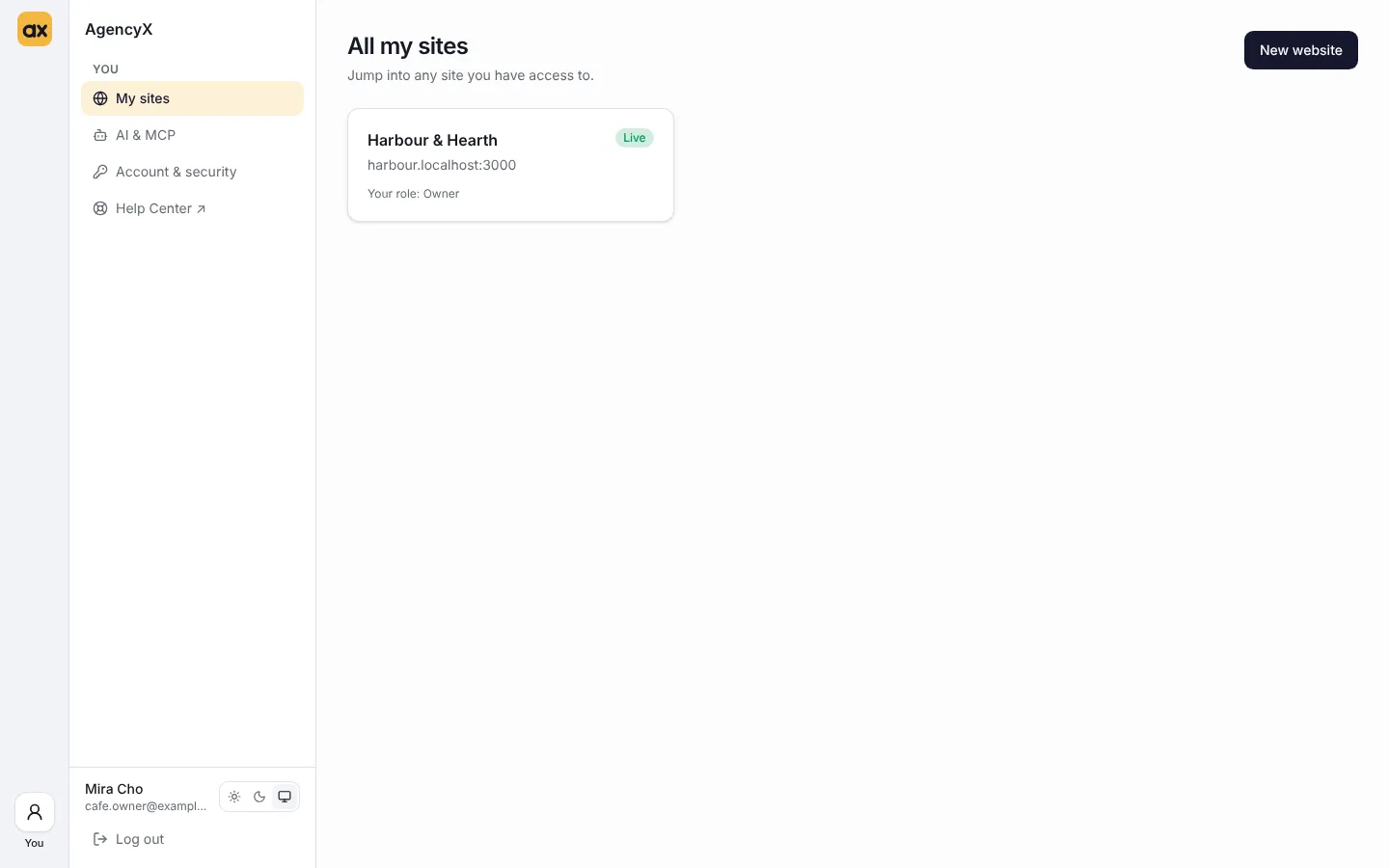
Start another website
- On All my sites, click New website.
- The guided setup opens — the same five steps as your first site. See Create your website.
- The new site is created as a draft with its own Free plan.
Restore a backup as a new site
New website also offers Or restore a backup: upload a backup downloaded from any site's Settings and it becomes a separate new site in Coming soon mode. The original is untouched. See Back up and restore your site.
Switch between sites
Click the site name at the top of the menu panel, or press Ctrl + K (⌘ + K on a Mac), and type a few letters of the site's name. Only sites you belong to are listed.
Common questions
How many websites can I own?
You can own up to three websites from one account. Being invited to other people's sites doesn't count toward that.
Does a second website share my plan?
No. Each website has its own plan and billing and starts on Free.
Something out of date or unclear? Search other guides or tell us from your dashboard.