Reset your password and log out everywhere
Choose a new password if you've forgotten yours, and sign out of every browser and device at once if you think someone else has access.
On this page
Forgot your password
- On the login page, click Forgot your password?
- Enter your email. If it has an account, you'll get a link — the page says the same either way, for privacy.
- Open the link (it works once, within an hour) and choose a new password on Choose a new password.
Saving your new password also signs you out on every other device.
Log out everywhere
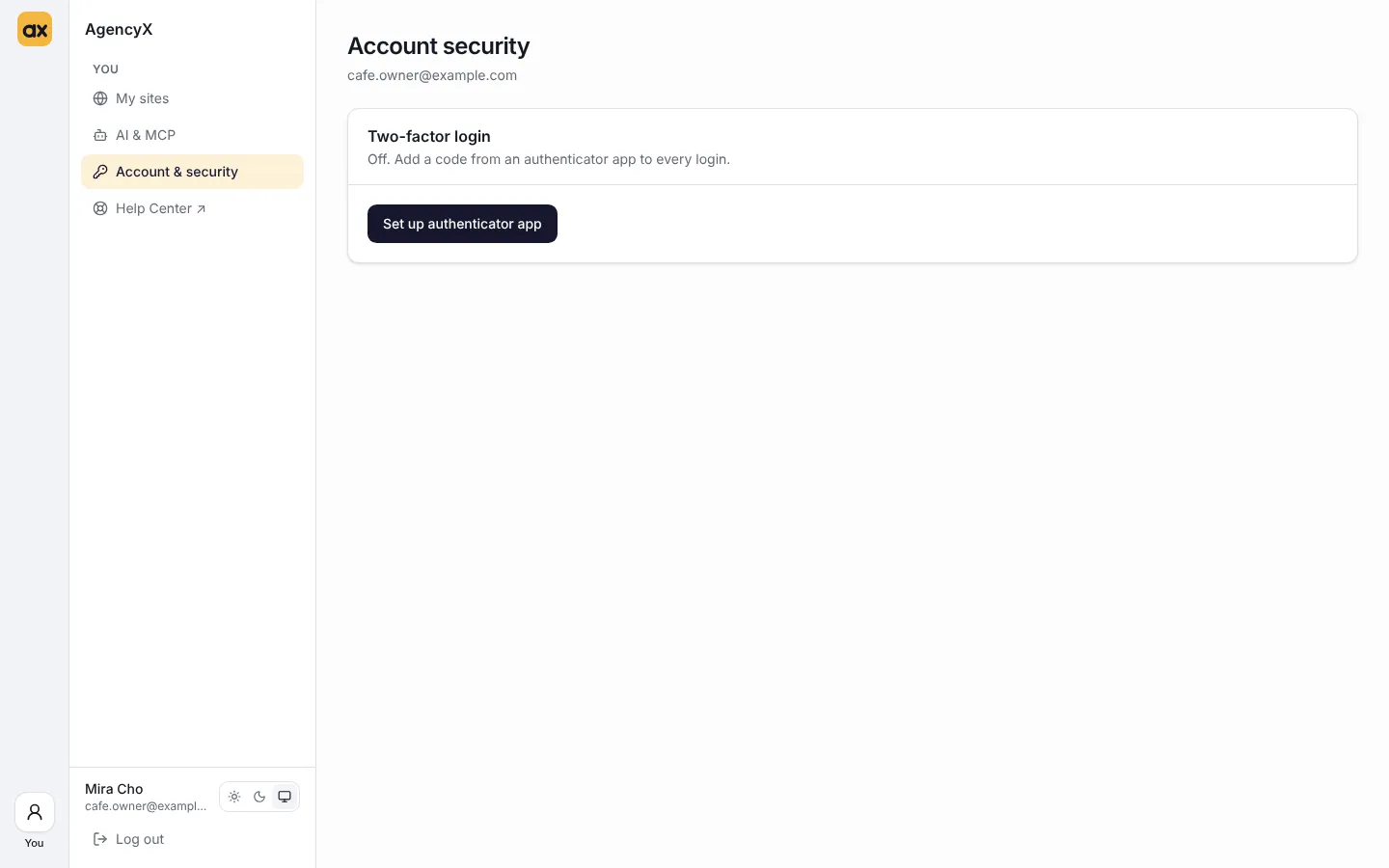
Click Log out at the bottom of the menu panel. Your session ends, along with your sign-ins on your websites' own addresses.
To sign out every other device too — a shared computer, a lost phone — reset your password as above.
Common questions
The reset email didn't arrive. What now?
Check your spam folder, and make sure you used the email you signed up with. You can ask for up to three links an hour.
It says “Too many attempts”.
After several wrong passwords, logins are paused for 15 minutes to stop people guessing. Wait, then try again or reset your password.
Something out of date or unclear? Search other guides or tell us from your dashboard.