See every change in your site's activity log
Find out who changed what and when — published pages, theme edits, new users, settings changes and more — in your site's activity log.
Go to Manage → Activity. Every change made on the site is listed, newest first, with when it happened, who made it and what it was — a page published, a theme saved, a redirect created, a member added.
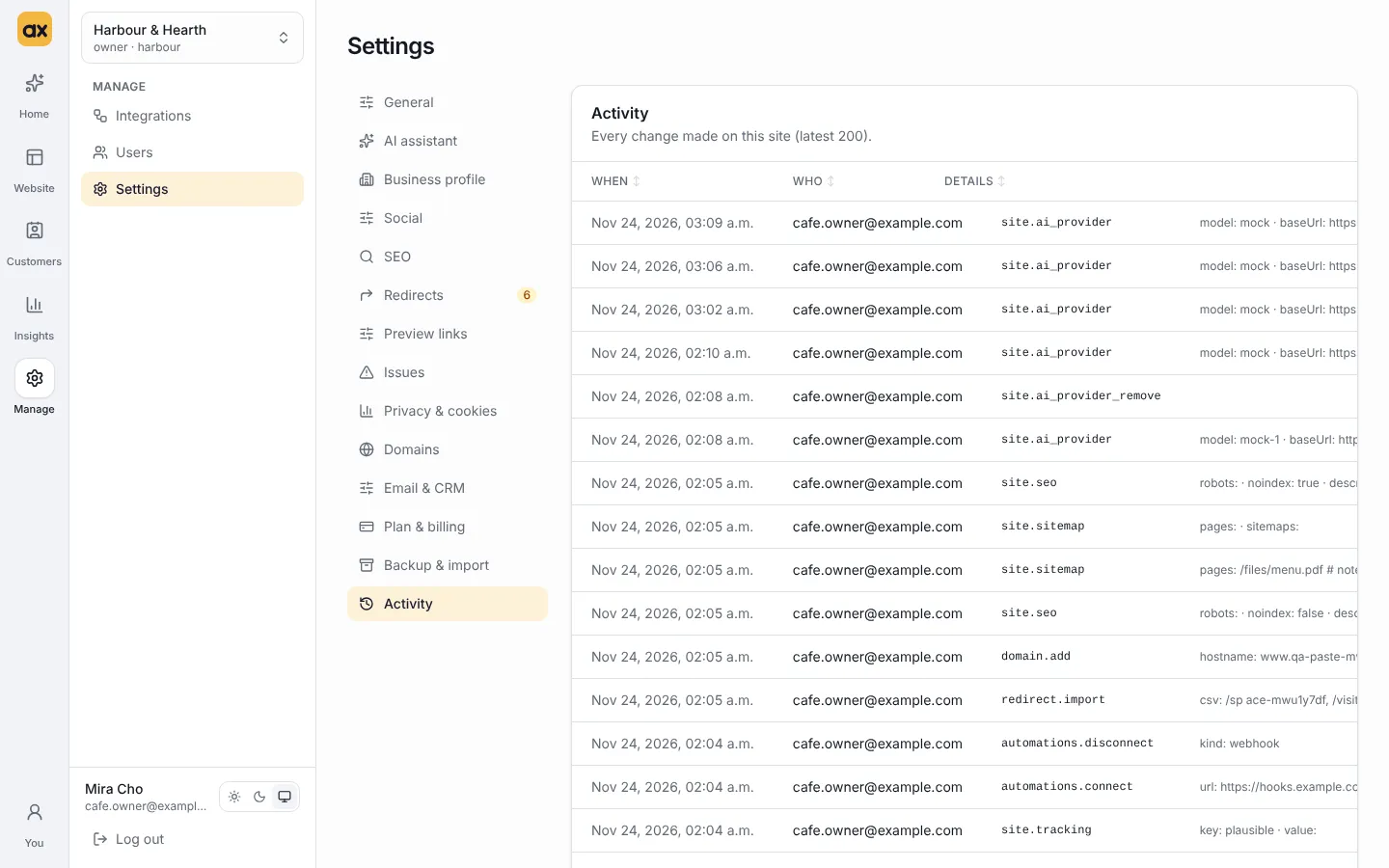
Attempts to do something without permission are recorded too, so you can spot anything unusual.
Common questions
Does it show changes made by AI assistants?
Yes. Changes made through an access token are recorded under the name of the person who created it.
Can I undo a change from the log?
The log is a record. To undo, use the page's or theme's version history, or Discard changes.
Something out of date or unclear? Search other guides or tell us from your dashboard.