- Help Center
- Pages & editing
Pages & editing
Build pages from sections, edit words on the page and publish safely.
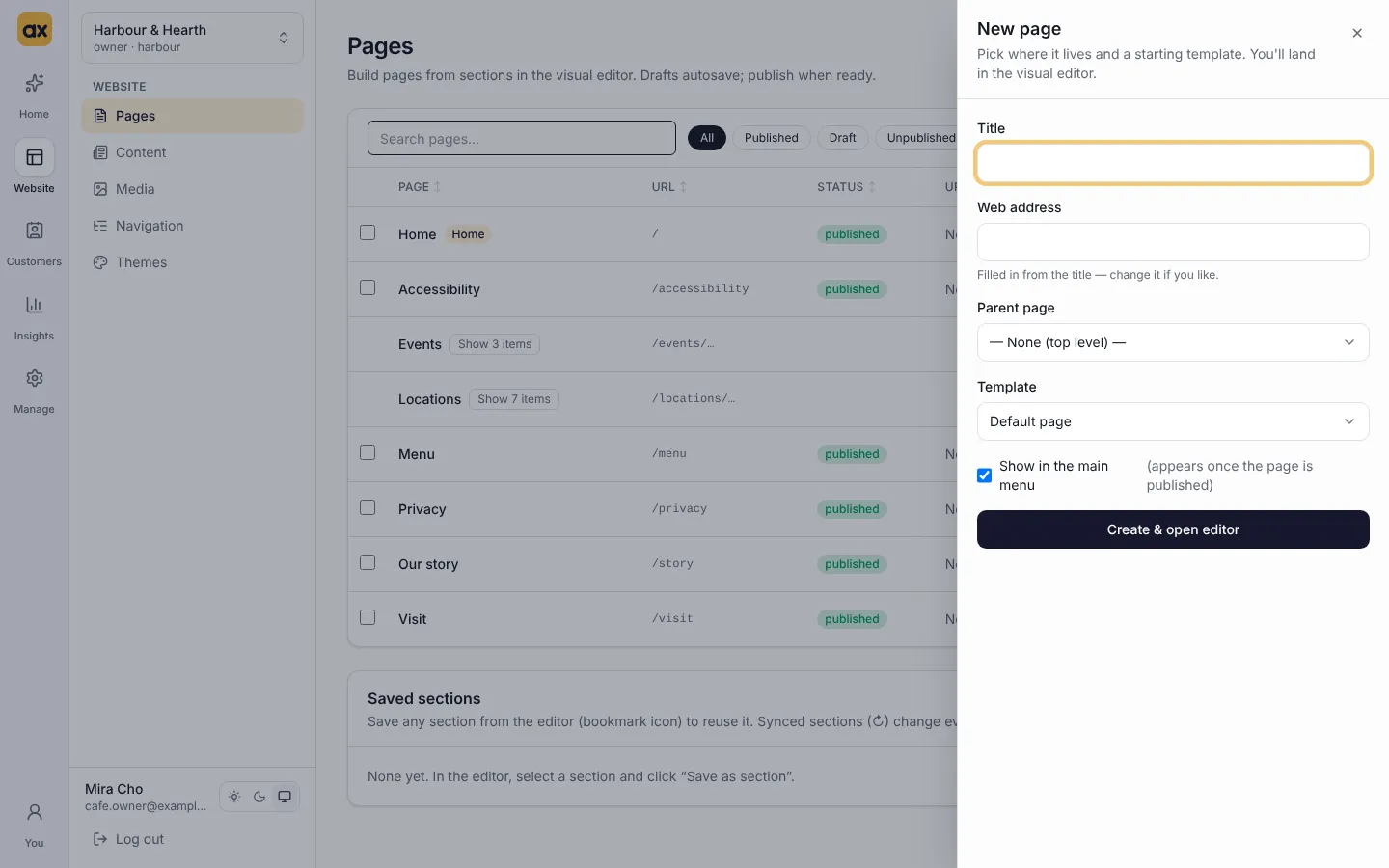
Create a new page
Add a page to your website — give it a title and address, choose where it sits and which layout it uses, and open it in the editor ready to fill in.
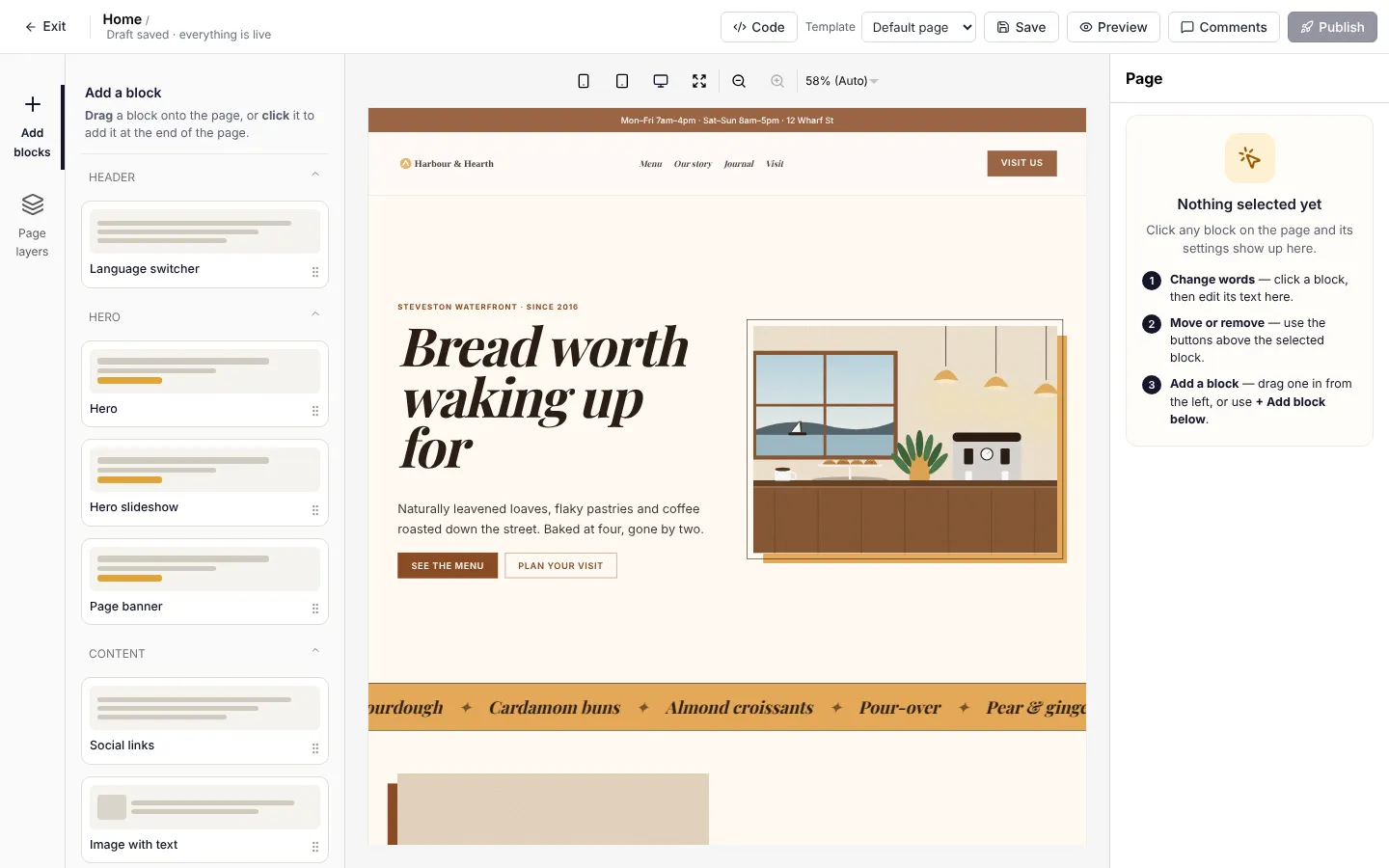
Edit a page with blocks
Build and change pages in the visual editor — add blocks, edit their words and pictures, reorder or remove them, and see your real site styling as you work.
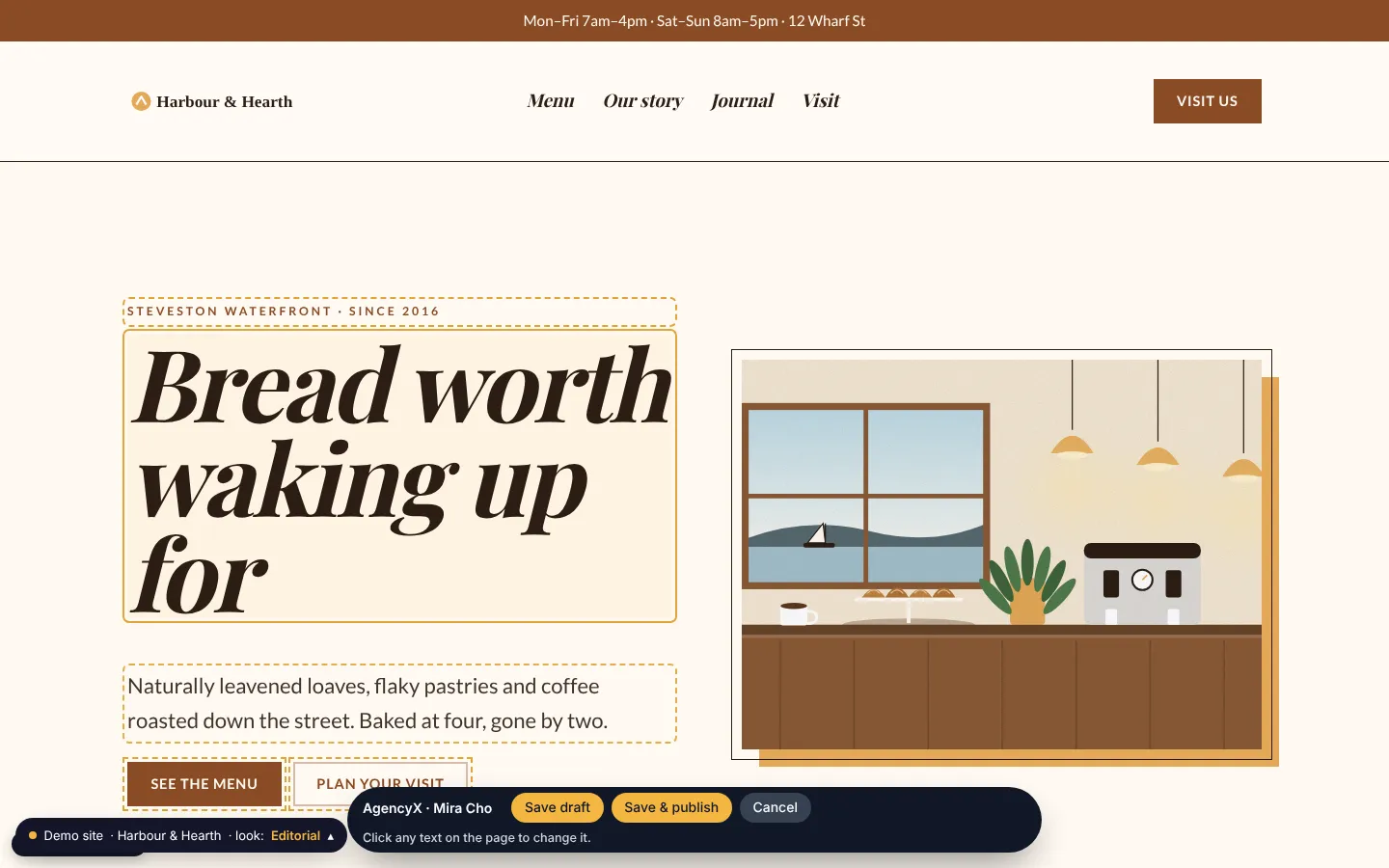
Edit text right on your live website
Fix a typo or update a price without opening the editor — sign in on your own site, click Edit text, change the words in place and publish.
Publish, unpublish and roll back a page
Put your changes live, take a page offline, throw away edits you don't want, or restore an earlier version of a page from its history.
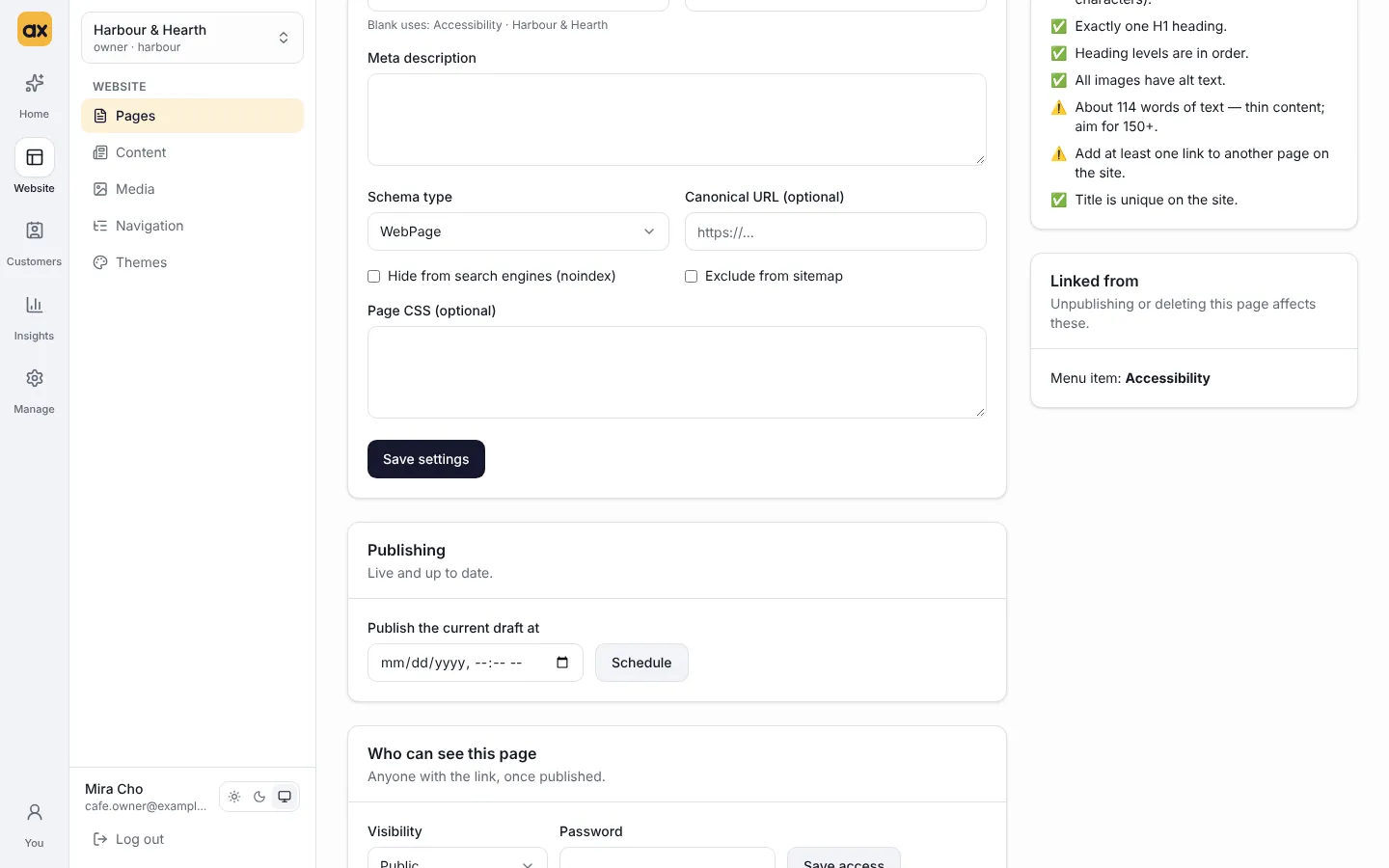
Schedule a page to publish later
Choose a date and time and your page goes live on its own — ideal for launches, seasonal menus and announcements. Change or cancel it any time.
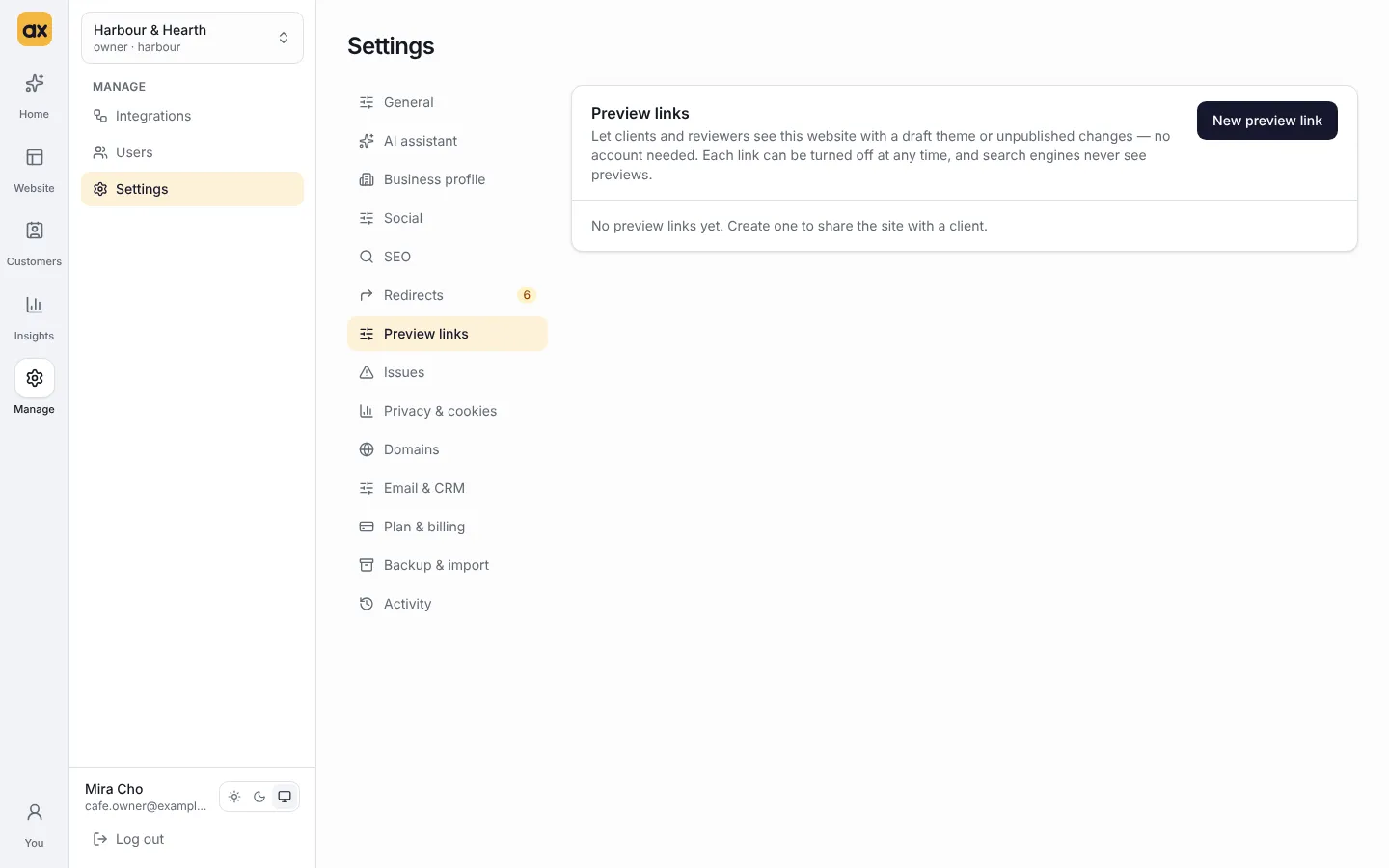
Share a preview with someone who has no account
Send a client or reviewer a private link to your site — even while it's coming soon, with draft changes or a new theme — and turn it off when you're done.
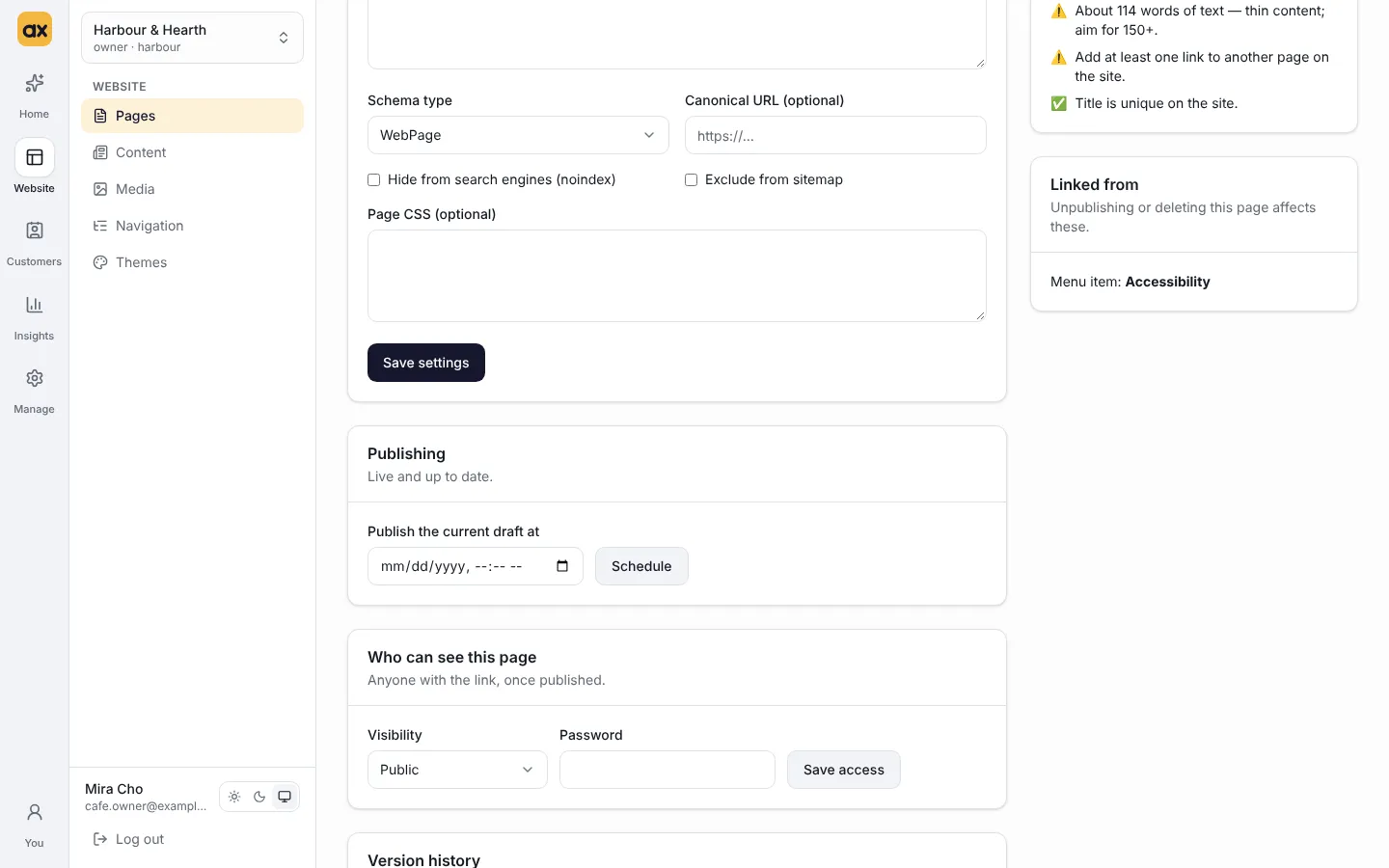
Password-protect a page
Keep a page for members, clients or staff only. Visitors enter a password to see it, and the page stays out of Google and your sitemap.
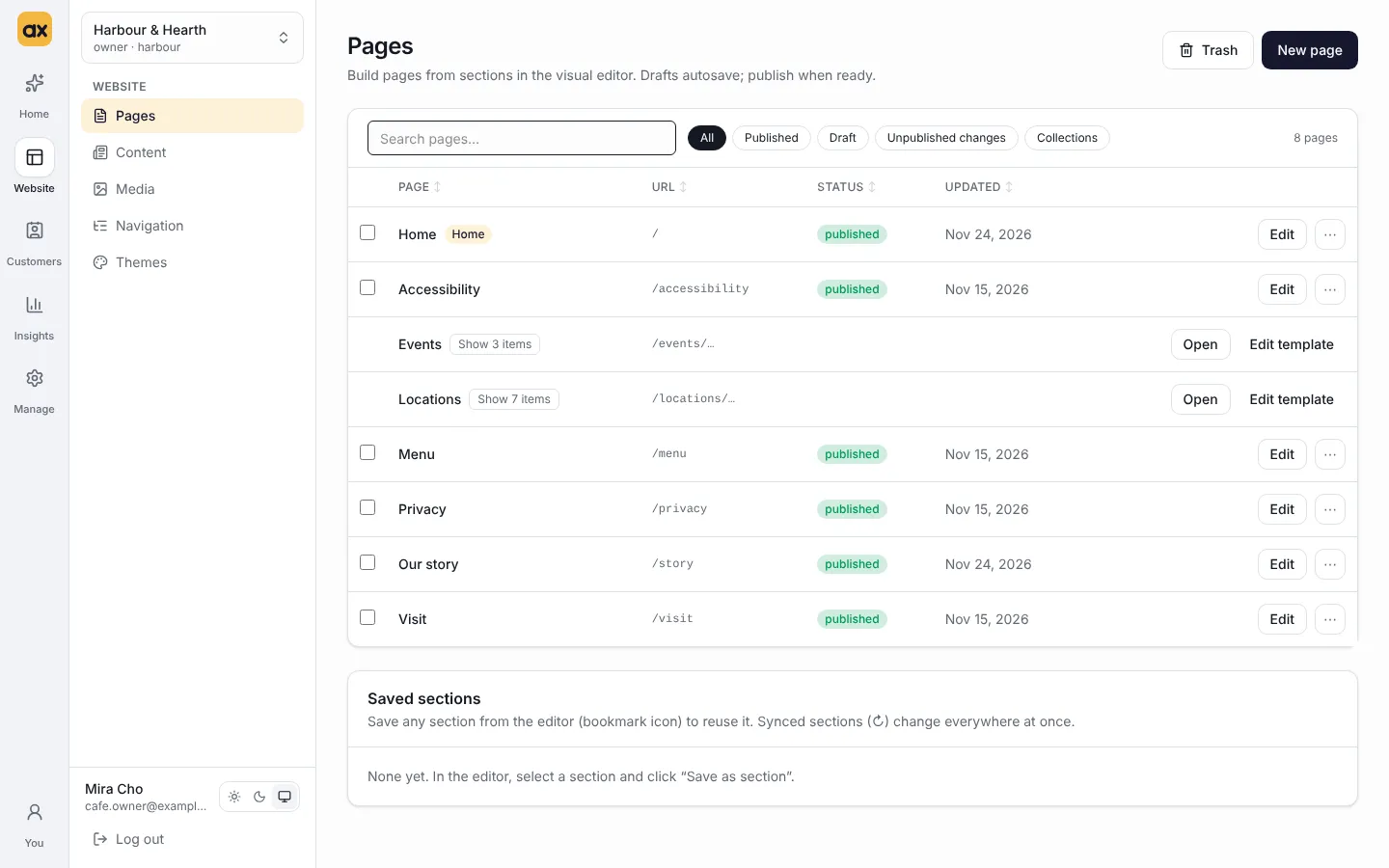
Save a block and reuse it on other pages
Save any block — a call to action, a testimonial strip, an offer — and add it to other pages. Synced copies update everywhere when you change one.
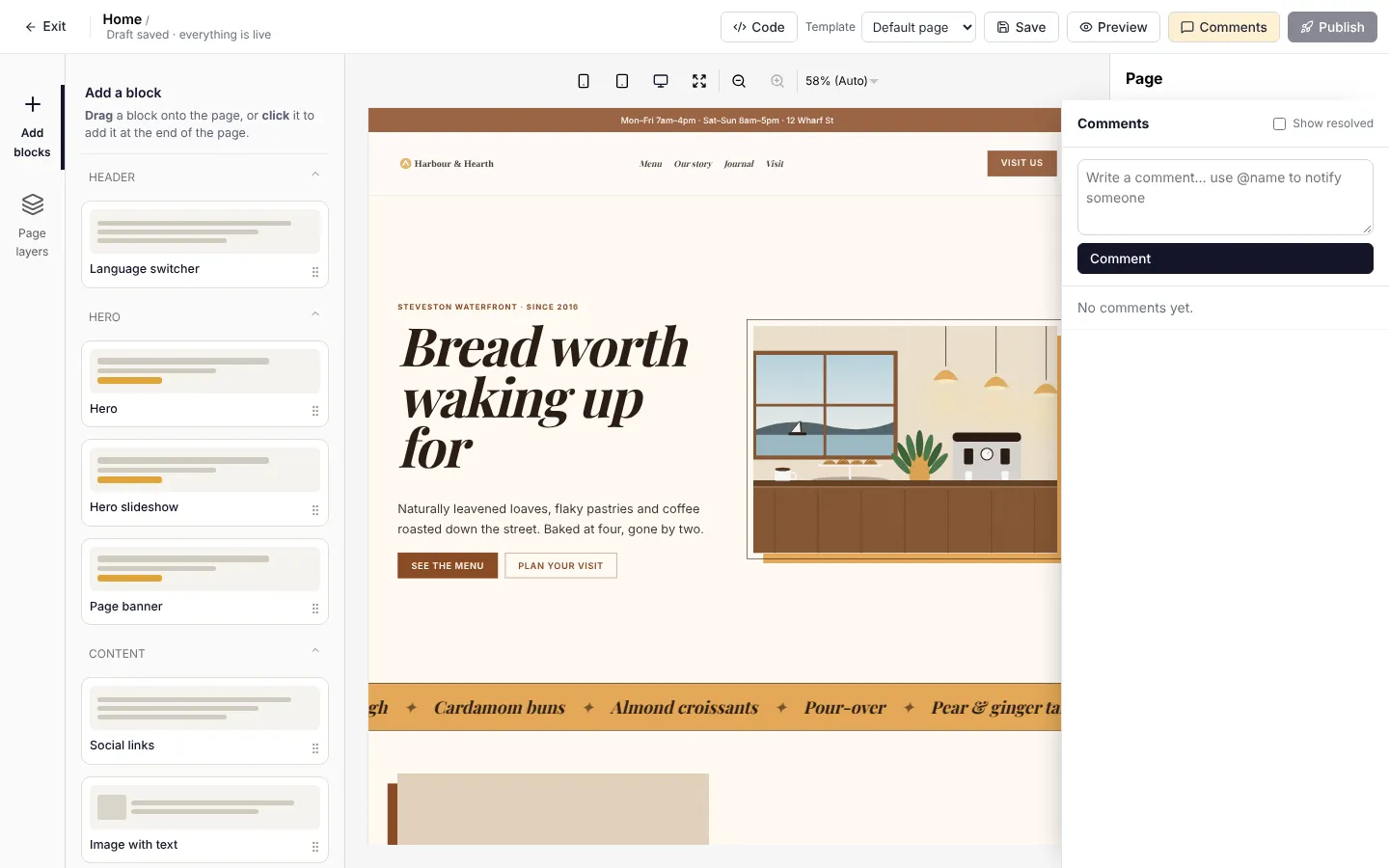
Review, comment on and approve page drafts
Authors submit pages for review, editors approve or send them back, and everyone can leave comments on a page or block and @mention a teammate.
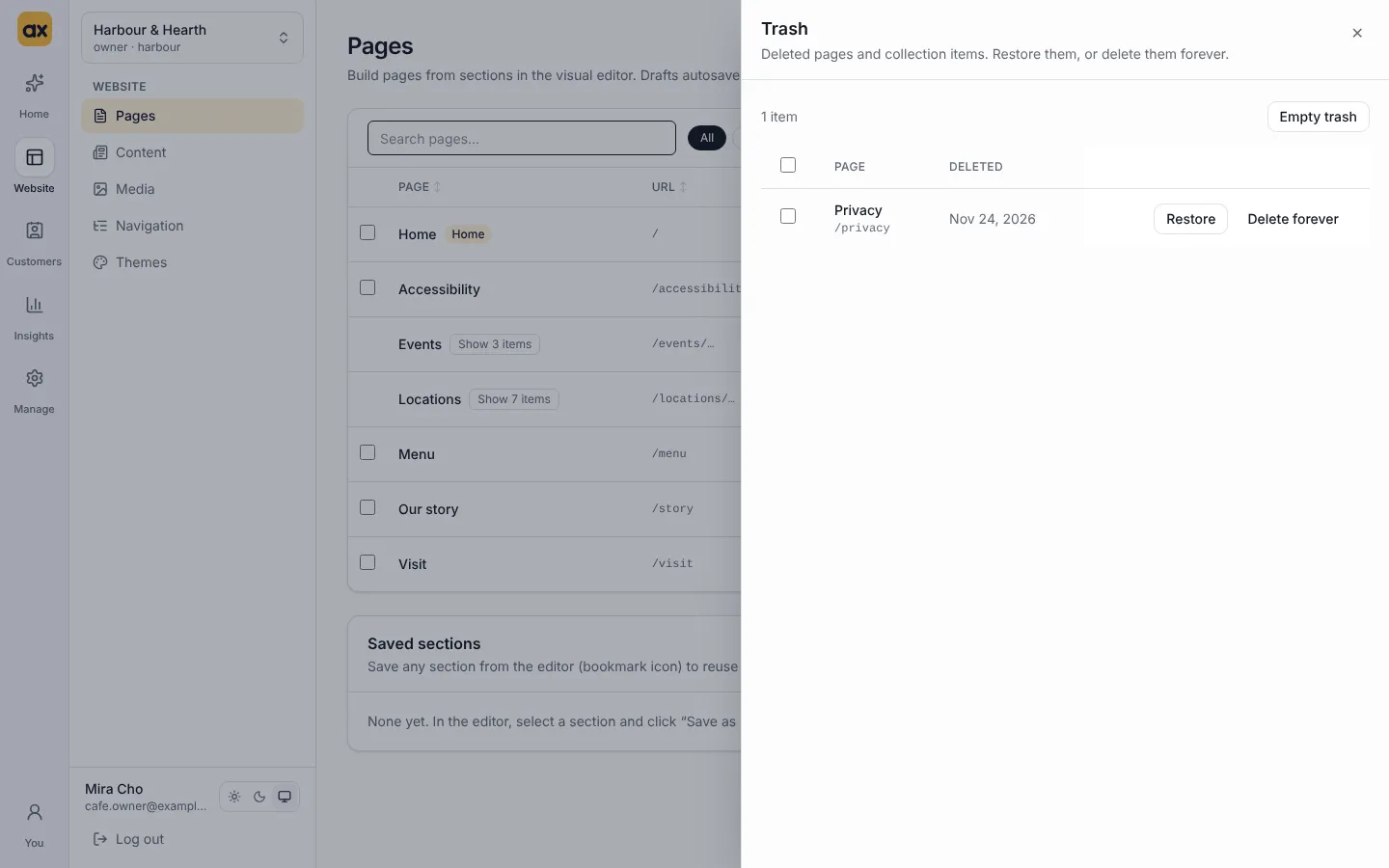
Duplicate, delete and restore pages
Copy a page as a starting point, move pages you don't need to the trash, and bring them back — or delete them for good — from the Trash panel.
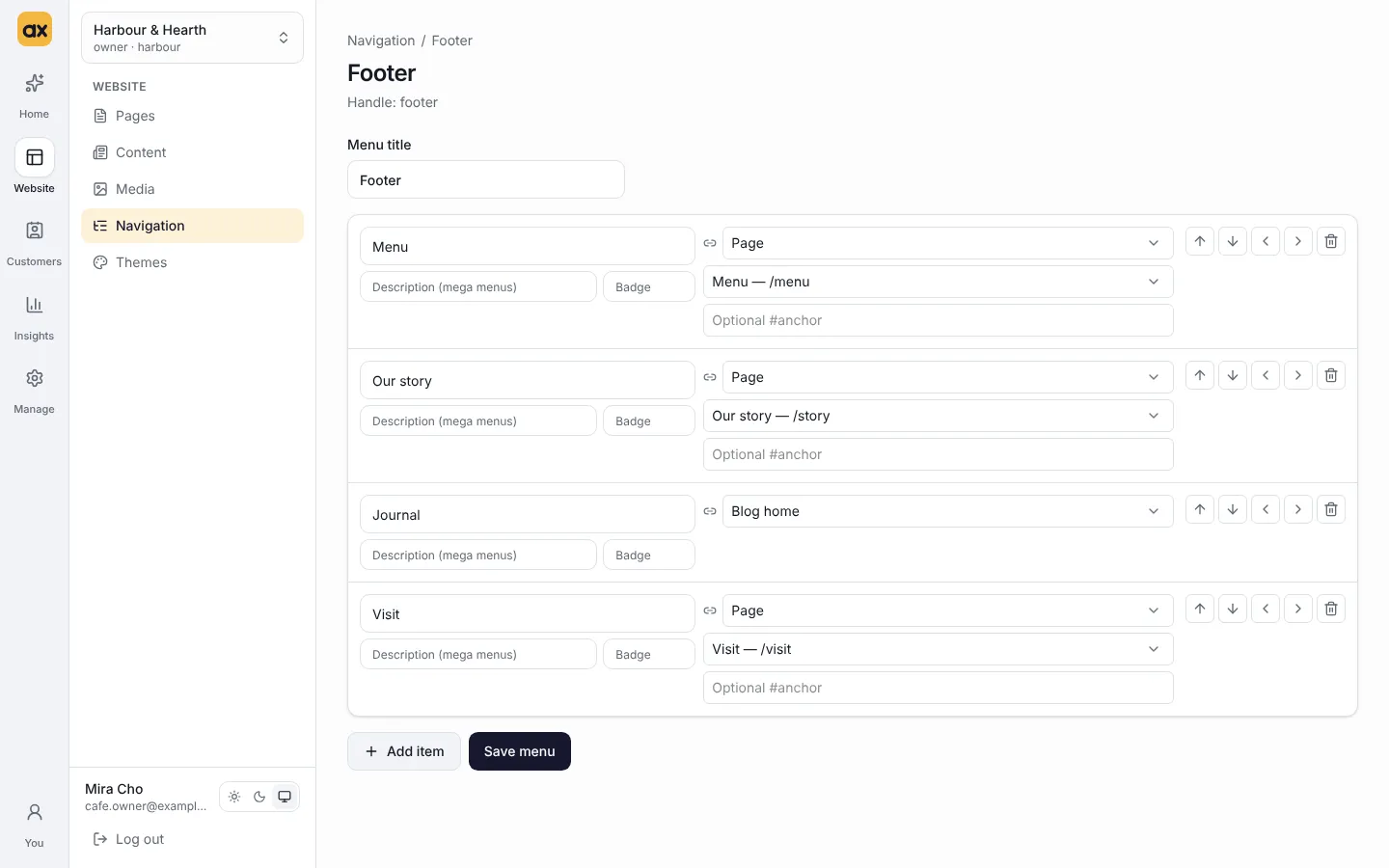
Edit your header and footer menus
Add, rename, reorder and nest the links in your site's menus — pages, blog posts, files or other websites — and list a collection's items automatically.
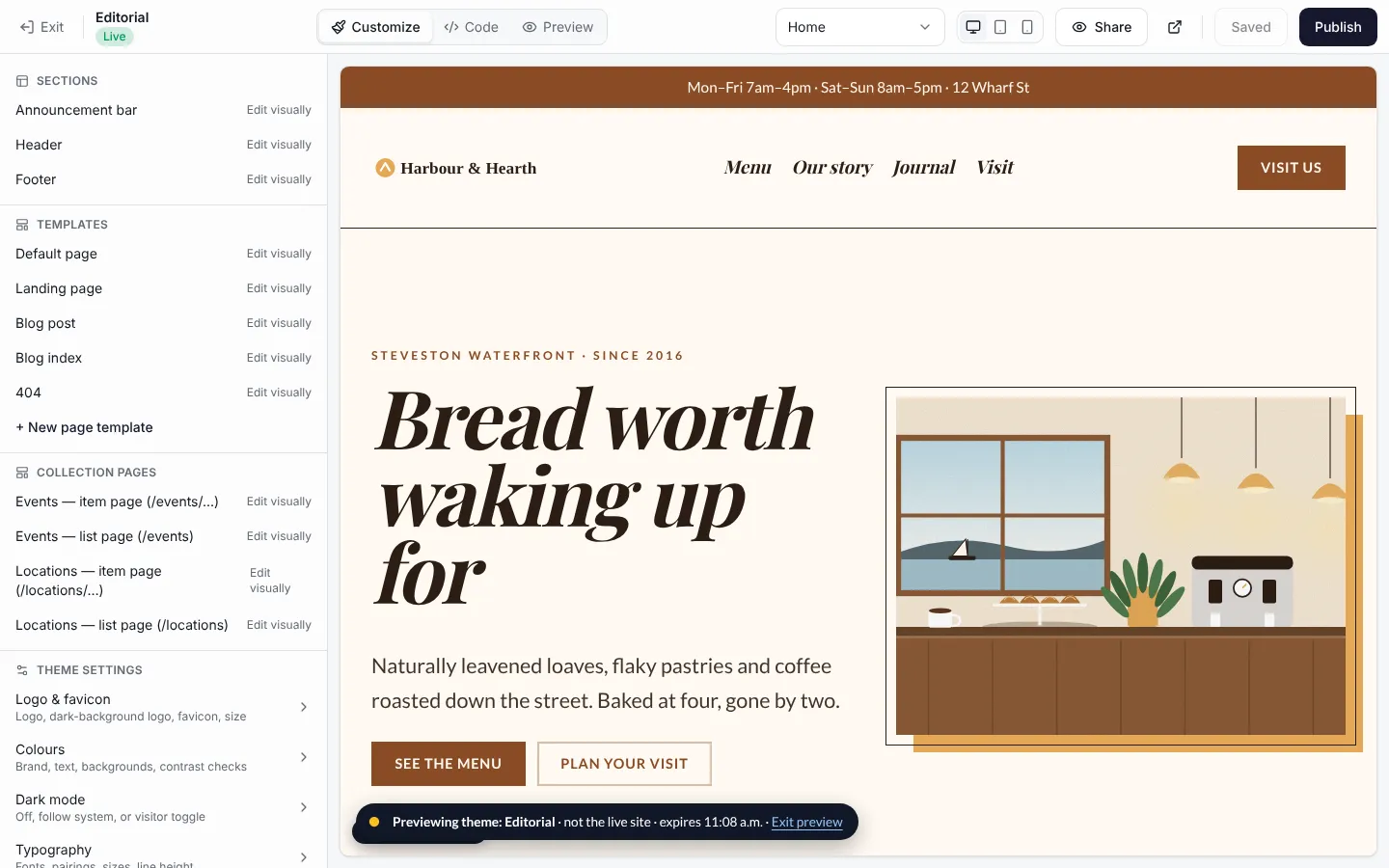
Give several pages the same layout
Make a page template with its own fields, use it for many similar pages — services, locations, programs — and change the design of all of them at once.
Can’t find what you need?
Tell us what you’re trying to do. A real person replies, usually within one business day.