Save a block and reuse it on other pages
Save any block — a call to action, a testimonial strip, an offer — and add it to other pages. Synced copies update everywhere when you change one.
Save a block
In the editor, select the block and click Save for reuse in its toolbar. Give it a name.
Use it on another page
Open another page in the editor. Your block is under Saved sections in the block list on the left — drag it onto the page.
Copies and synced sections
- A normal saved section is copied onto the page; change it there without affecting other pages.
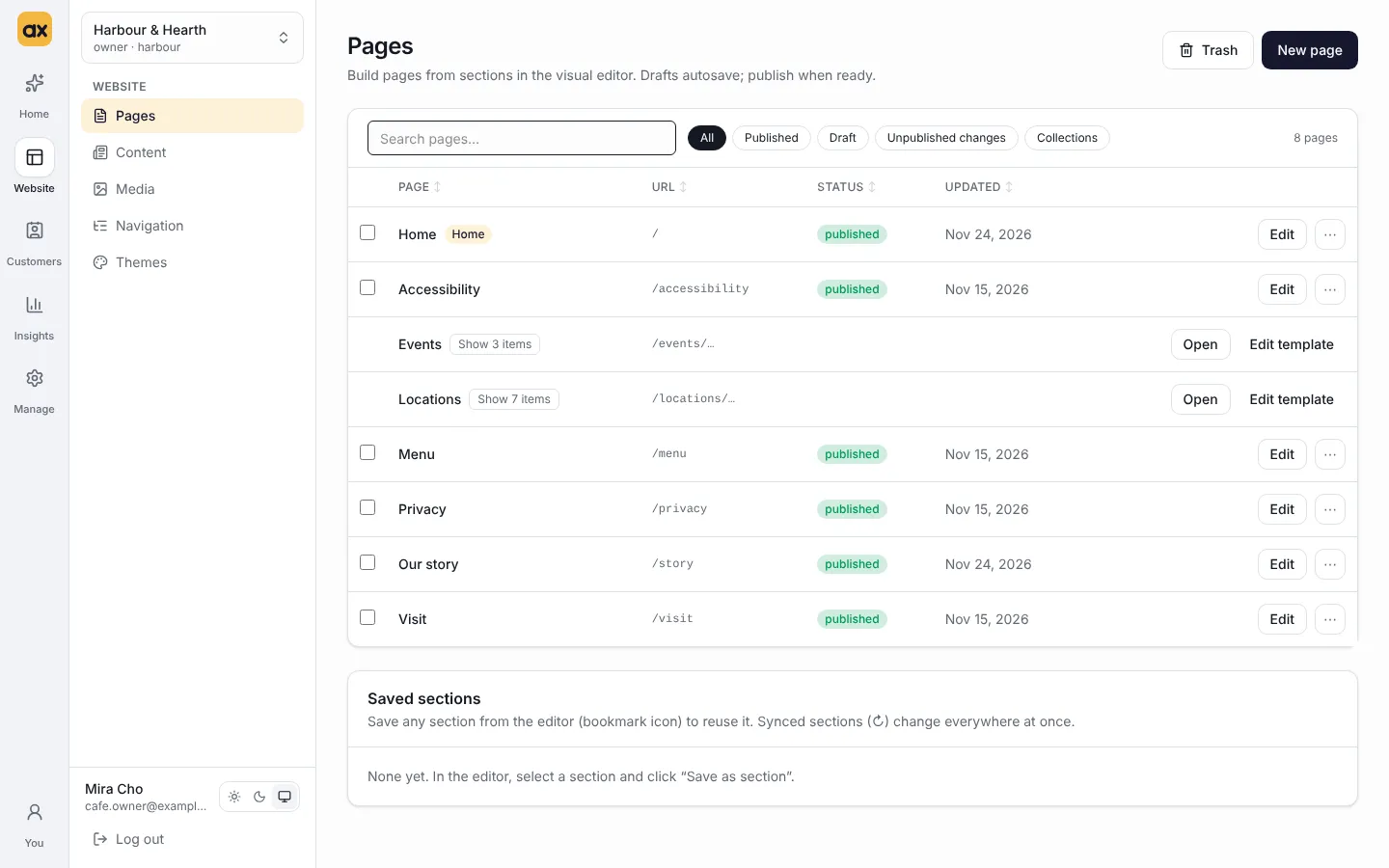
- A synced section (shown with ↻) stays the same everywhere. Edit it from Pages → Saved sections and every page using it updates.
Common questions
What's the difference between a copy and a synced section?
A copy is independent once it's on a page. A synced section (marked ↻) is the same everywhere — edit it once and every page using it changes.
Where do I edit a synced section?
From Pages → Saved sections. Changes there reach every page that uses it.
Something out of date or unclear? Search other guides or tell us from your dashboard.