Schedule a page to publish later
Choose a date and time and your page goes live on its own — ideal for launches, seasonal menus and announcements. Change or cancel it any time.
Get the page ready
Make your changes in the editor. You don't need to publish.
Open the page's settings
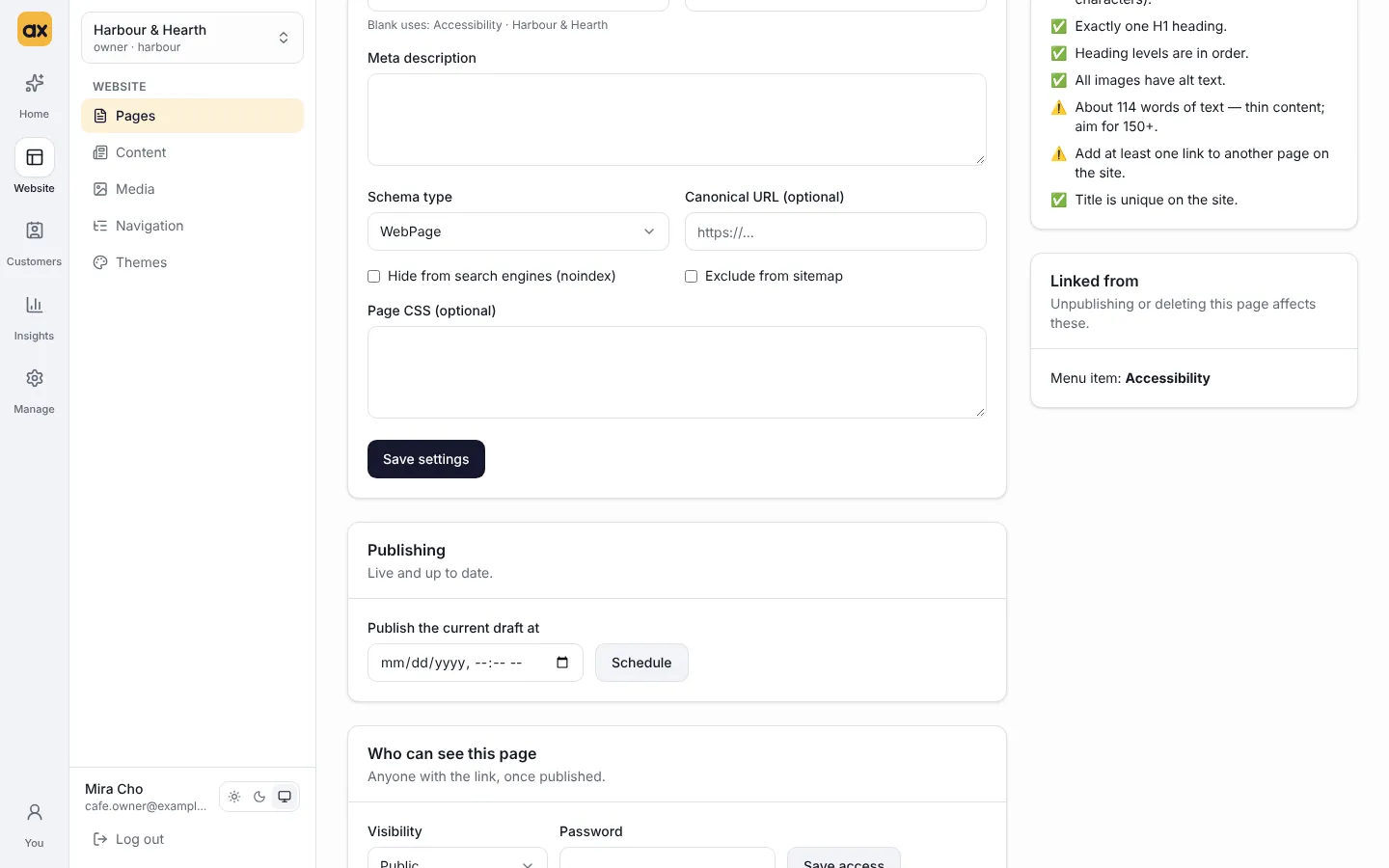
Go to Pages and click the page's name. Scroll to Publishing.
Pick a date and time
In Publish the current draft at, choose the date and time and click Schedule. The page goes live then — within five minutes of the time you set.
Change or cancel
Come back to Publishing to cancel the schedule or pick a new time.
Common questions
What gets published — the page now, or the page at that time?
The draft as it is when you schedule. Edits you make afterwards stay in the draft for you to publish separately.
How exact is the time?
Scheduled pages are checked every five minutes, so the page goes live within a few minutes of the time you set.
Something out of date or unclear? Search other guides or tell us from your dashboard.