Edit text right on your live website
Fix a typo or update a price without opening the editor — sign in on your own site, click Edit text, change the words in place and publish.
On this page
For small changes — a new phone number, this week's special, a typo — you can edit the words on the page itself.
Open your site from the admin
Click View site at the top of your site's home screen (or Edit on live page from a page's settings). You're signed in on your site's own address with a one-time code, so no second password is needed.
Click Edit text
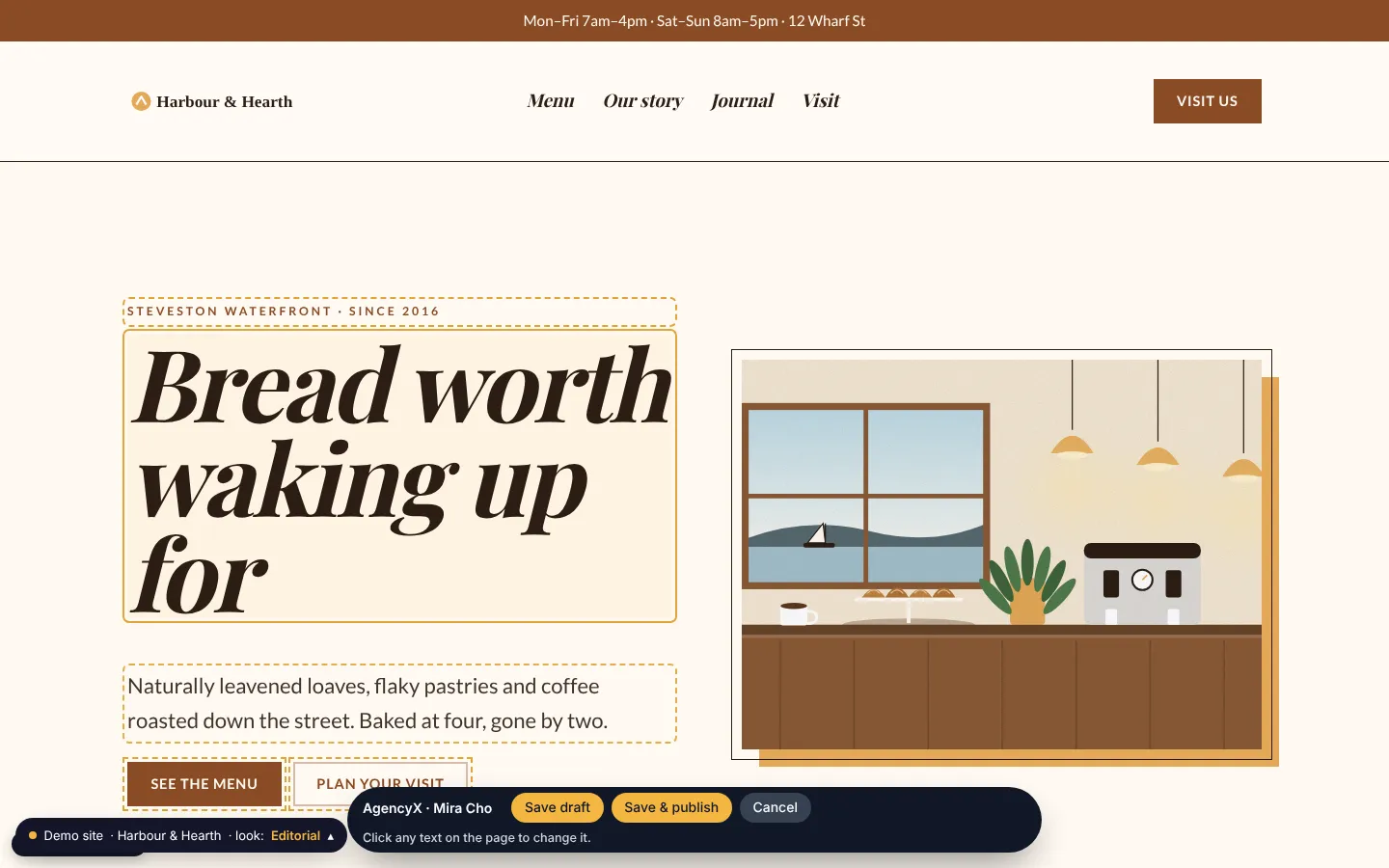
A bar appears at the bottom of the page. Click Edit text — the page's text becomes editable. Click into any heading or paragraph and type.
Save
- Save draft keeps your change in the draft, to publish later.
- Save & publish puts it live straight away.
- Cancel throws your edits away.
Common questions
Can visitors see the edit bar?
No. Only people signed in to your site see it, and only on their own browser.
Why can't I change some text here?
Some formatted text is easier to change safely in the full editor. If you edit something that can't be saved in place, the bar tells you which part to change in the editor instead.
Something out of date or unclear? Search other guides or tell us from your dashboard.