Share a preview with someone who has no account
Send a client or reviewer a private link to your site — even while it's coming soon, with draft changes or a new theme — and turn it off when you're done.
On this page
A preview link opens your site for anyone who has it, without an account. It's the easiest way to get a client's sign-off.
Create the link
Go to Manage → Preview links and click New preview link.
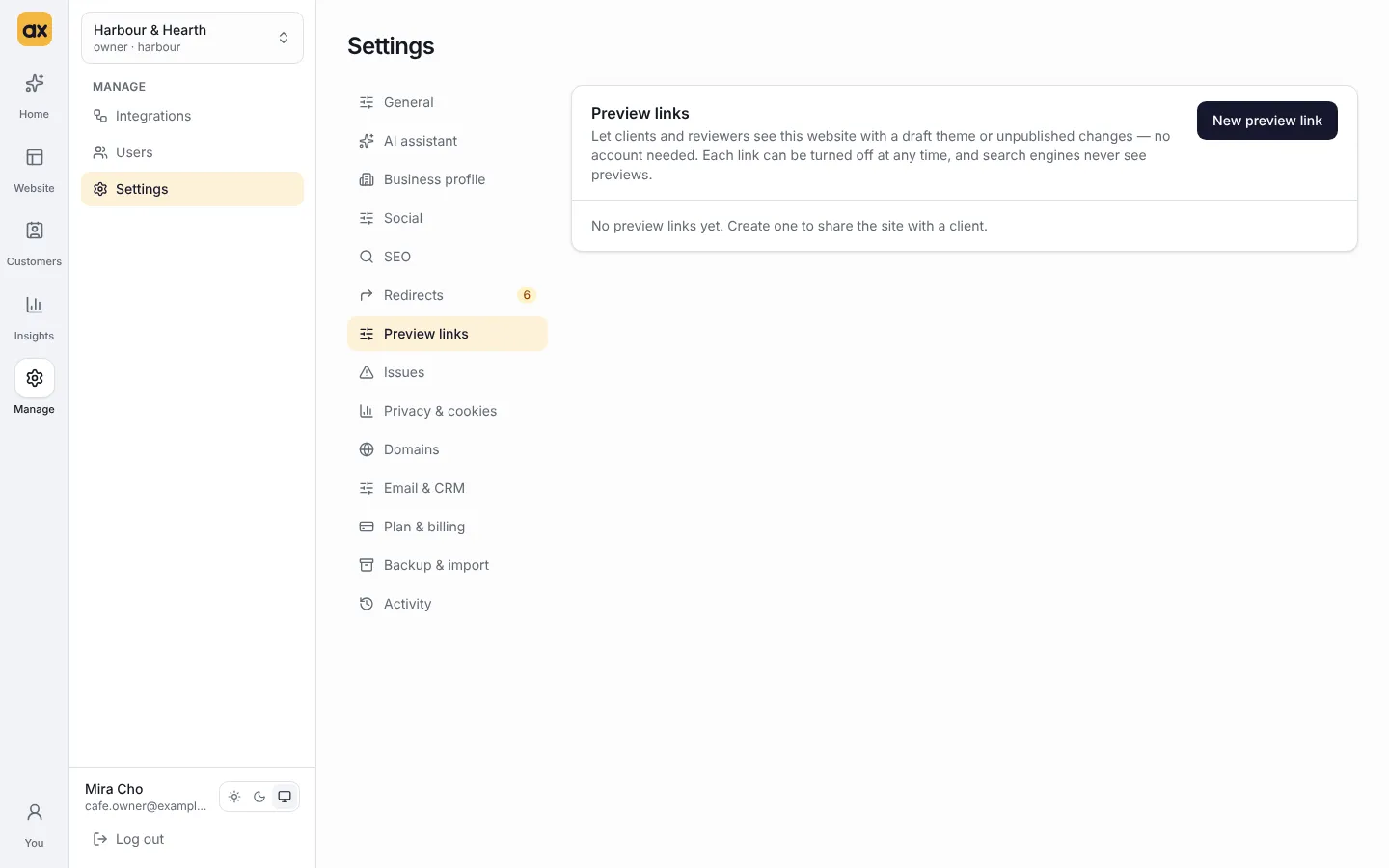
Choose:
- Who it's for — a name for your own reference, like Sam at the bakery.
- Theme — your live theme, or a draft theme you're trying out.
- Unpublished changes — include them, or show only what's published.
- Opens on — the page it starts on.
- Stops working — after 7, 30 or 90 days, a year, or never.
Copy and send it
The address is shown once — copy it and send it. Visitors see a small Preview · this website isn't live yet badge.
Turn it off
Click Turn off next to a link and it stops working on the visitor's next page load.
Common questions
Will a preview link show up on Google?
No. Previews are never listed by search engines or stored in the page cache.
Can I see if someone opened the link?
Yes. The list shows how many visits each link has had and when it was last used.
I lost the link — can I see it again?
No, for safety the address is only shown once. Turn the old one off and create a new one.
Something out of date or unclear? Search other guides or tell us from your dashboard.