Password-protect a page
Keep a page for members, clients or staff only. Visitors enter a password to see it, and the page stays out of Google and your sitemap.
Open the page's settings
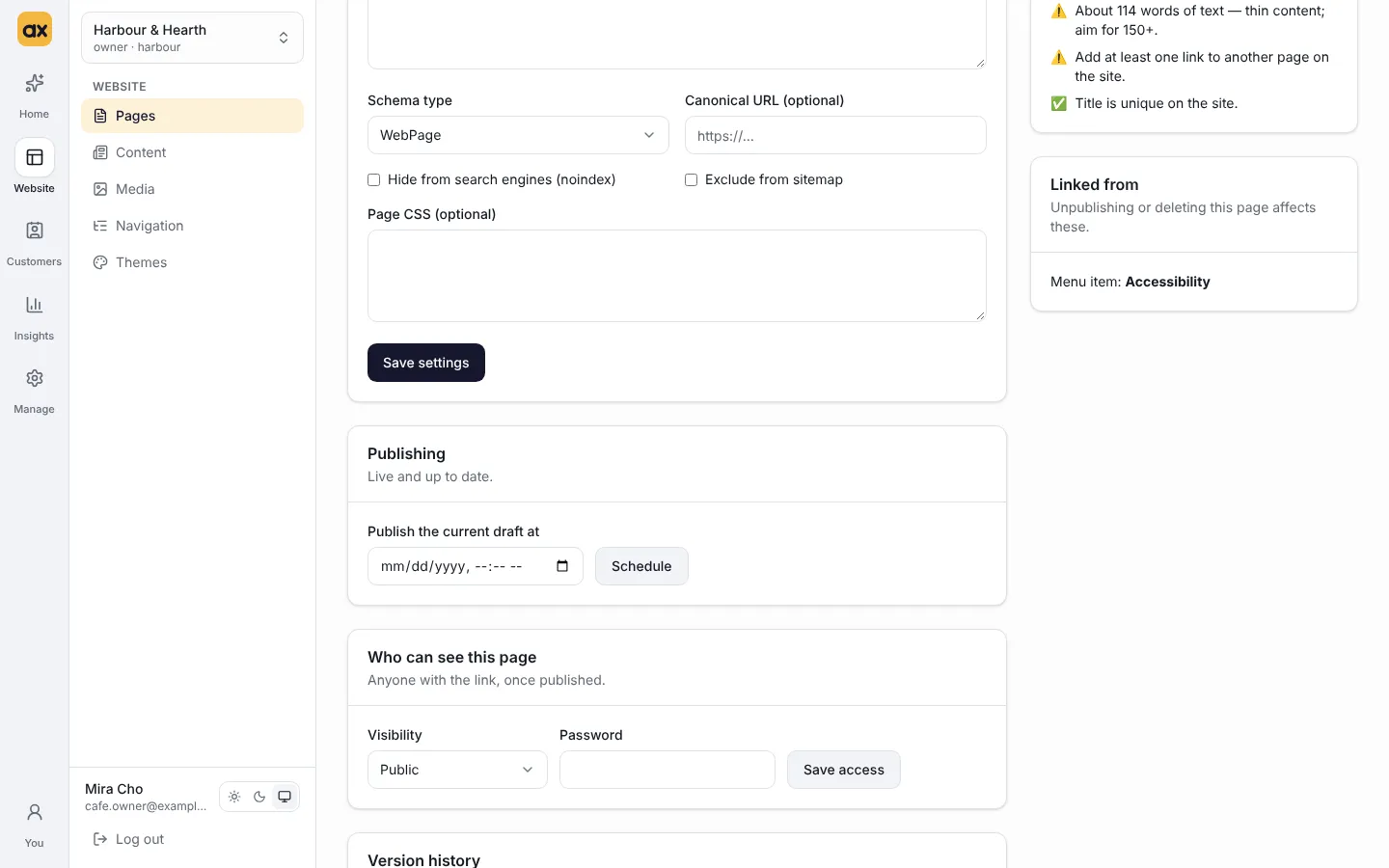
Go to Pages and click the page's name. Scroll to Who can see this page.
Choose a password
Set Visibility to Password protected, type a password and click Save access.
Share the password
Visitors see a password form styled like the rest of your site. The right password unlocks the page for 12 hours in their browser.
While it's protected, the page is hidden from search engines and left out of your sitemap.
To make it public again, set Visibility back to Public and click Save access.
Common questions
How long does the password last for a visitor?
Once they enter the right password, the page stays unlocked in their browser for 12 hours.
Is this safe for sensitive documents?
It's a simple shared password, good for keeping a page out of public view. Don't use it for anything that must stay strictly confidential.
Something out of date or unclear? Search other guides or tell us from your dashboard.