Organise posts with categories and authors
Group blog posts into categories with their own pages, and give each writer an author profile — optionally linked to their AgencyX account.
On this page
Categories
Go to Content → Blog and click Categories. Click New category, give it a name and a short description, and save.
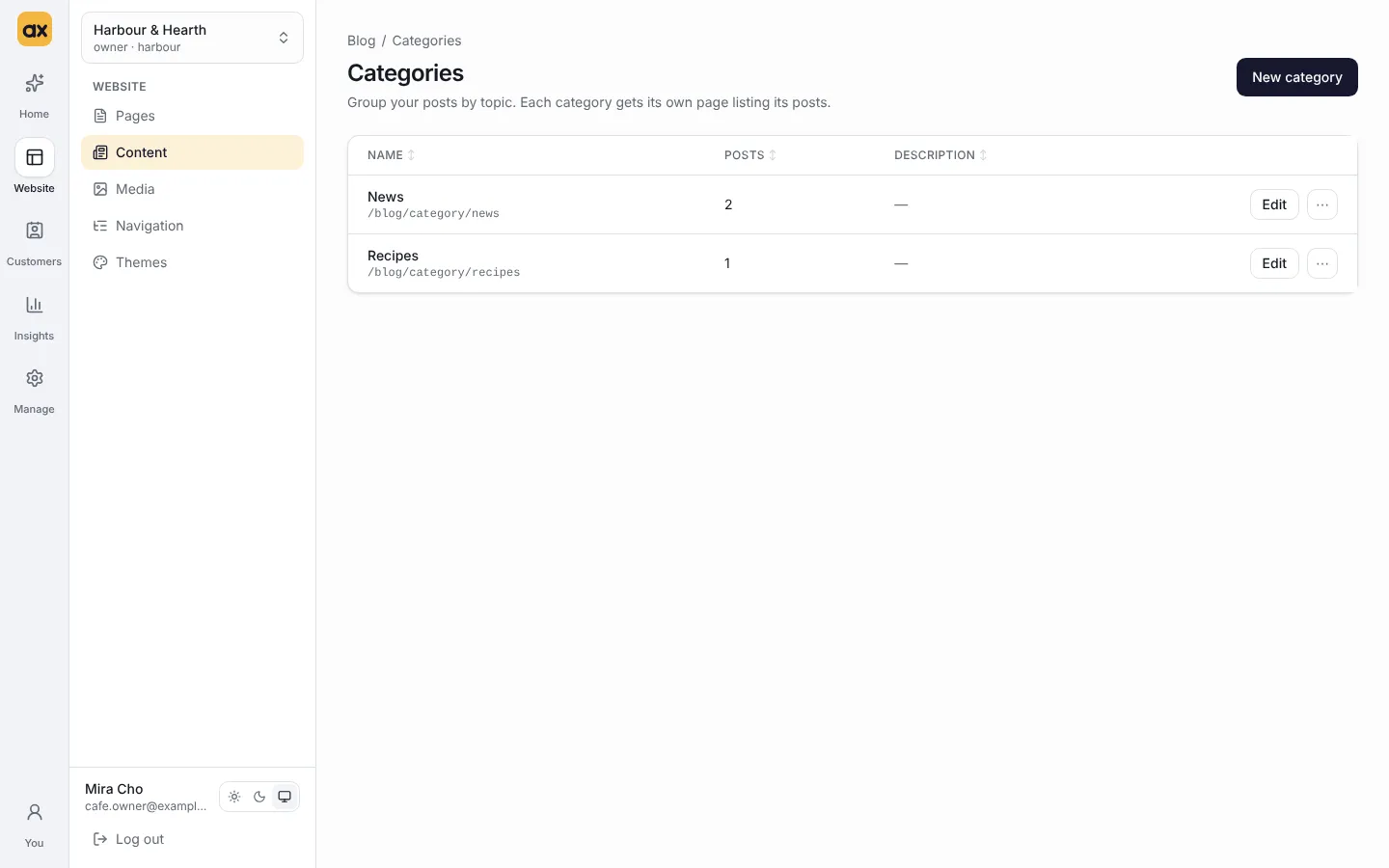
Each category gets its own page listing its posts, at an address like /blog/category/recipes. Add it to your menu from Navigation — menu items can link straight to a category.
Authors
Click Authors to add a profile for each person who writes: Display name, Job title, Bio and a Web address. Choose a Linked user (optional) if that person writes on the site themselves. Each author also gets an archive page.
Common questions
What's the difference between categories and tags?
Categories are the few main sections of your blog, each with its own page. Tags are looser labels for topics a post mentions.
Does an author need an account?
No. Author profiles can be for anyone. Link one to a user account if that person writes on the site themselves.
Something out of date or unclear? Search other guides or tell us from your dashboard.