Upload photos and write good alt text
Add images to your media library, describe them for screen readers and Google, pick the part that must stay in view when cropped, and replace them safely.
Upload
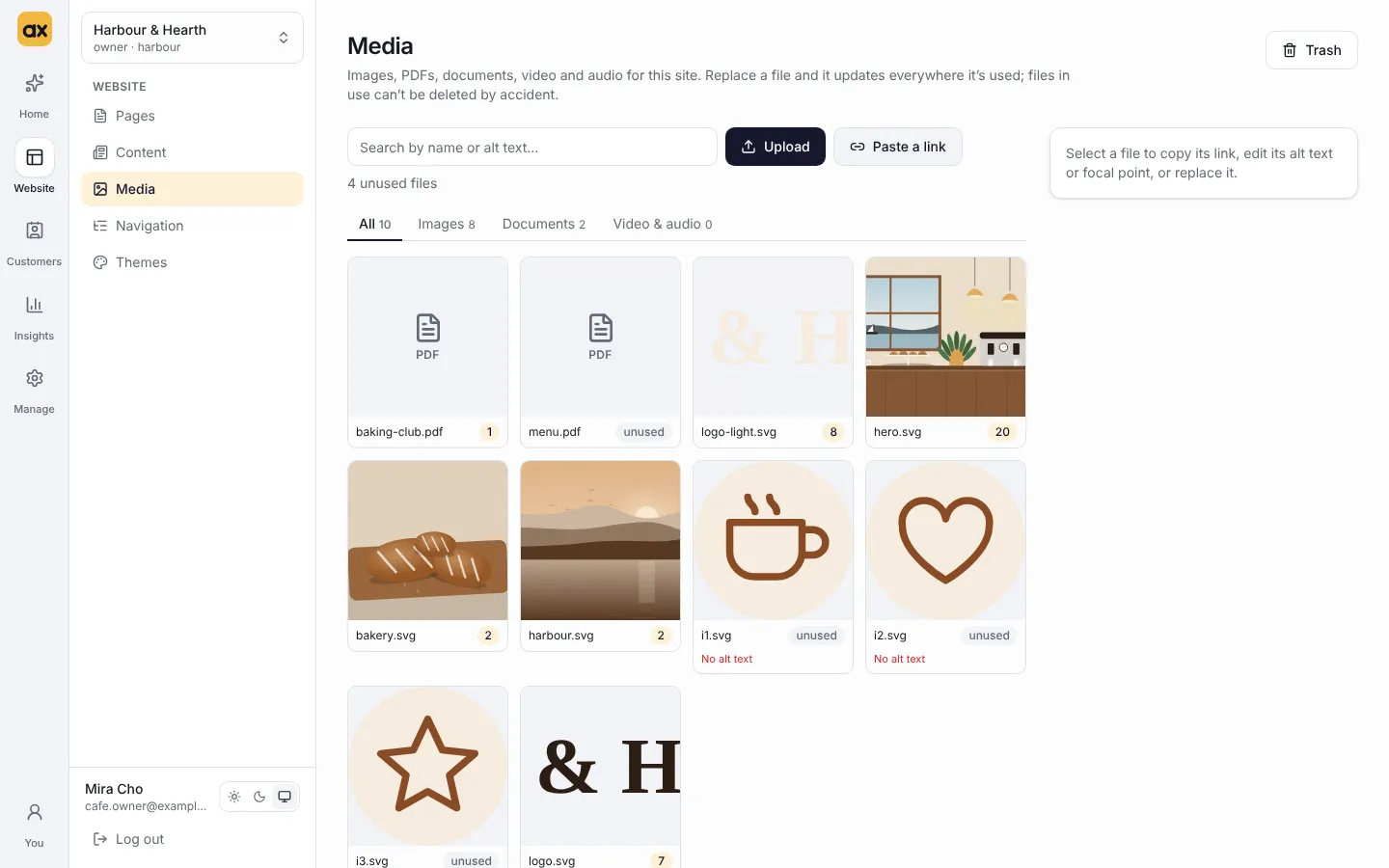
In the menu, open Website and click Media, then Upload. You can also upload straight from any image field in the editor.
Already have the image online? Click Paste a link and enter its address — a copy is saved in your library, so your site never depends on the original.
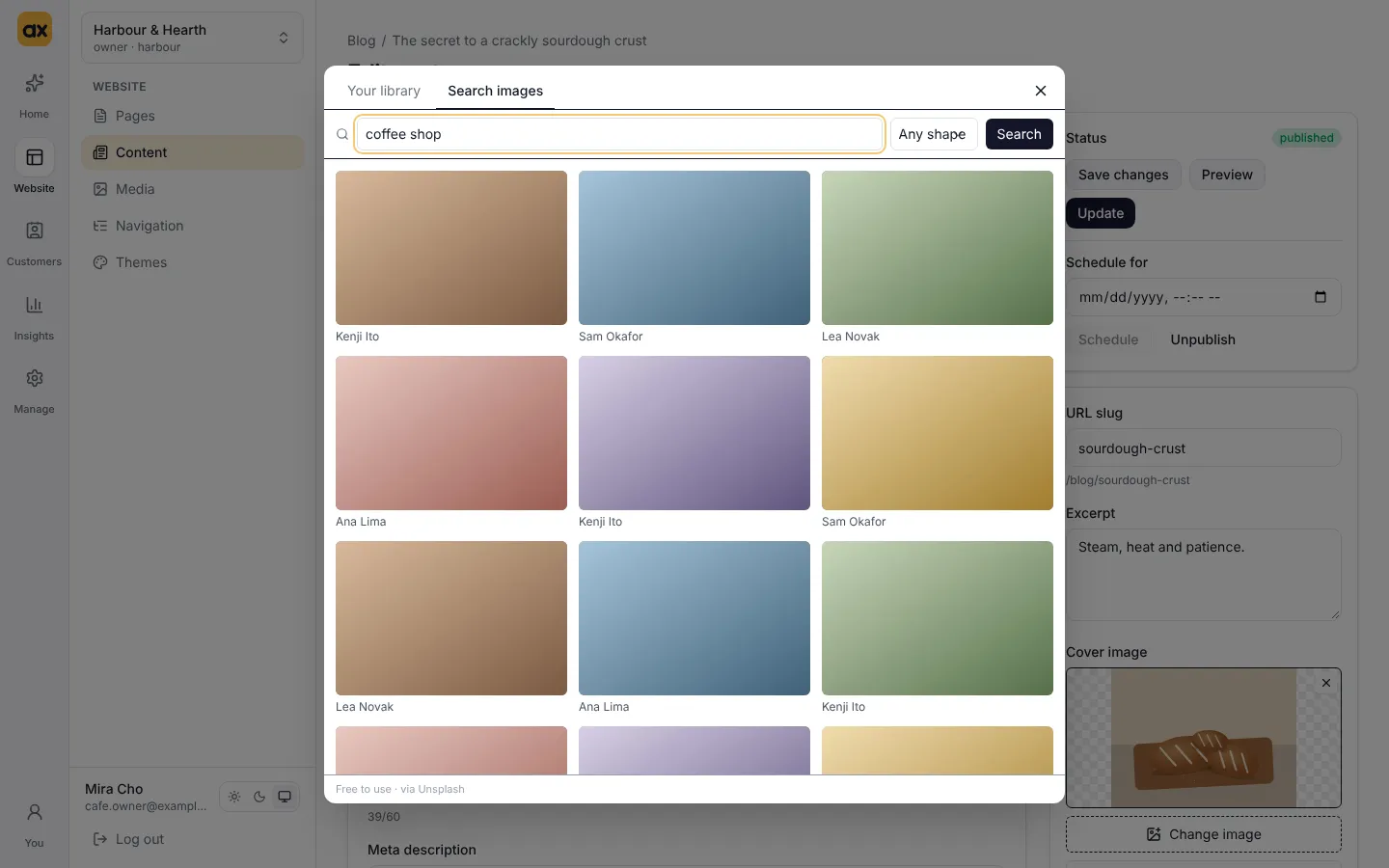
No photo of your own? In any image picker, open Search images, search (for example coffee shop or mountain lake) and click an image. It's added to your library, free to use, and doesn't count toward your storage.
Write alt text
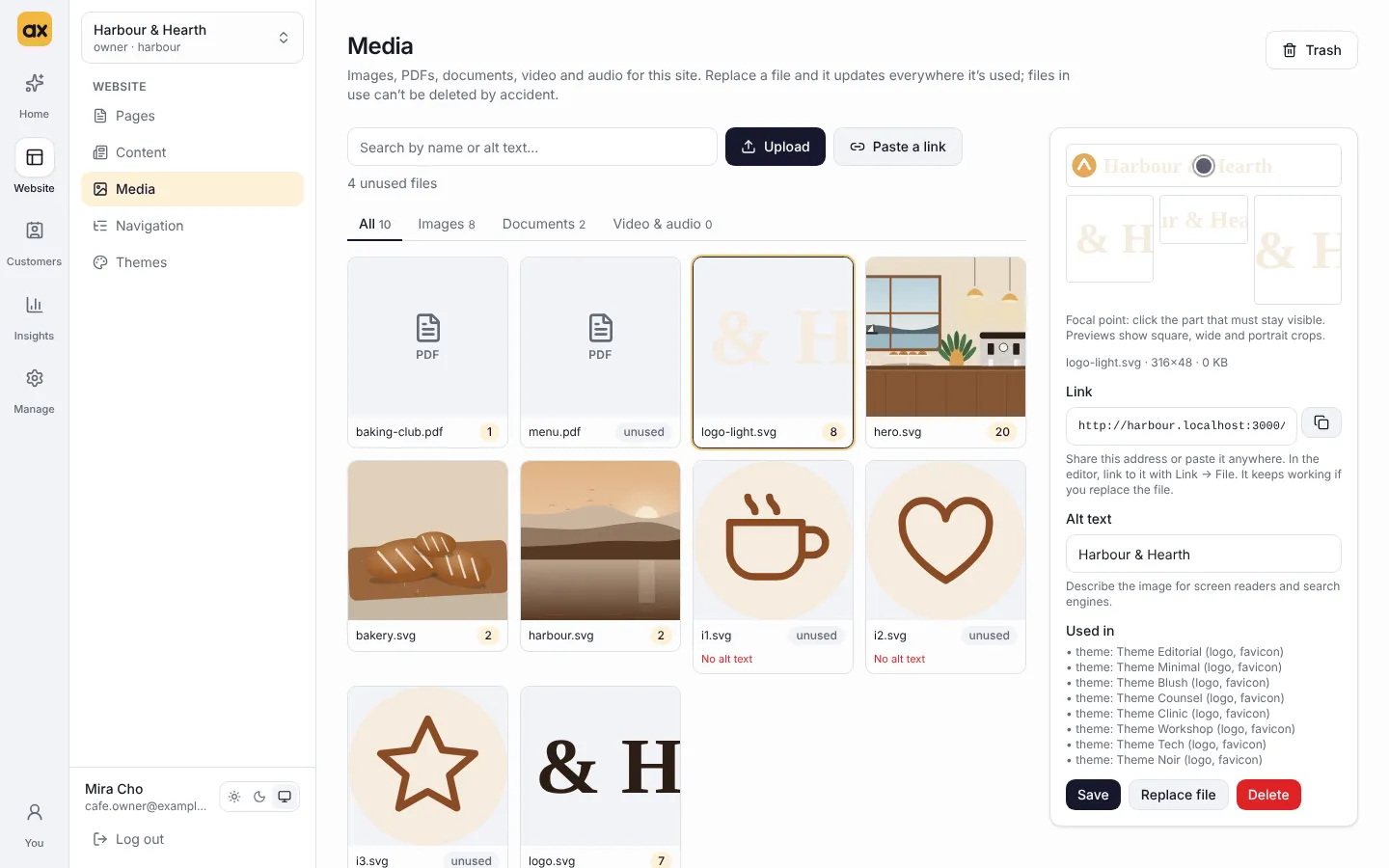
Select an image and fill in Alt text: a short description of what the picture shows, for people using screen readers and for Google Images.
- Good: Baker shaping sourdough loaves on a floured bench
- Not helpful: IMG_2041 or bread bread bakery bread
If an image is purely decorative, it can be marked as such so screen readers skip it.
Set the focal point
Click the part of the image that must always stay visible — a face, a product. The previews show square, wide and portrait crops; every cropped use on your site keeps that point in view.
Replace or delete
Select a file to Replace it — every page using it updates. Images in use can't be deleted by accident; unused ones show an unused badge and can go to Trash.
Common questions
Do I need to resize photos before uploading?
No. Images are served in modern formats (AVIF and WebP) at the right size for each screen automatically. Files can be up to 20 MB.
What if an image is used on several pages and I replace it?
Replacing a file updates it everywhere it's used — no need to edit each page.
Can I use free stock photos?
Yes. In any image picker open the Search images tab, search, and click an image. It's free to use and doesn't use your storage.
Why can't I delete an image?
Images in use are protected from accidental deletion. The library shows where each file is used.
Something out of date or unclear? Search other guides or tell us from your dashboard.