Add a pop-up for newsletter signups or offers
Show a newsletter signup or special offer once per visitor — after a few seconds, part-way down the page or as they leave — without annoying anyone.
Add the Pop-up block
Open a page in the editor and add the Pop-up block. Choose what it shows:
- an email signup, or
- a message with a button, like an offer.
In the editor it shows as a labelled preview, such as opens 10 seconds after a visitor arrives · at most once a week.
Choose when it opens
- a few seconds after arriving (3 to 120),
- when the visitor scrolls a set way down, or
- when they're about to leave (on phones: half-way down the page).
Choose how often
At most once a day, week or month, or only once — remembered in the visitor's browser. Only one pop-up ever opens per page.
Publish
Publish the page. Visitors can close the pop-up with the × button, the Esc key or a click outside it. After signing up, they see your thank-you message.
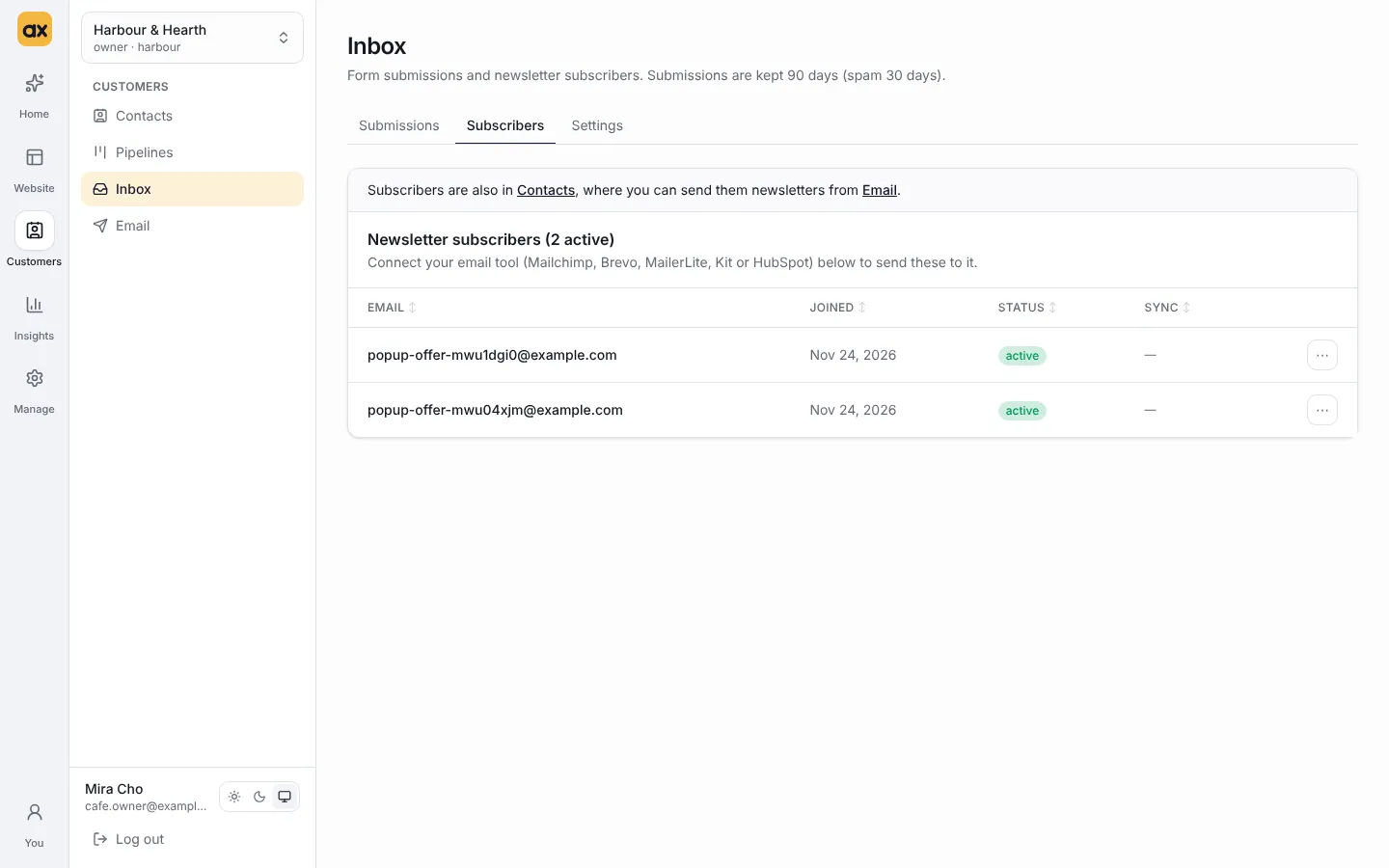
New subscribers appear under Inbox → Subscribers. See Manage newsletter subscribers.
Common questions
Will a pop-up hurt my Google ranking?
Google penalises pop-ups that cover the page on phones. On phones this one appears as a small sheet at the bottom instead.
Where do signups go?
To Inbox → Subscribers, and on to your email tool (Mailchimp, Brevo, MailerLite or Kit) if you've connected one.
Something out of date or unclear? Search other guides or tell us from your dashboard.