Email one customer
Send a personal email to a customer from their contact page — from your own domain, in your branding, with replies to your inbox and a copy on their timeline.
- Open the customer in Contacts and click Send email.
- Write a subject and your message. Blank lines start new paragraphs;
**bold**,[links](https://…)and{{first_name}}work here too. - Tick Send me a copy if you'd like one, and click Send email.
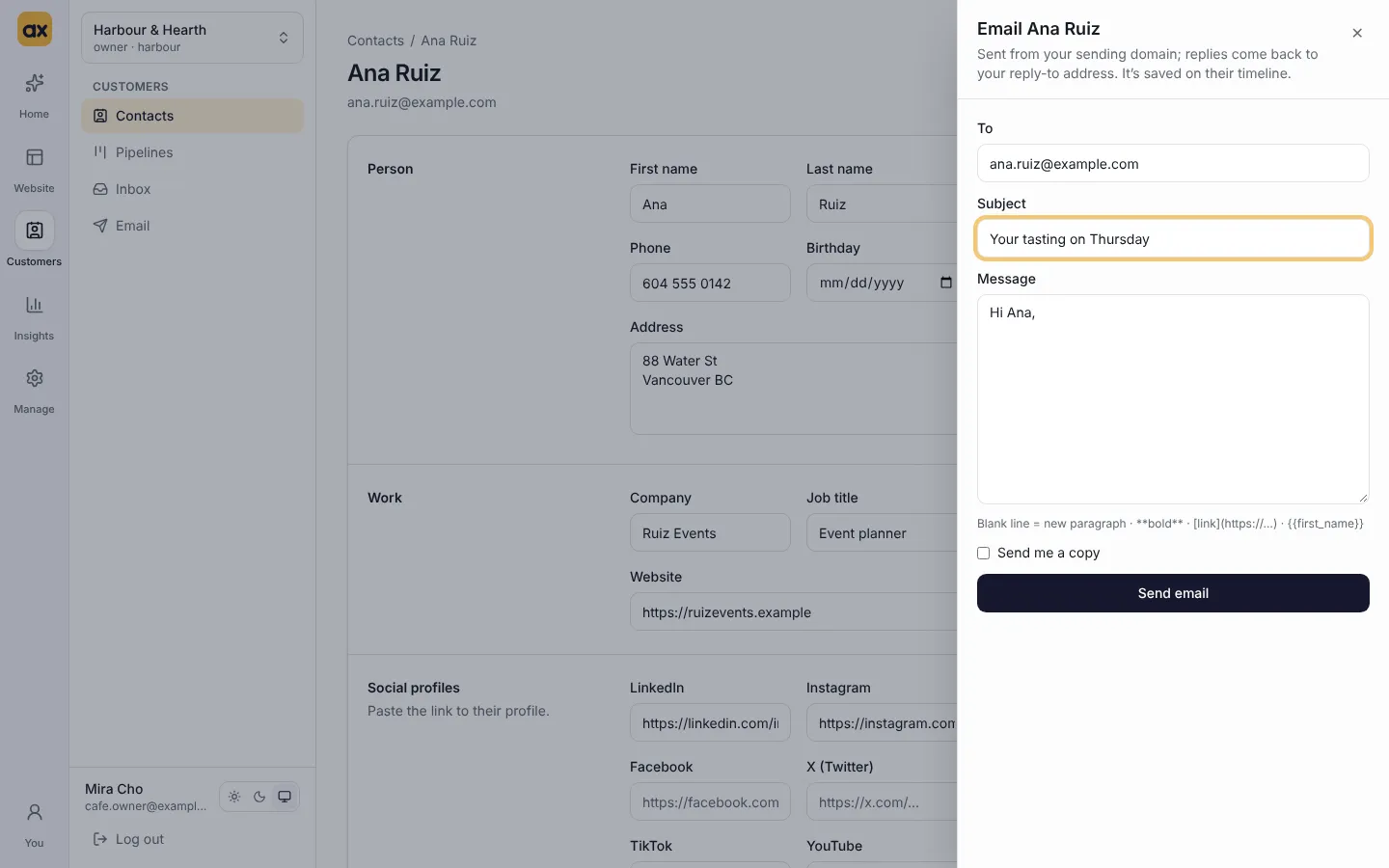
It's sent from your sending domain with your logo and colours. The message is saved on their Activity, and you can follow its delivery under Emails on their page or in the delivery log.
Common questions
Where do replies go?
To the reply-to address in Manage → Email & CRM, or to you if none is set.
Does it need their marketing consent?
No — it's a personal message, not marketing. It isn't sent to people whose email bounced or who marked you as spam.
Is there a limit?
Up to 200 one-off emails a day per site. For more people at once, send a newsletter.
Something out of date or unclear? Search other guides or tell us from your dashboard.