Set up redirects and fix pages people can't find
See which missing addresses visitors are hitting, send each one to the right page in a click, and add your own redirects — single pages or whole folders.
Fix pages people couldn't find
Go to Manage → Redirects. Pages people couldn't find (404) lists missing addresses visitors have tried, most-hit first. The menu shows how many there are.
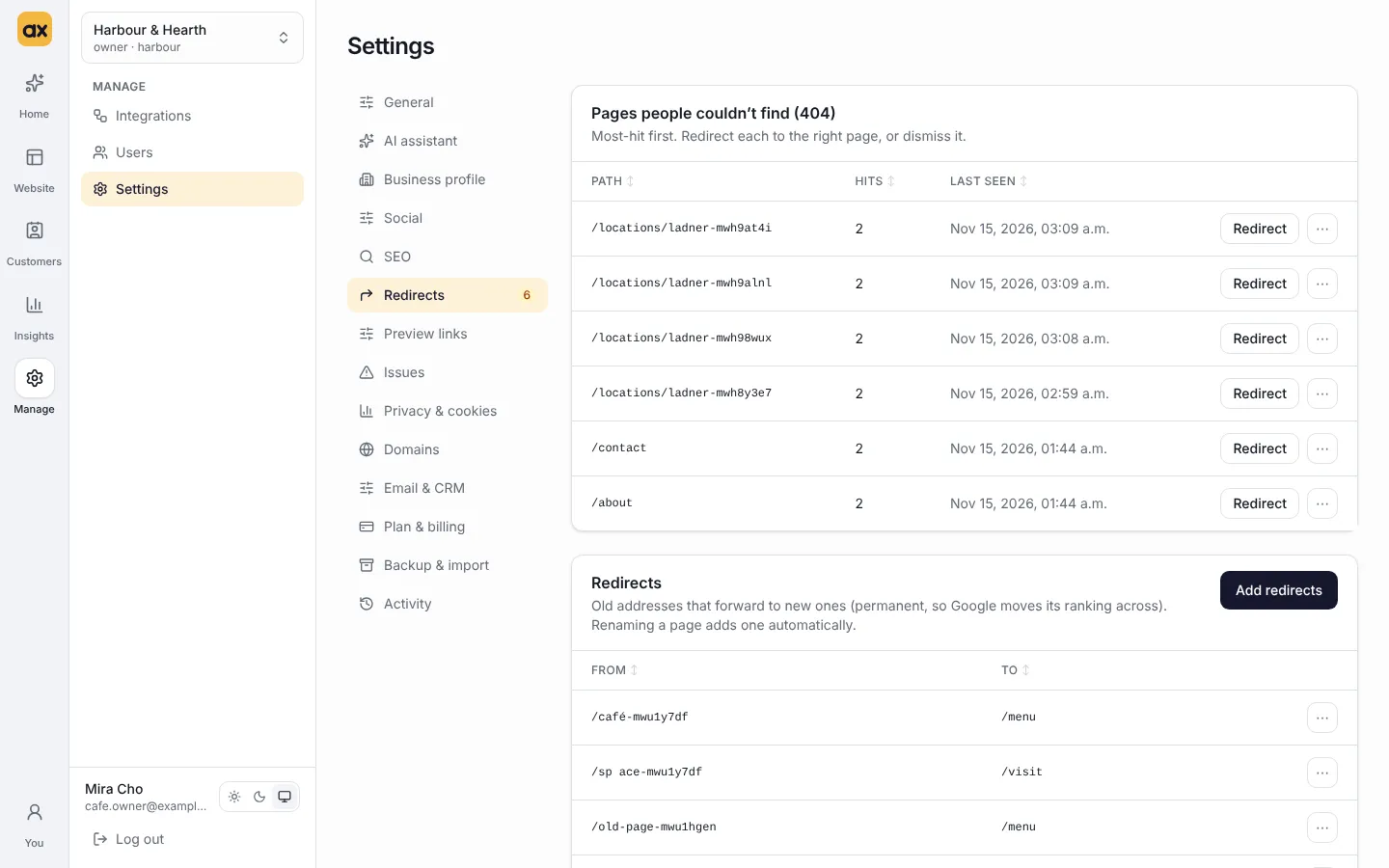
For each one, type where it should go and click Redirect. A permanent redirect is created and the entry disappears.
Add your own redirects
Under Redirects, click Add redirects and enter the old address and the new one.
| From | To | What happens |
|---|---|---|
/old-menu | /menu | One page to another. |
/news-events/* | /blog/* | A whole folder, keeping the rest of the path: /news-events/fall-fair goes to /blog/fall-fair. |
/fr/* | / | A whole folder to one page. |
Exact redirects always win over folder ones, and the longest matching folder wins.
Unknown addresses that have no redirect show your theme's page not found page, which is never listed by Google.
Common questions
What's a 301 redirect?
A permanent redirect. It sends visitors and search engines from an old address to a new one, and tells Google to move the old page's ranking across.
Can I redirect a whole section?
Yes. An old address ending in /* covers that folder and everything under it. Put * in the new address to carry the rest of the path across.
Something out of date or unclear? Search other guides or tell us from your dashboard.